33
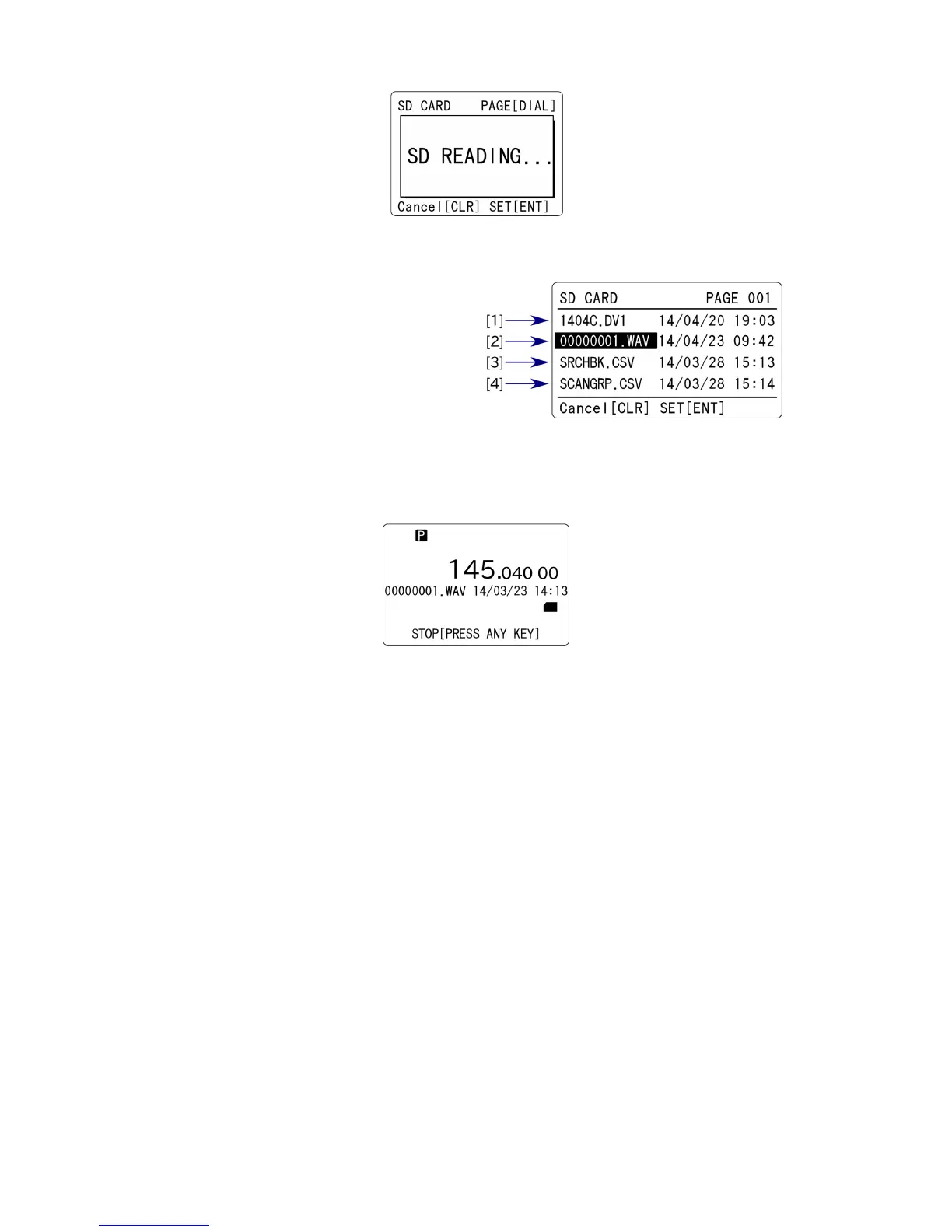
While reading from the SD card, the following screen will appear.
The file list of the SD card will appear.
(1) Firmware file
(2) Recorded files
(3) Search bank data
(4) Scan group data
5. Using the [ 5. or [▼] key, select the recorded file (in wav format).
6. Press the [ENT] key. The audio file will play back.
“P” in reverse contrast will appear on the top left of the LCD. To stop, press the [CLR] key.
When the playback is finished, “P” will disappear.



 To Next Page