35
If a mistake is made during programming, press the [CLR] key to abort entry and return to VFO mode.
1. Start by selecting VFO mode, then enter the frequency of 123.500 MHz.
a) Press the [VFO] key to set the AR-DV1 into the VFO mode.
b) Press the [1] key.
c) Press the [4] key.
d) Press the [5] key.
e) Press the [.] (decimal) key.
f) Press the [0] key.
g) Press the [ENT] key.
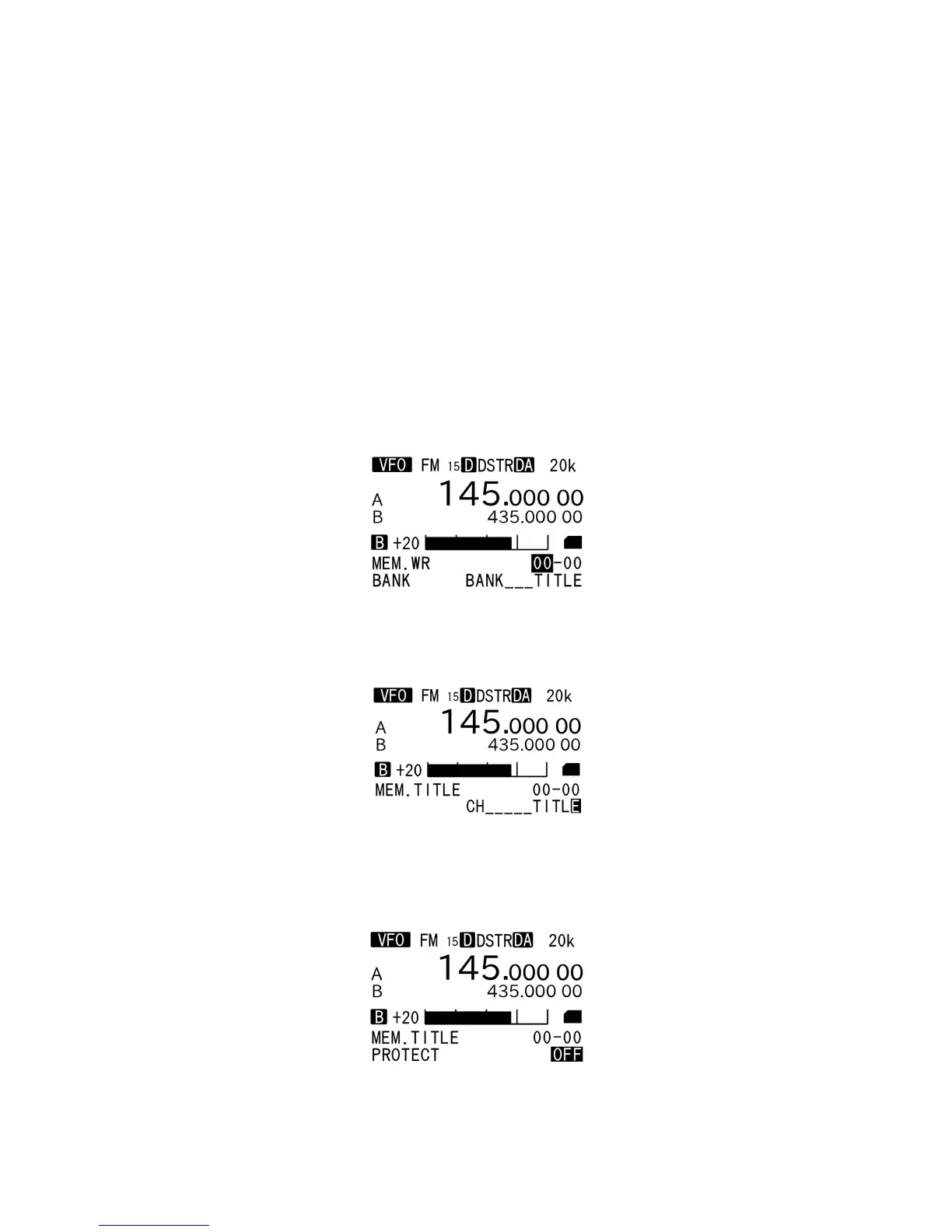
2. Press and hold the [ENT] key for two seconds.
3. The bank title (BANK BANK__[BK.TITLE]) and channel title (CH CH__[CH.TITLE]) will appear
alternatively on the bottom of the LCD. If those titles are already registered, those titles will be
displayed.
4. Using the numeric keypad, enter the bank and channel number. (Four digits total)
5. Enter the title for the memory channel. A maximum of 12 characters may be added to each memory
channel.
6. Press the [▼] key to move the cursor.
7. To protect/unprotect the memory channel, rotate the dial to select ON (protect) or OFF (unprotect).
8. Press the [ENT] key to complete memory registration.



 To Next Page