42
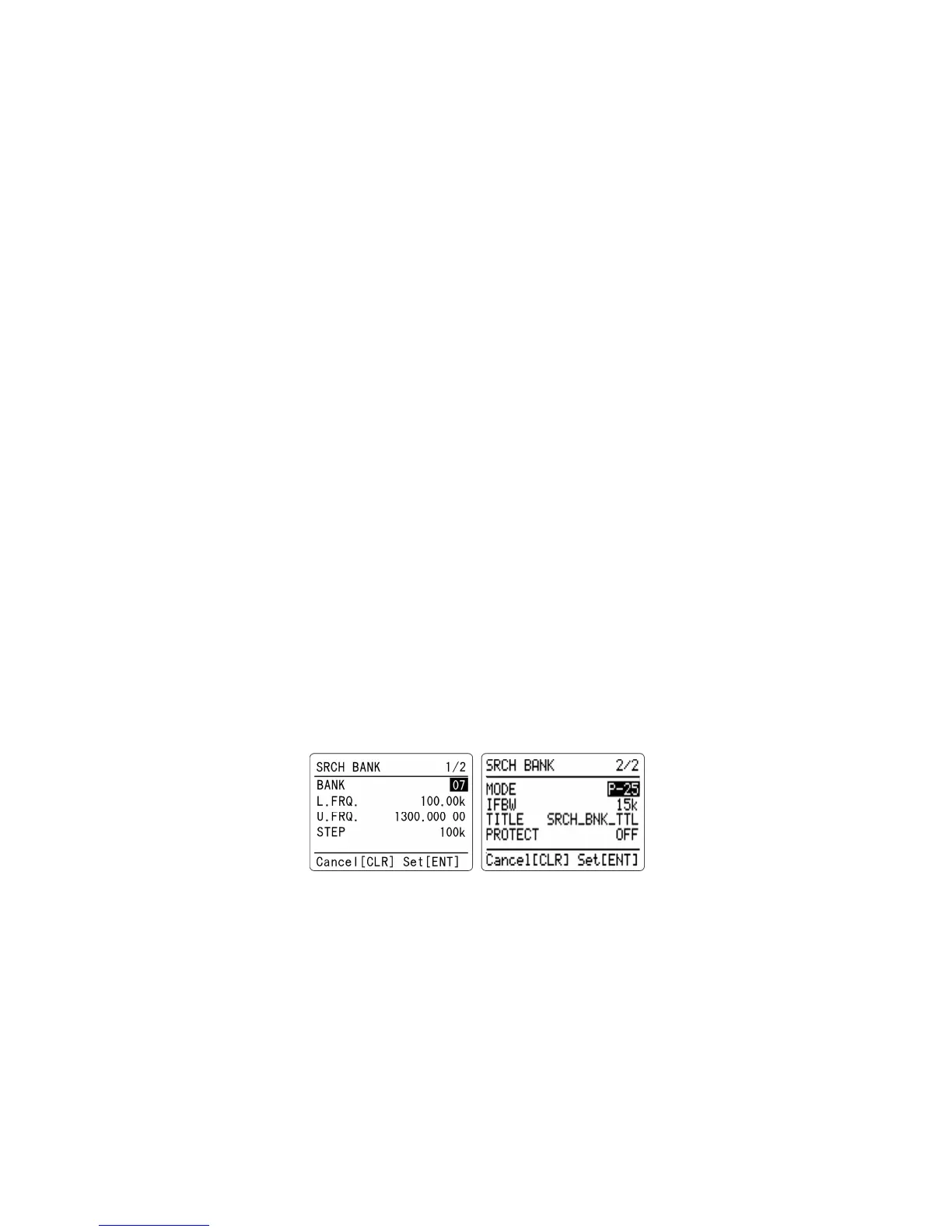
8-1-2-6 PROGRAMMING A SEARCH BANK
Each of the 40 search banks may be programmed with different frequency limits, receive modes, etc.
To program a search bank, perform the following steps:
1. Press the [F] key and then the [6] key to access the search program menu.
The next available or vacant search bank number will be displayed.
2. Rotate the dial knob to select the search bank to program or overwrite.
You may use the keypad to enter a 2 digit number to select the search bank number.
3. Press the [▼] key to move the cursor downward to select [L.FRQ.]
Using the numeric keypad, enter the lower frequency limit in MHz format.
4. Press the [ENT] key. After an entry of the frequency, the cursor will automatically move downward
to [U.FRQ.]
5. Using the numeric keypad, enter the upper frequency limit in MHz format.
6. Press the [ENT] key. After an entry of the frequency, the cursor will automatically move downward
to [STEP].
7. Rotate the dial knob to select the frequency step. You may use the keypad for entry.
In this setting, pressing the [PASS] key will move to step adjustment setting screen. (optional)
8. Press the [▼] key to move to [MODE] on the next page.
9. Select the desired mode in the range of available analog and digital modes.
10. Rotate the dial to select the desired IF filter bandwidth.
11. Press the [▼] key to move the cursor downward to select [TITLE].
12. Using the keypad, enter the search bank title. Move the cursor using the dial. If needed you can
erase a character with the [▲] key.
13. Press the [▼] key to move the cursor downward to select [PROTECT].
14. Rotate the dial knob to select ON or OFF.
15. Press the [ENT] key to confirm all entries or press [CLR] to abort.
8-1-2-7 LOCKING OUT UNWANTED ACTIVE FREQUENCIES (PASS)
It is possible to lock out (pass) unwanted frequencies while in the program search mode. This is
useful to eliminate unwanted permanent transmissions. Up to 30 pass frequencies can be registered
for each search bank. A total of 1200 pass frequencies can be registered in the AR-DV1. It is important
to understand the pass function before taking action or transmissions may be missed.
To pass the frequency in search mode, press the [PASS] key while stopped on an unwanted frequency.



 To Next Page