SW Version 2.04 30-January-2009 Page 97 of 128
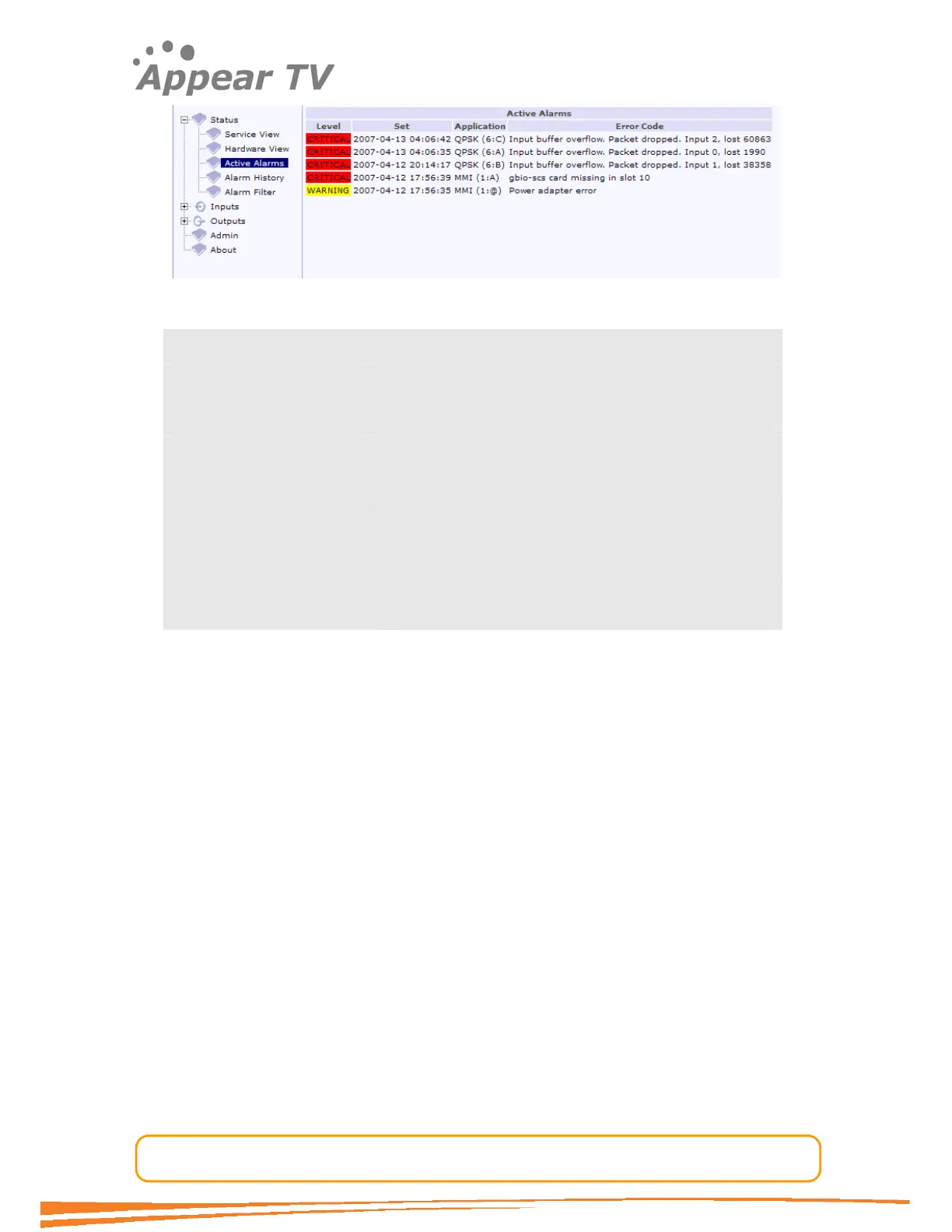
Figure 68 - Active alarms
Level All alarm levels are colour coded as follows:
CRITICAL Red
MAJOR Orange
WARNING Yellow
NOTE White
Set When the alarm was set
Application Which module the alarm is referring to
Error Code Type of alarm. Please see Appendix C for further
details.
5.1.4 Alarm History
Expand the Status folder in the navigation pane and click the Alarm History icon.
The alarm history will be displayed as shown in Figure 69.



 To Next Page