SW Version 2.04 30-January-2009 Page 66 of 128
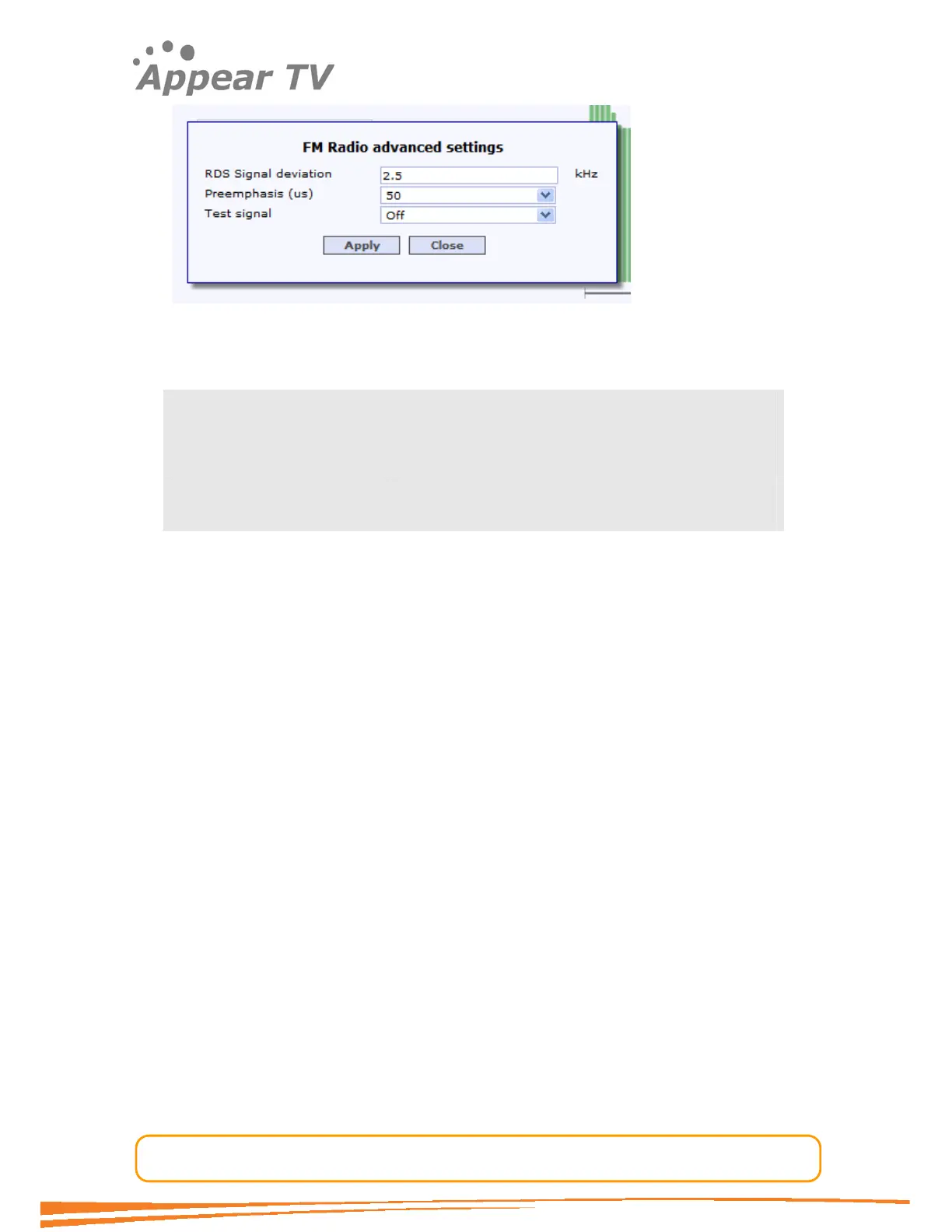
Figure 52 - Advanced channel configuration
The following parameters are available in the popup dialog:
RDS Signal deviation (us) Signal deviation (±kHz) – The default is 2.5kHz,
allowable input range is 0.1 - 9kHz on 0.1kHz steps.
Preemphasis (µs) The default is 50 uS. The other option is off.
Test signal Possible values are Off, 1kHz L, 1kHz R, 1kHz L+R,
Sweep L, Sweep R, Sweep L+R
4.6.3 Configuring RDS Output
The FM Radio module supports a subset of RDS data transmission as specified in EN
50067. The currently supported subset consists of the following RDS data signaling
elements: PS, PTY, RT, PIN, MS, “Clock-Time and Date” and “Slow labeling codes”.
RDS transmission is enabled when the appropriate input data source is selected from
the RDS Mode dropdown-list, the default is no RDS transmission (Off). Three
different sources of data are supported, Manual, Auxiliary UECP and Ancillary
UECP.
Manual enables the operator to enter PTY, PS and RT data.
Ancillary requires that UECP information has been inserted in-band into the MPEG
stream according to CENELEC European Standard EN 50067 (“Specification of the
radio data system (RDS) for VHF/FM sound broadcasting in the frequency range from
87,5 to 108,0 MHz”).
Auxiliary requires that UECP data has been inserted in a separate PID in a
proprietary format. Please contact sales for information about supported formats.
4.6.3.1 Manual RDS
PTY – Manual Programme TYpe: Offers all 31 programme types predefined in the
RDS specification.
PS – Programme Service: The field for the 8 character static display of the station
name. This information is displayed by receivers and can be cached by receivers as
part of stored presets.
RT – Radio Text: The field holds up to 64 characters.



 To Next Page