SW Version 2.04 30-January-2009 Page 86 of 128
4.7.4.2 ASI Output
The ASI output card can output up to 4 separate MPTS’s. The ASI output
configuration is similar to the configuration of an IP MPTS output, except that the Port
Settings tab in the Multiplex dialog is different. For a description on all parameters
except the Port Settings please refer to paragraph 4.7.4 “Generation of MPTS
Streams”.
The configuration of an ASI output port consist of first defining port specific setting
such as total bite rate, whether the port shall be enabled or not etc. This setup is done
in the Edit Multiplex dialog. This dialog is activated by double-clicking on the
respective port on the ASI output card. The next step is to configure the services to
be mapped to this port. This service setup is drag and drop based.
The following procedure shows how to configure ASI Output Port Settings
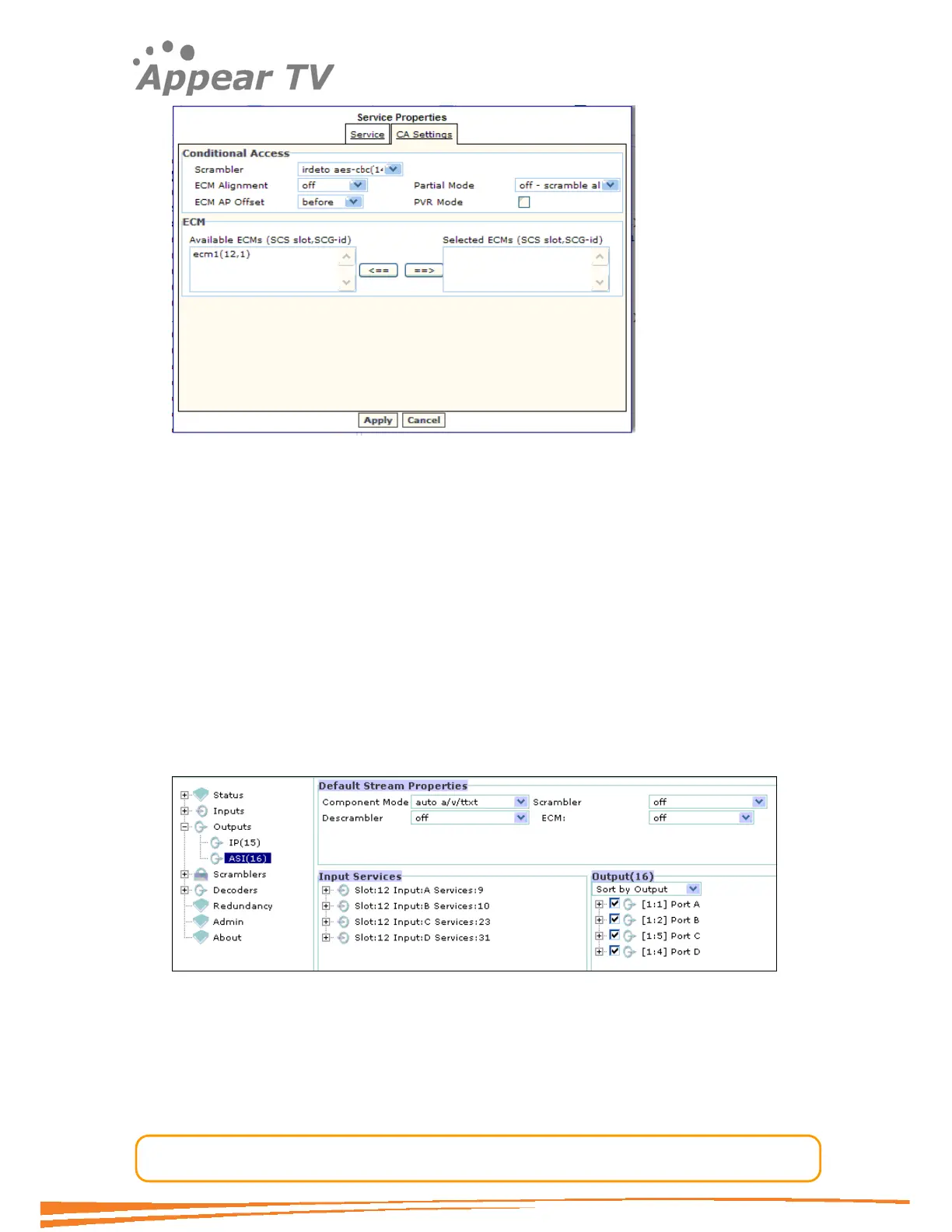
Navigate to the Outputs folder, click on the ASI module you want to configure and a
window similar to the one in Figure 64 will be displayed.
Figure 64 - ASI output
The check box to the left of the 4 ports in the Output pane on the right hand side
enables/disables each respective port.
To change port specific parameters double-click on the Port node on the right hand
pane to open the dialog shown below.



 To Next Page