SW Version 2.04 30-January-2009 Page 40 of 128
Performing a manual switch (by operator through GUI)
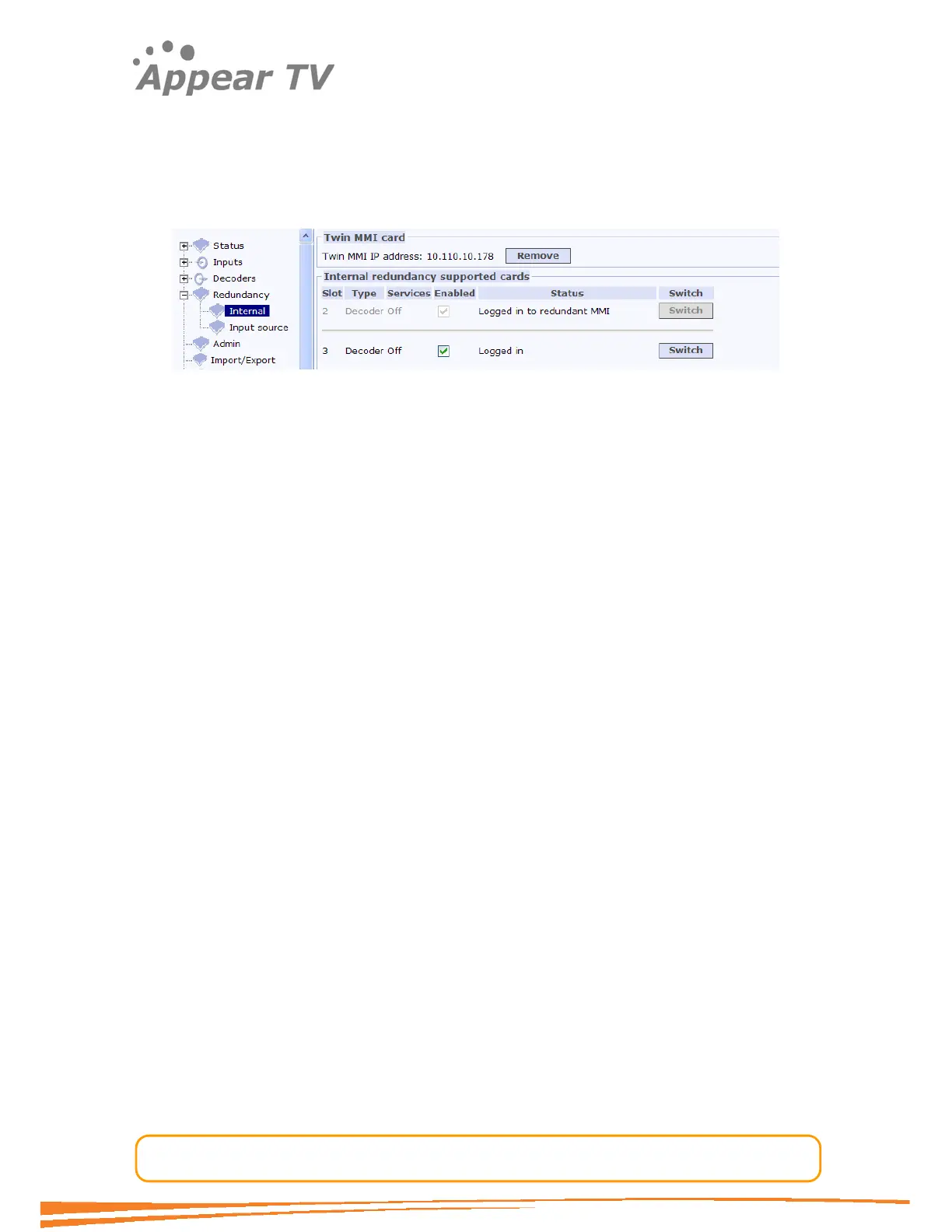
The “Switch” button enables the operator to perform a manual switch from the GUI.
This button is available when Internal Redundancy is enabled. The Decoder will switch
right after the operator clicks the button without waiting any Switch Delay time.
Figure 26 - Internal redundancy
Reboot
The decoders are designed to log into the first available MMI board. They will always
try to login to the Main MMI board first, which is connected to default backplane. But
only during the boot process, if login fails through the default backplane, it will try to
connect to the backup even if internal redundancy is disabled.
4.4 Conditional Access
The unit supports descrambling and scrambling given the required modules are
installed in the unit. These functions are regarded as processing elements and
therefore not listed in the input or output sections in the. The configuration of these
functions is found as part of the output service configuration.
4.4.1 Descrambling
The unit is capable of descrambling a number of incoming services with the
installation of a descrambler module. The descrambler module comes with two
Common Interface slots and can therefore host two Conditional Access Modules
(CAM’s). Each Common Interface slot supports descrambling one or more services
depending on the CAM module used. Please note that all for each CAM the services
must originate from the same input source. A descrambled service may be sent to
one or more output modules.
4.4.1.1 Descrambling a service
To descramble a service first insert the CAM into an available Common Interface slot,
then insert your Smart Card into the CAM.
Assign the Common Interface slot to a service that needs to be descrambled. This is
done in the service edit box in the output configuration page.



 To Next Page