SW Version 2.04 30-January-2009 Page 98 of 128
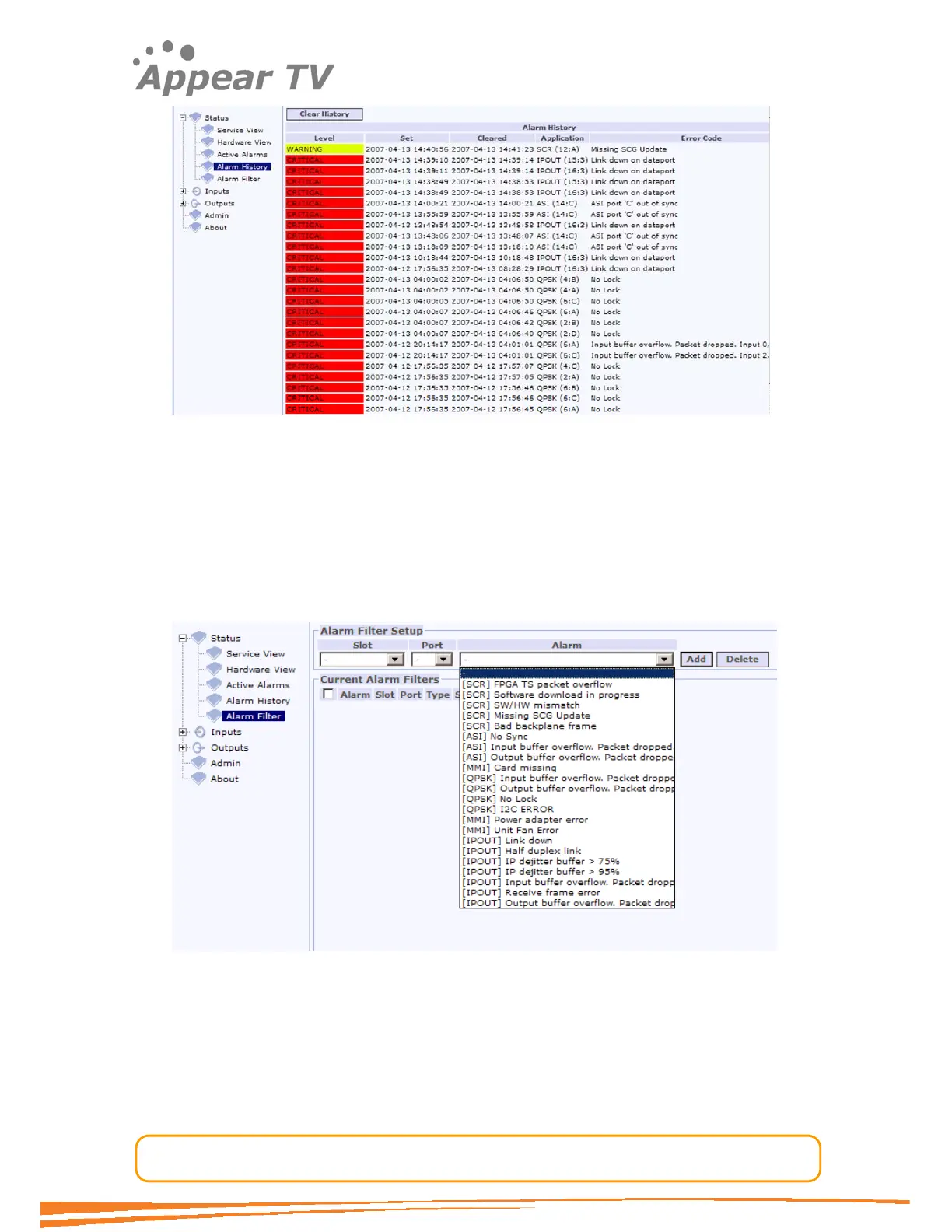
Figure 69 - Alarm history
5.1.5 Alarm Filter
The alarm module provides filtering based on slot, port and alarm ID. If an
incoming alarm does not pass the filter the alarm is discarded, i.e. it is not shown in
the active alarms view; it is not recorded in the alarm history and not indicated on the
LED on the module.
To define an alarm filter, go to the Alarm Filter page.
Figure 70 - Alarm filter
The alarm filter page lists all the relevant alarms for the card type selected (if no
specific card is selected all alarms are listed). When an alarm filter is removed any
active alarms which are filtered will re-appear with the timestamp according to when
the filter was removed.



 To Next Page