SW Version 2.04 30-January-2009 Page 43 of 128
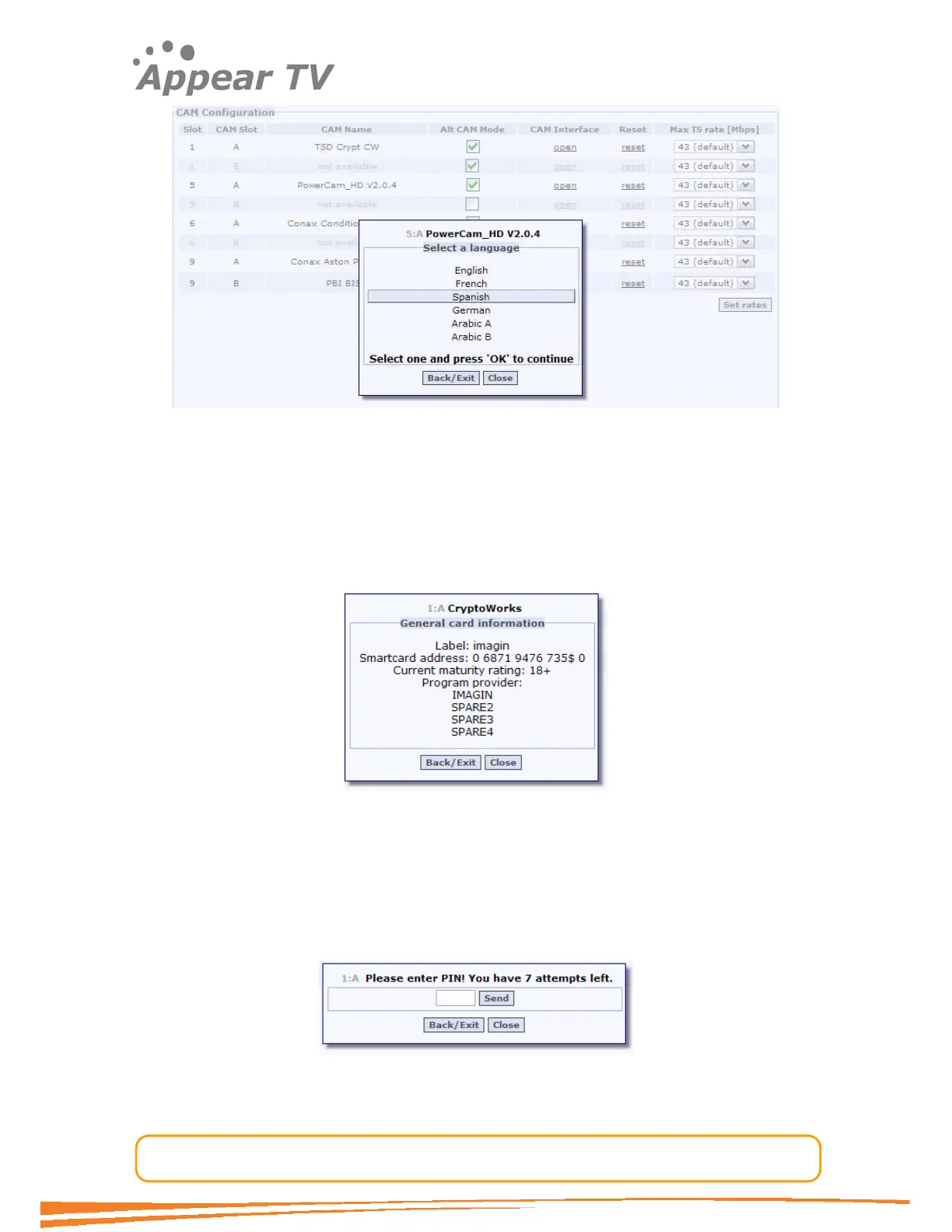
Figure 28 - Example of menu from PowerCam_HD V2.0.4
During menu navigation, the operator may see other types of dialogs besides the
menu style on
Figure 28. After choosing a menu option, the operator may get to
menu screens which do not allow interactions. These are called Lists. Lists are
bottom-level menu items and for that reason, the only possible operations are to
go back to previous menu, or to close the CAM Interface (Figure 29).
Figure 29 - Example of List from CryptoWorks.
Another type of dialog is the Enquiry (Figure 30). This dialog is displayed when
the CAM Module requires user input such as a PIN code. The CAM defines the
maximum length of the input data and whether the actual characters are
displayed as the user types.
Figure 30 - Example of Enquiry from CryptoWorks.



 To Next Page