ASE2000 V2 Communication Test Set User Manual 124
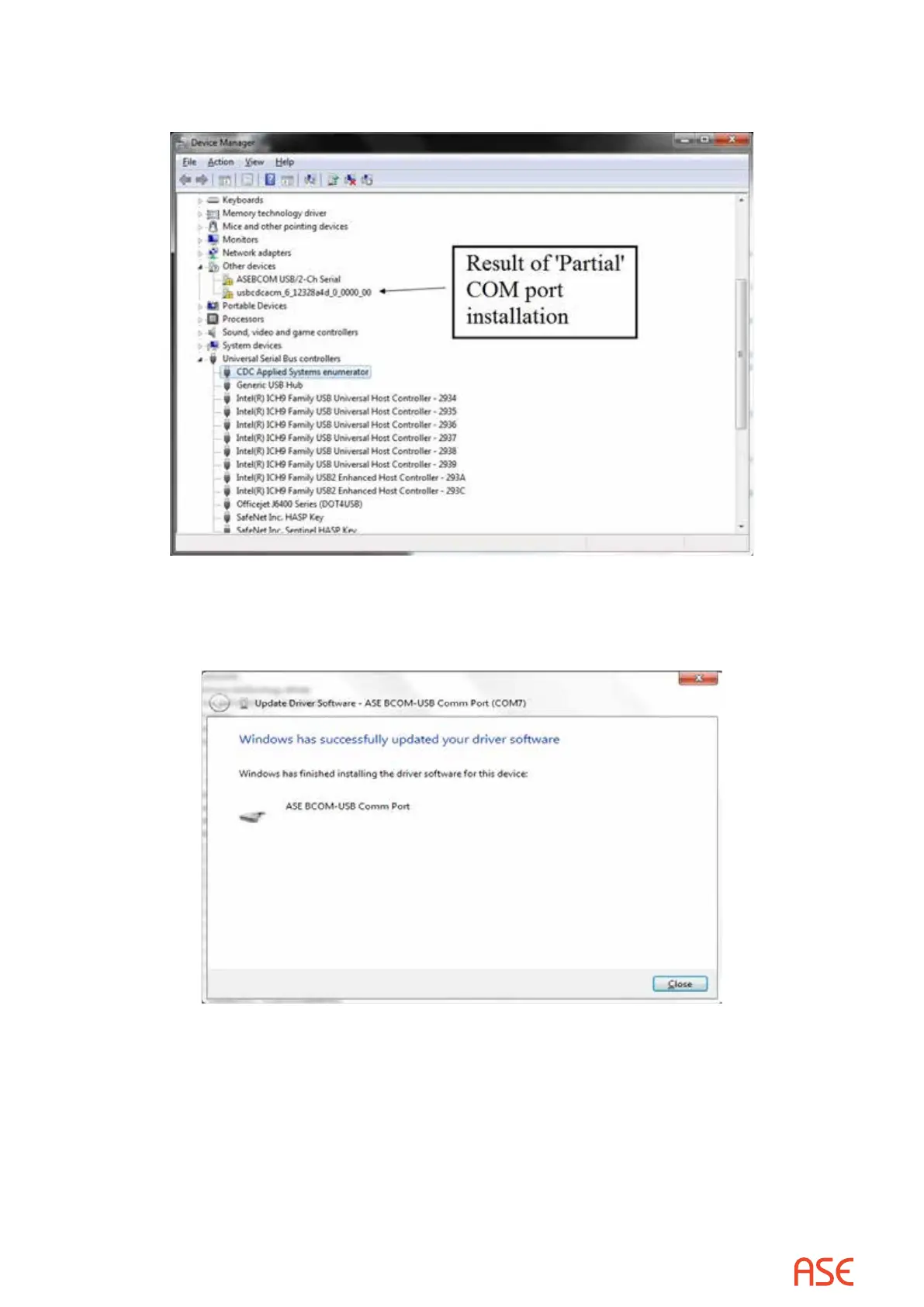
13. To complete the COM port installation when this partial install occurs, right-click the line
containing the entry “usbcdcacm_6_nnnnnnnnnn” and then select “Update Driver Software”.
14. Windows will proceed with the COM port installation and will display the following message
when complete and the rst BCOM-USB COM port will have been installed and the Device
Manager screen should appear as shown in Figure 29 above.



 To Next Page