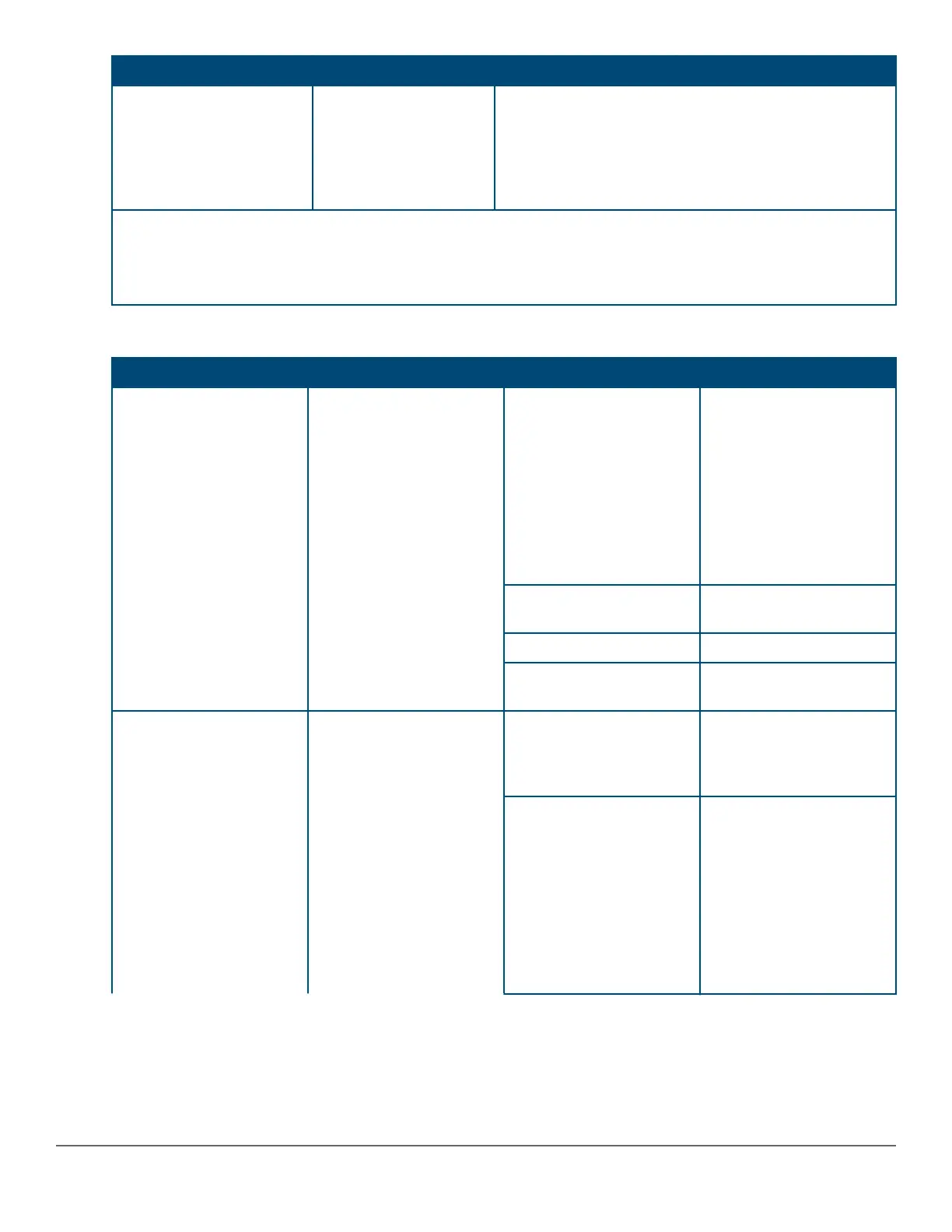
Switch LEDs Function State Meaning
Save Power Mode
Selected
This mode is indicated by ALL the switch indicator LEDs
being off, except for the Global Status LED. This display
occurs only if the switch has been configured with the
savepower led command. See the Management and
Configuration Guide for more information on that
command.
* The slow flash behavior is an on/off cycle once every 1.6 seconds, approximately.
** The fast flash behavior is an on/off cycle once every 0.5 seconds, approximately.
*** Applies only to switches that support PoE.
Table 7: Port LEDs and mode behavior
Switch LEDs Function State/Mode Meaning
Port LEDs To display the information
for the port as selected by
the LED Mode select
button. When transceivers
and SFPs are installed,
this LED is also used to
indicate that the
installation has occurred
by turning on for two
seconds then off.
Activity/Link Shows port Activity and
Link status. This operation
is the DEFAULT. There is
no dedicated mode LED
indicating this mode. The
Mode LED function returns
to this selection 10
minutes after the last
press of the LED Mode
button.
Speed Shows port speed
configuration.
PoE Shows PoE information.
User Shows user-selectable
behavior.
Activity/Link Mode
Selected
Port LEDs are displaying
Link status and network
activity information
simultaneously. Activity/
Link Mode is the default
mode and is in effect
unless another LED mode
has been selected.
Half-Bright Green The port is enabled and
receiving a Link indication
from the connected
device.
Activity Flicker Green The percentage of time
that the LED is full-bright
is roughly proportional to
the percentage of full
bandwidth utilization of the
port. Half-Bright Green
port Link indication
remains on as Activity
flickers from half-bright to
full-bright.
Table Continued
Chapter 2 Introducing the 2930M switches 17












 To Next Page