172 DG14 and DG16 Board & Sensor Reference Manual
To clarify the datum transformation process, create a user-defined datum using
parameters from the WGS-72 datum. Table 6.67 contains ellipsoid parameters for
the WGS-84 datum and the WGS-72 datum:
1. Enter the following UDD command which lists parameters from the WGS-72
datum:
$PASHS,UDD, 0,6378135.0, 298.26,0,0,4.5,0,0,-0.554,0.23
2. After entering the datum parameters, enter the following command to activate
the new datum:
$PASHS,DTM,USR
The following ellipsoid values are now in effect:
Dx = Dy = 0 Dz = 4.5 meters m = 0.23 x 10
-6
e
x
= e
y
= 0 e
z
= -2.686 x 10
-6
= -0”.554
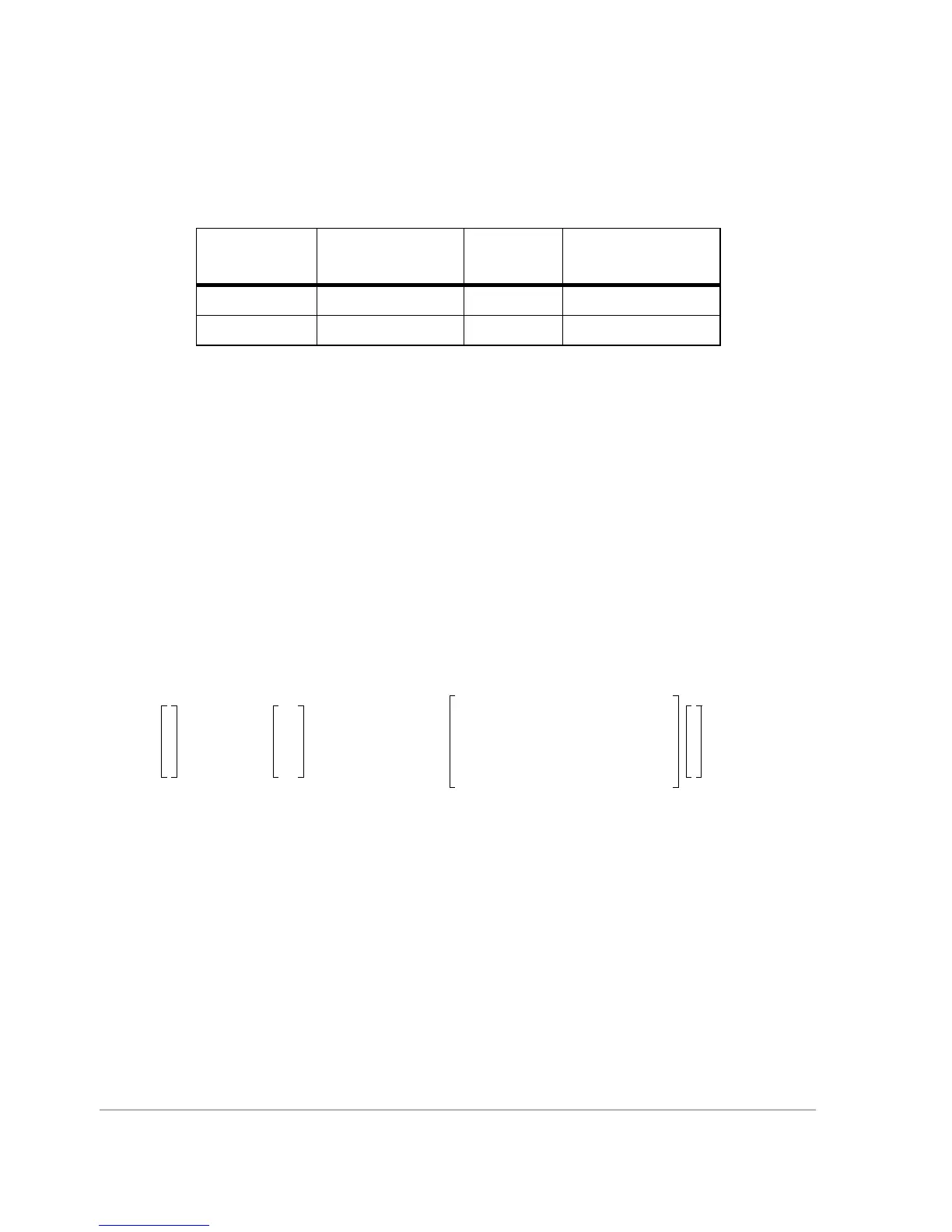
Taking these values, the following equation is used in calculating the transformation
from WGS-84 coordinates to WGS-72 coordinates:
Table 6.67. Ellipsoid Parameters for WGS-72 and WGS-84
Datum
Reference
Ellipsoid
f2[f4] 1/f3
WGS-72 WGS-72 6378135.0 298.26
WGS-84 WGS-84 6378137.0 298.257223563
x
y
z
WGS84
0
0
4.5
10.23
6–
´10+()
12.686–()
6–
´10 0
2.686
6–
´10 10
001
x
y
z
WGS72
+=



 To Next Page