USE AND MAINTENANCE MANUAL
ATTILA
25
EN
POS. ICON ELEMENT DESCRIPTION
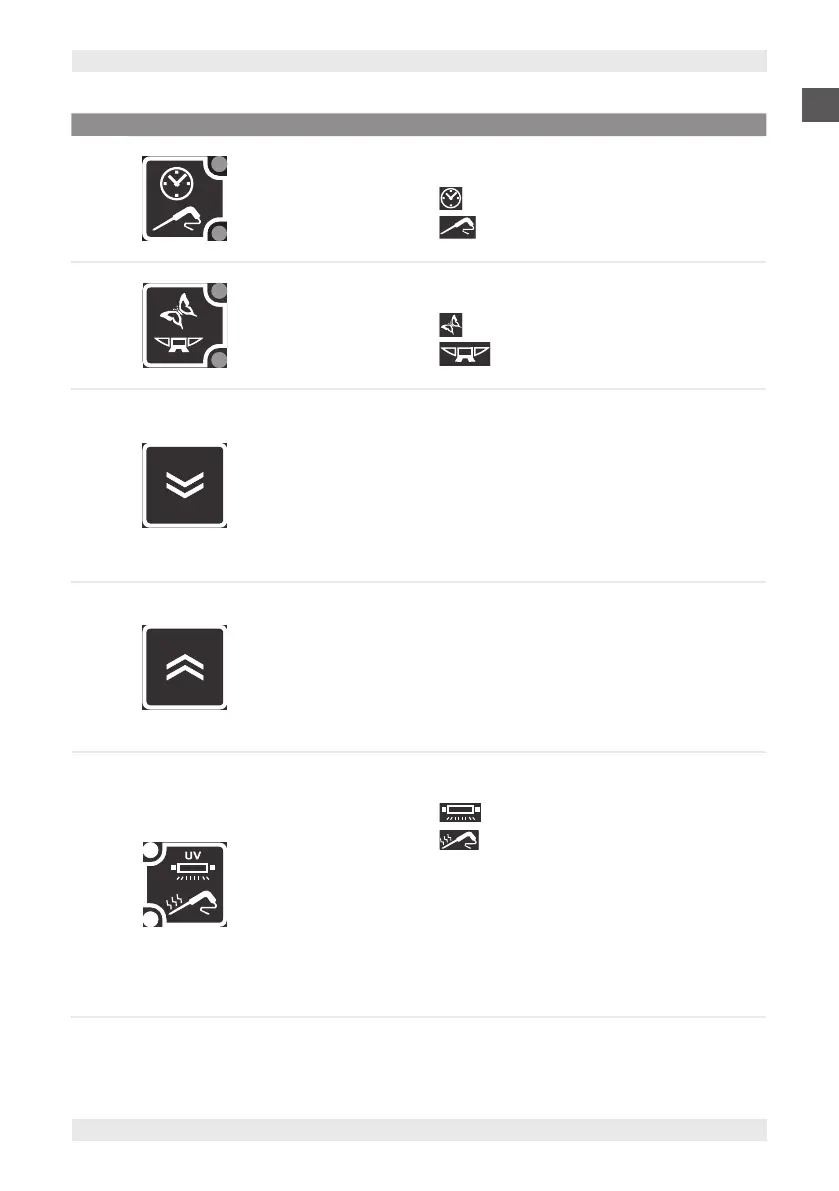
4 TARGET KEY
Press and release in stop status
Allows you to select a cycle:
▪ Timed
▪ With core probe.
Depending on the selection, the corresponding LED lights up.
5 MODE KEY
Press and release in stop status
Allows you to select a cycle:
▪ Soft
▪ Hard.
Depending on the selection, the corresponding LED lights up.
6 DOWN KEY
Press and release
Buzzer mute.
Decrease in values.
Press and release in parameter conguration
Parameter scrolling.
Press for at least 2 sec. in stop status simultaneously
with the UP key
Allows access to parameter configuration
7 UP KEY
Press and release
Increase in values.
Press and release in parameter conguration
Parameter scrolling.
Press for at least 2 sec. in stop status simultaneously
with the DOWN key
Allows access to parameter configuration
8 AUX KEY
Press and release in stop status
Selects the function:
▪ Sterilisation (if any)
▪ Heating probe (if present).
Depending on the selection, the corresponding LED lights up.
In parameter configuration, parameter display or confirmation
of displayed parameter value.
Press for at least 5 sec. in stop status
Deselection of any special function set, switching off of
the corresponding LEDs and resetting to the default setting
(parameter dFP).


 To Next Page