ATTILA
EN
26
POS. ICON ELEMENT DESCRIPTION
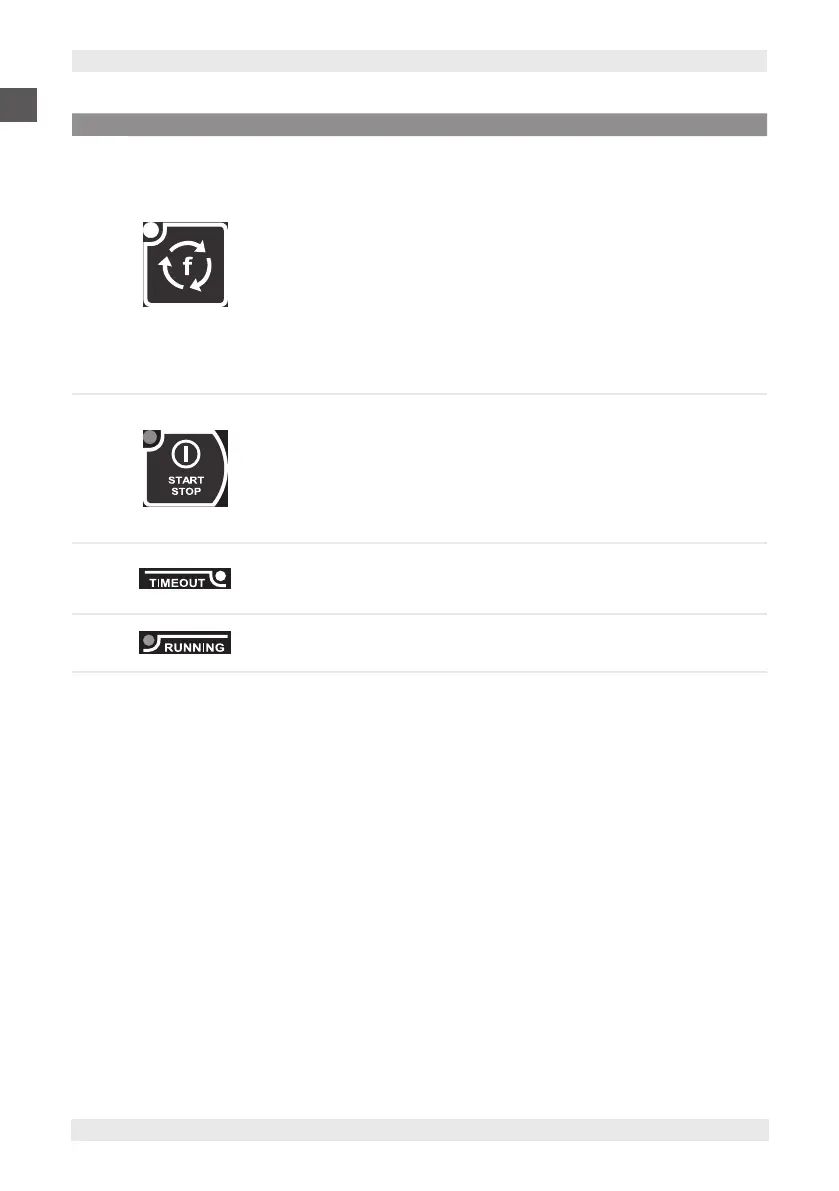
9 ESC KEY
Press and release in stop status
Selects the function:
▪ Defrosting (parameter dEF)
▪ Manual storage (parameter Con)
▪ Cell light (parameter LMP).
Press and release in parameter conguration
Confirms the displayed parameter value.
Exit parameter configuration or return to previous level.
Press for at least 5 sec. in stop status
Deselection of any optional function set, switch-off of LED with
reset to default setting (parameter dFP)
10 START/STOP KEY
Press and release
Start or stop the selected programme or function, alternately.
Press for at least 5 sec. in stop status
Switching to stand-by status with LED lighting.
Press for at least 5 sec. in stand-by status
Switching to stop status with LED switch-off.
11 TIMEOUT WHITE LED
In automatic blasting cycle
Flashing light indicates that the timeout has been reached
without reaching the target temperature.
12 RUNNING GREEN LED If on, it indicates that the blasting programme is running.


 To Next Page