115
button on the upper-right corner of the screen to make a selection of error
type.
2. Tap OK to open the Details screen.
3. Describe problems in details in the Reason for Sending section.
4. Confirm vehicle information, then tap to upload data logs, or tap on the
upper-right corner of the screen to correct the vehicle information.
NOTE
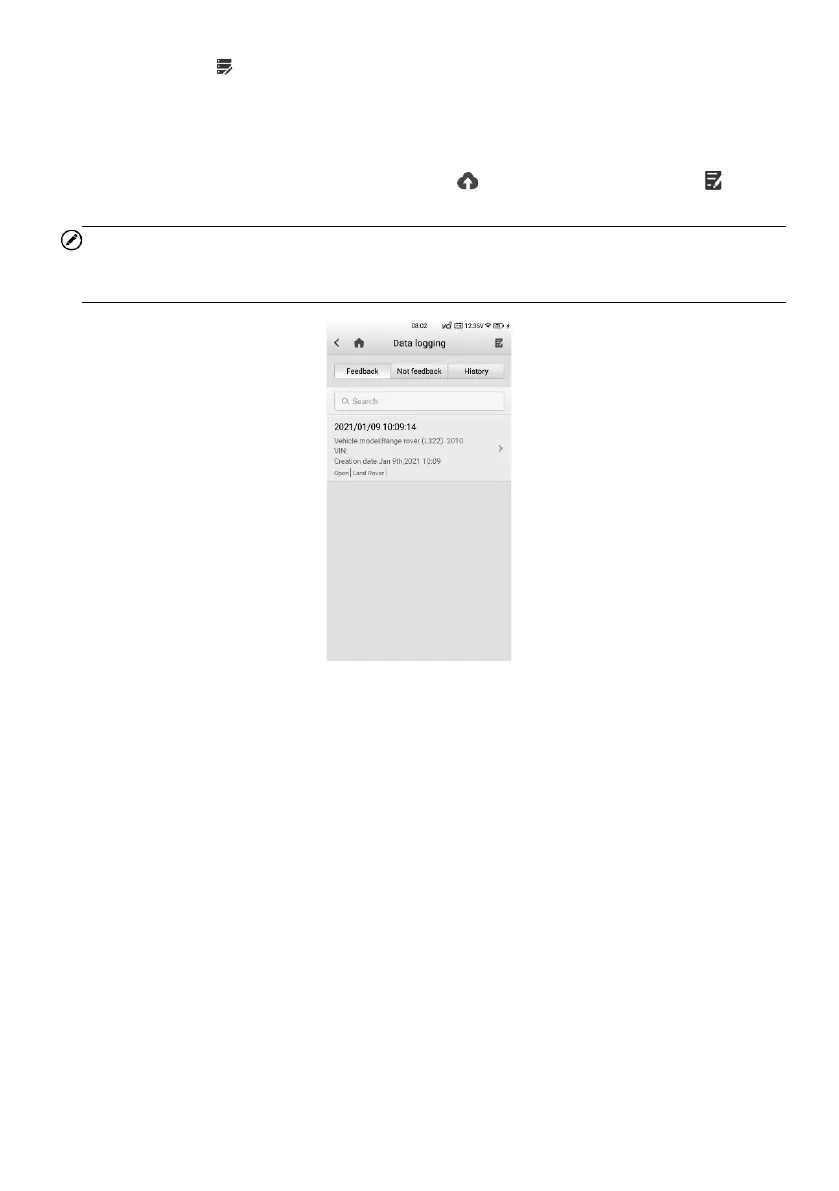
Upon completion of the data logs upload, go to Data Manager > Data logging > History.
Find the vehicle record of your preference and send data logs for technical support.
Figure 14-5 Data Logging Screen 1















 To Next Page