116
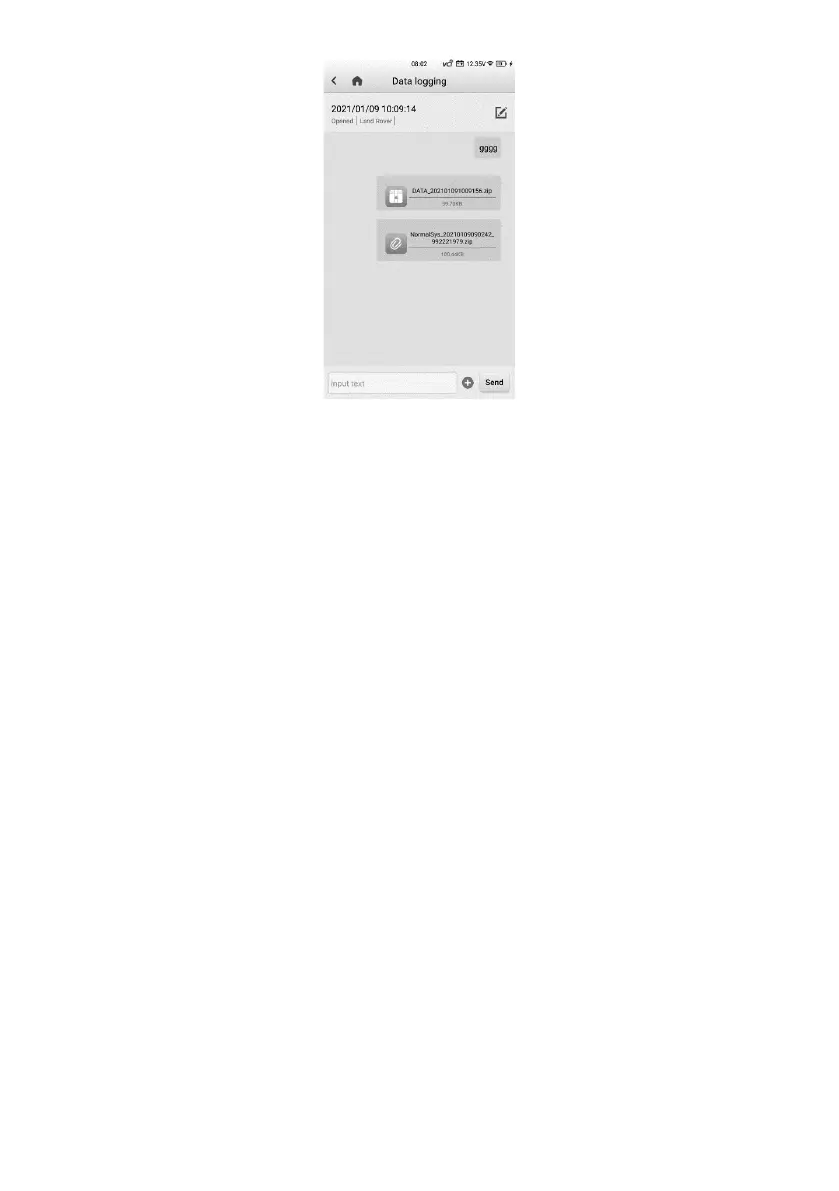
Figure 14-6 Data Logging Screen 2
➢ To reply in a Data Logging session
1. Tap on the Feedback tag to view a list of submitted data logs.
2. Select a specific item to track the progress of data log review.
3. Tap the pencil icon on the upper-right corner to correct vehicle information, or
directly input text into the blank bar and tap Send to send your message to the
technical center.















 To Next Page