26
1. Top Toolbar Buttons — refer to Table 4-2 Top Toolbar Buttons on Service Menu for
details.
2. Navigation Tab
3. Main Section
4. Function Buttons
4.3.4.1 Top Toolbar Buttons
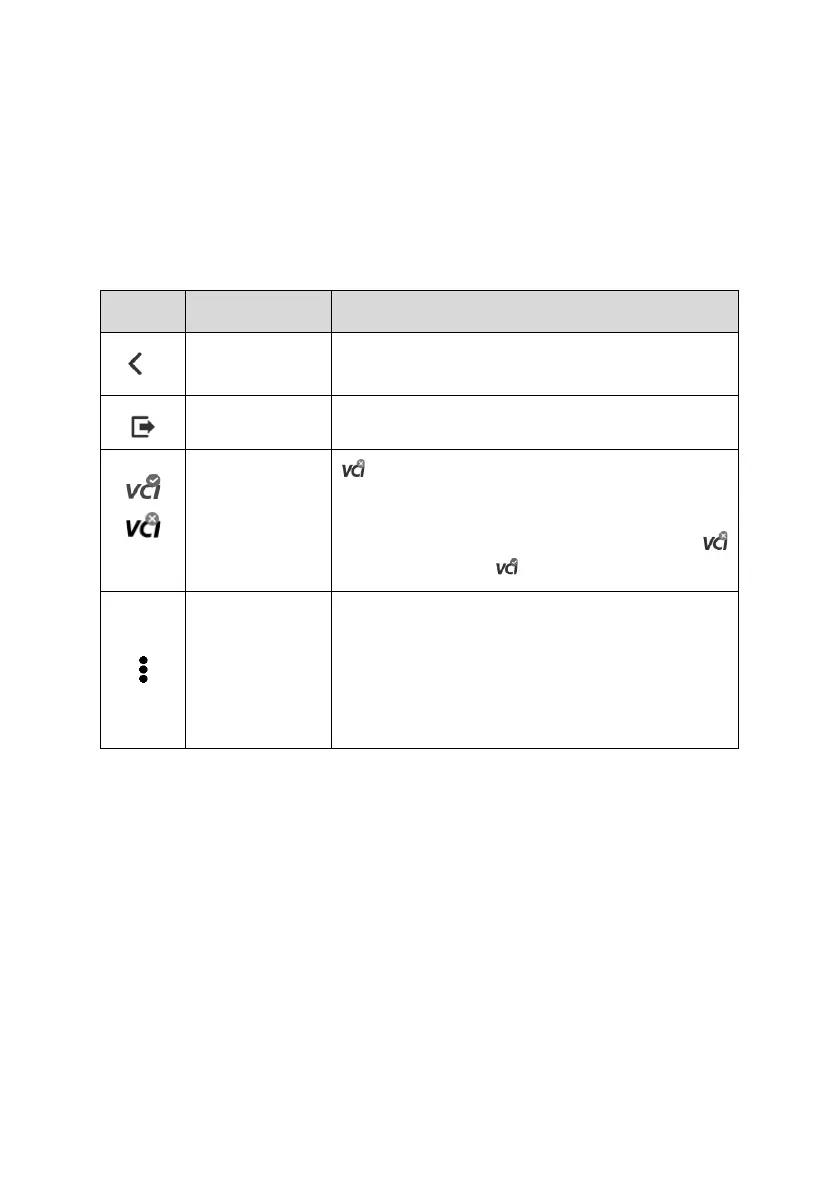
Table 4-2 Top Toolbar Buttons on Service Menu
Returns to the previous screen.
Returns to the MaxiTPMS Job Menu.
is displayed at the upper-right corner of the
screen when the VCI is not successfully
connected to the tablet. After the MaxiVCI V200
is successfully connected to the tablet, the
icon is changed to (with a check mark).
Includes Data Logging and Report functions.
⚫ Data Logging: records the communication
data and ECU information of the test vehicle.
See Data Logging for details.
⚫ Report: displays the TPMS test report page.
See TPMS Test Report for details.
4.3.4.2 Navigation Tab
The navigation tab at the top of the Main Section screen contains the following items:
1. Check Tab — triggers sensors and displays sensor data.
2. Diagnostics Tab — communicates with the test vehicle to perform diagnostics
function, and displays diagnostics results including live data and DTCs.
3. Programming Tab — programs the MX-sensors and displays the new programmed
sensor IDs and sensor PSNs (Product Serial Number).
4. Relearn Tab — displays the OE sensor information & Relearn procedure. Follow the
instructions to perform relearn function.
5. Retrofit Tab — performs retrofit related functions of the selected vehicle model.















 To Next Page