114 User’s Manual—SNAP™ 700 Printer
Classification: Avery Dennison - Public
11.6.3 Installation – Rear Cover
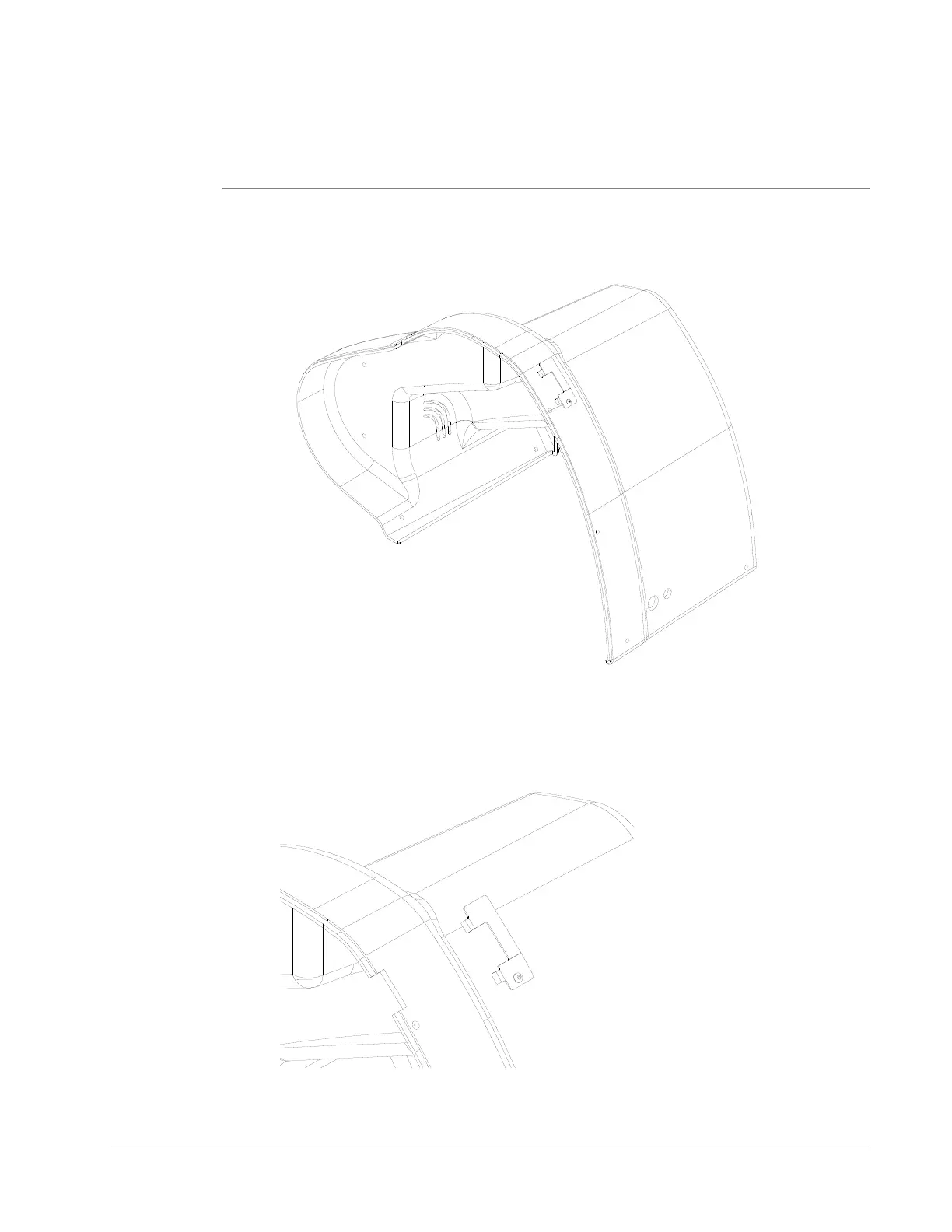
1) Insert the Template supplied into the cover hole below and closest to the
above Verifier Bracket Assembly. Bending the Template slightly to match
the Cover contour will assure a more accurate location.
2) Scribe a line around the inner cutout of the Template.
3) Remove the Template and with a small saw or Dremel Tool, remove the
material within the scribed line. Slide the Cover onto the Printer to
assure a clearance around the Verifier Bracket.














 To Next Page