User’s Manual—SNAP™ 700 Printer 113
Classification: Avery Dennison - Public
11.6.2 Installation Procedure - Electrical
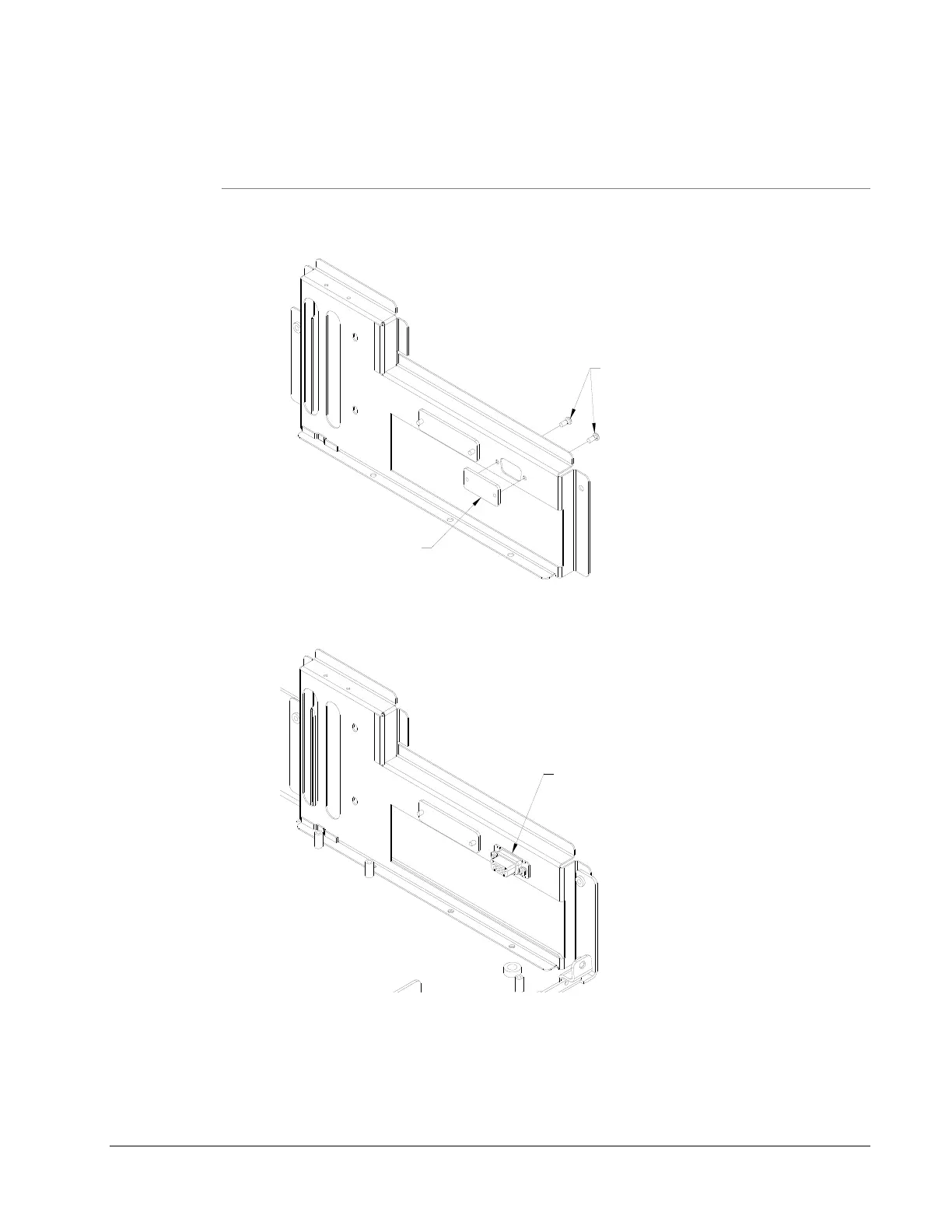
1) Facing the back of the Printer, remove the existing connector plate and
screws and discard.
2) Assemble Internal Verifier Cable into slot and secure with hardware
supplied on 581129.
581129 - INTERNAL VERIFIER CABLE
3) Mount J1 (5 wire, 10 pin connector) to MCB J7. Mount J2 (3 wire, 10 pin
connector) to MCB J11.
4) Assemble External Verifier Lead Connector to mating Connector in
internal cable (installed in step 2) & mating Connectors to top of Verifier.














 To Next Page