User’s Manual—SNAP™ 700 Printer 55
Classification: Avery Dennison - Public
5.3.11 Viewing the Life Counts
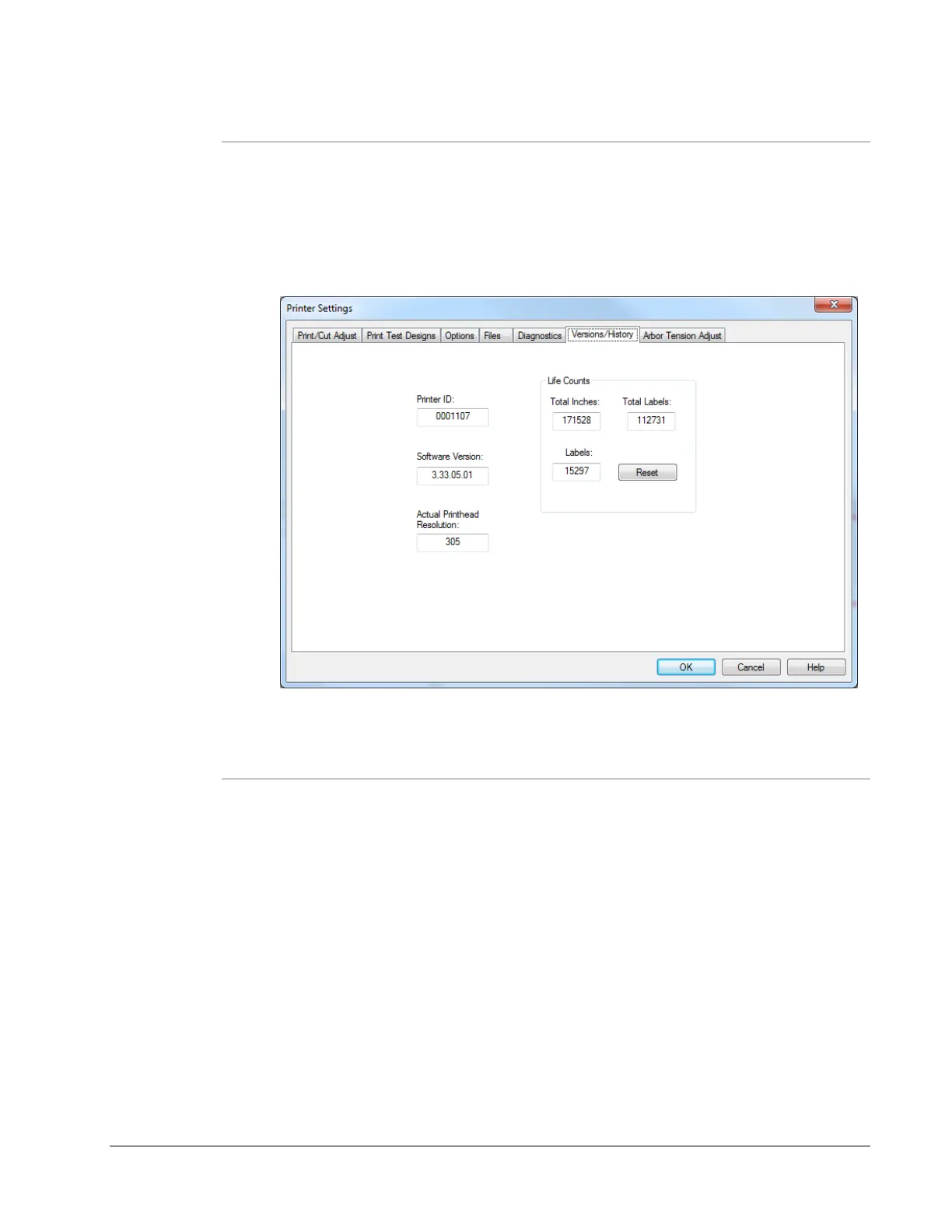
The SNAP 700 printer maintains a count of the total number of labels printed,
and the total number of inches of material. Also, there is a resettable label
counter.
In the Virtual Control Panel, the Life Counts can be found in the Life
Counts/Software Version tab. To reset the resettable label counter, click on the
Reset button.
5.3.12 Firmware
Check the version of the firmware install by clicking on the Versions/History Tab
and noting the Software Version box listed. Use this to verify the firmware version
before upgrading.
Printer ID is the printer serial number.
Actual Printhead Resolution is available for version that support 600dpi printing.














 To Next Page