User’s Manual—SNAP™ 700 Printer 19
Classification: Avery Dennison - Public
3.4 Printer Description
3.4.1 Component Descriptions
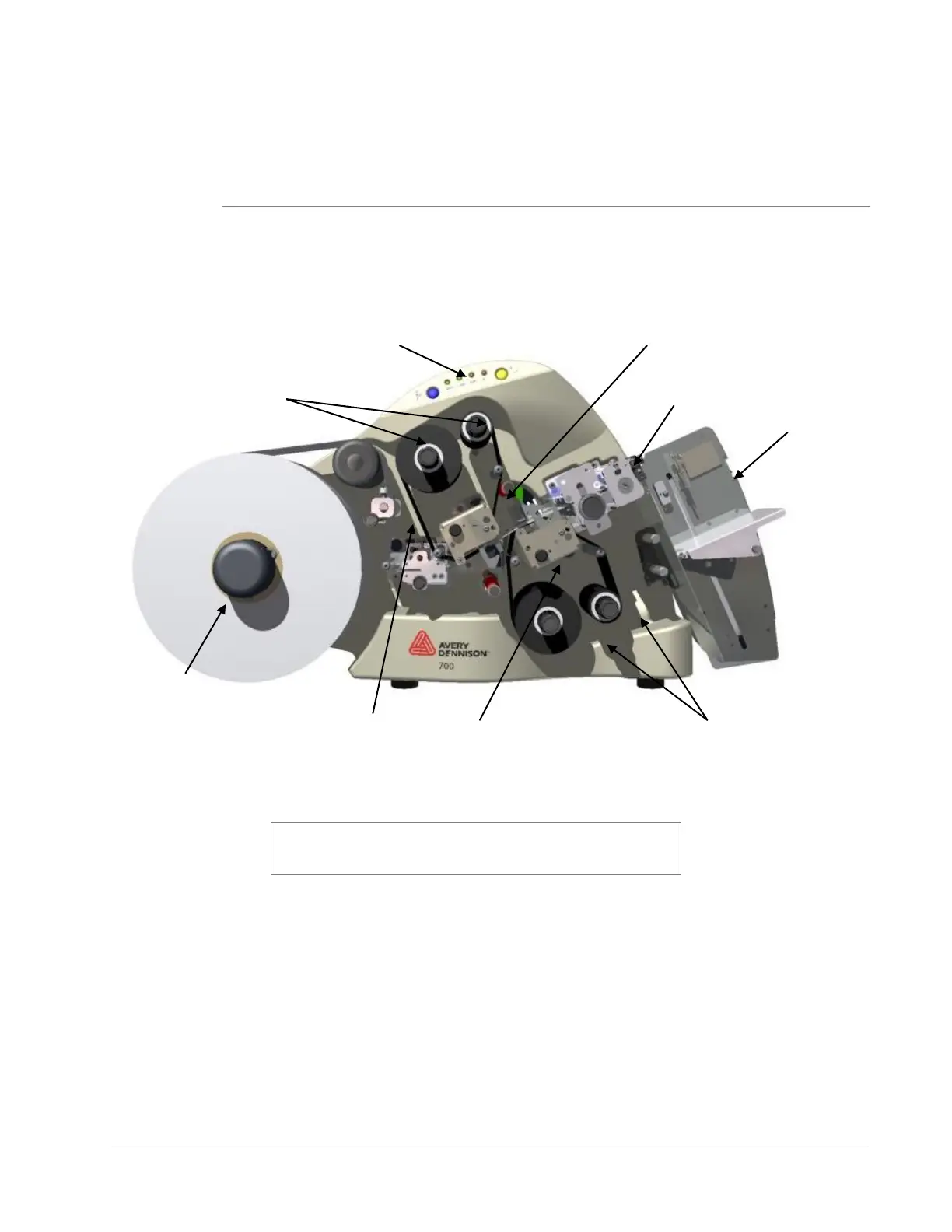
Shown below are the important parts of the SNAP 700 Printer. Please take a
moment to familiarize yourself with the printer.
Figure 3. SNAP 700 Printer
NOTE: Please take some time to become familiar with the
printer’s major components and their functions. Refer to
Figure 3.
The Stock Unwind Arbor holds the supply roll. By rotating the outer
knob clockwise or counterclockwise, you can adjust the Arbor to
accommodate stocks ranging from ½ inch - 5 inches (12.7 mm - 127 mm)
wide. The arbor auto-centers the stock through the printer. Metal fingers
extend to hold the supply roll in place. This allows back tension which
keeps the stock centered through the printer.
The Stock (Web) Guide guides the stock through the printer and is
adjusted by rotating the black knob.
The Upper and Lower Print Stations house the print head assemblies.














 To Next Page