User’s Manual—SNAP™ 700 Printer 25
Classification: Avery Dennison - Public
3.7 Networking Setup
The recommended network setup is through a Static IP address. Once an IP
address has been set, the operator can then view and change the printer settings
through the SNAP webserver using a browser on any computer on the network.
Most of the functionality of the VCP in PCMate is available through the web
server. See section 5.4 for the webserver.
3.7.1 BIOS settings
The Advantech motherboard requires no updates to the BIOS.
BCM motherboard requires the following updates to use the Ethernet port on the
printer’s motherboard.
Connect a video monitor to the video port and a keyboard to the PS/2
connector on the printer.
Restart the printer and press the “DEL” key to cause the printer to enter
the CMOS Setup Utility.
Arrow down to “Integrated Peripherals”, press Enter
For GbE Controller set to “ENABLE”.
For 82573 Controller set to “ENABLE”.
Press F10, the Enter (OK) to save.
Restart the printer.
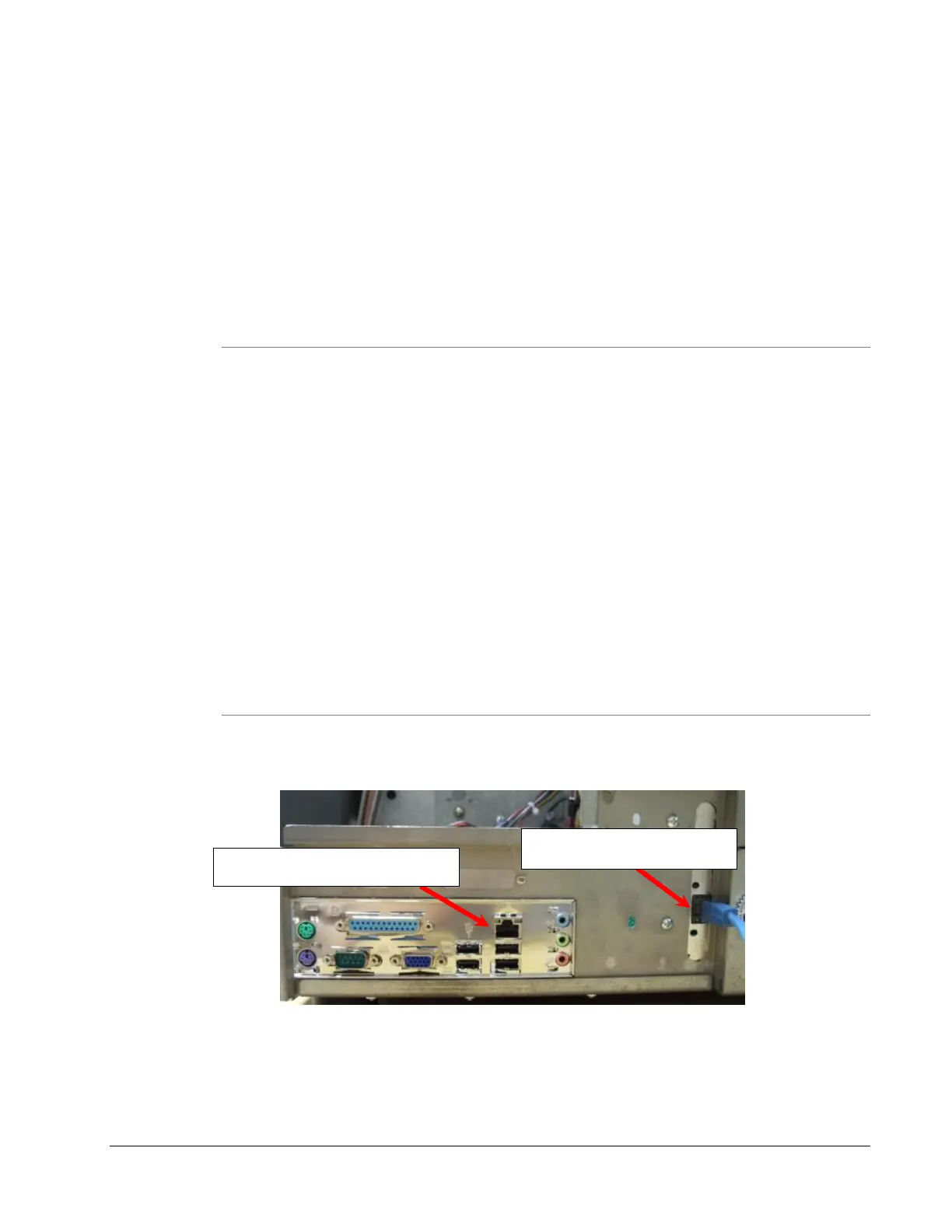
3.7.2 Connecting the networking cable
Older motherboards:














 To Next Page