78 User’s Manual—SNAP™ 700 Printer
Classification: Avery Dennison - Public
9. The printer will reboot, ring the chimes, and may say,
- Upgrade in progress. Please wait
- Programming MCB. Please wait
- Updating auxiliary files
- Starting system backup of this upgrade
- Distributing language sound files
- Upgrade complete
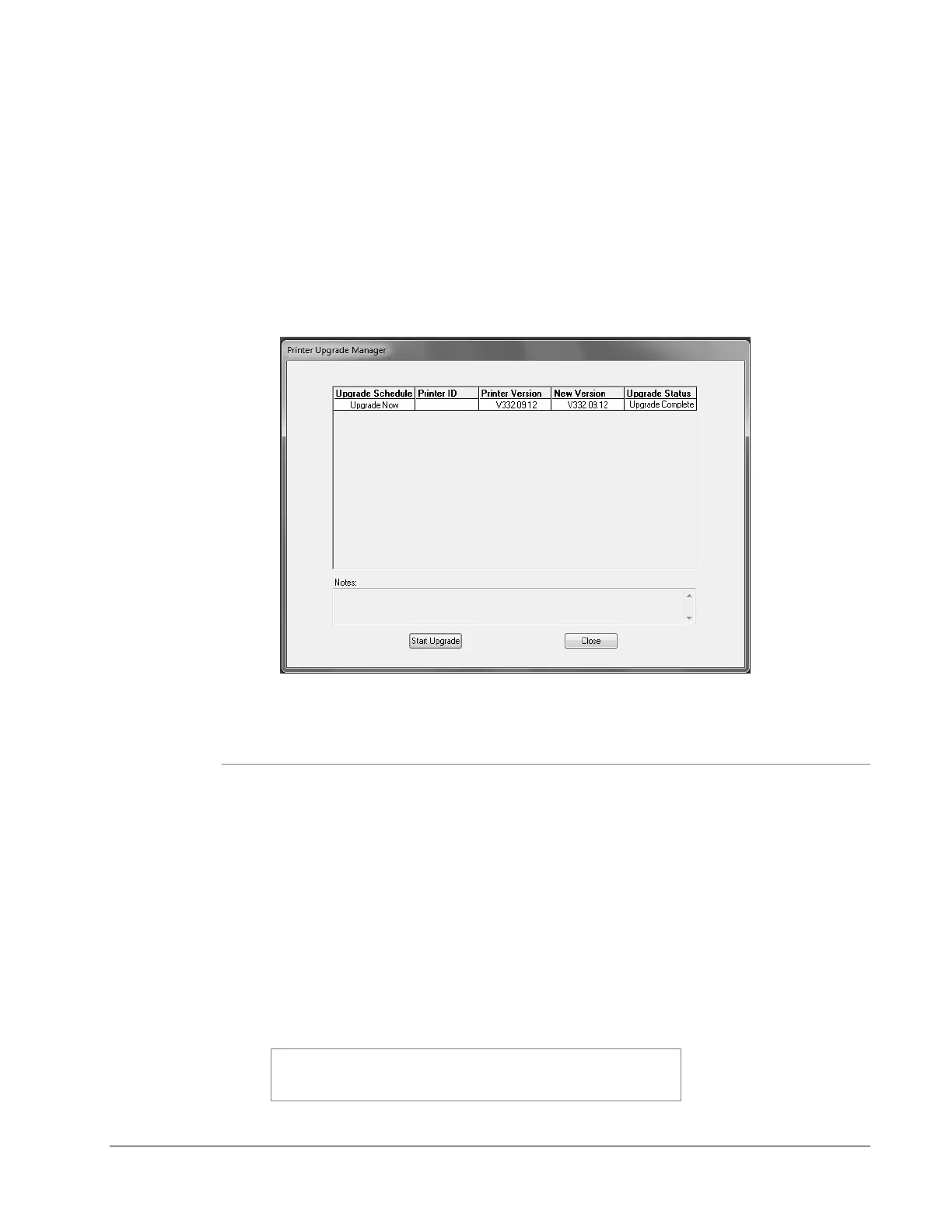
Then the following window will appear. Click “Close” to continue.
8.4.3 Upgrading through USB Flash Drive
1. Make sure the file you received has a “.upg” extension. If it has a “.zip” extension,
then extract/unzip to get the upgrade file.
2. Place the upgrade file in the root directory of a USB flash drive.
3. Insert the drive in one of the USB slots on the back of the printer.
4. When the printer is turned on, it will detect the USB flash drive and upgrade the
printer automatically.
5. This process takes approximately 4-5 minutes.
Some older operating systems do not support this
function. If you try it and it doesn’t work, you must
upgrade using PCMate.














 To Next Page