User’s Manual—SNAP™ 700 Printer 75
Classification: Avery Dennison - Public
With extensions
Without extensions
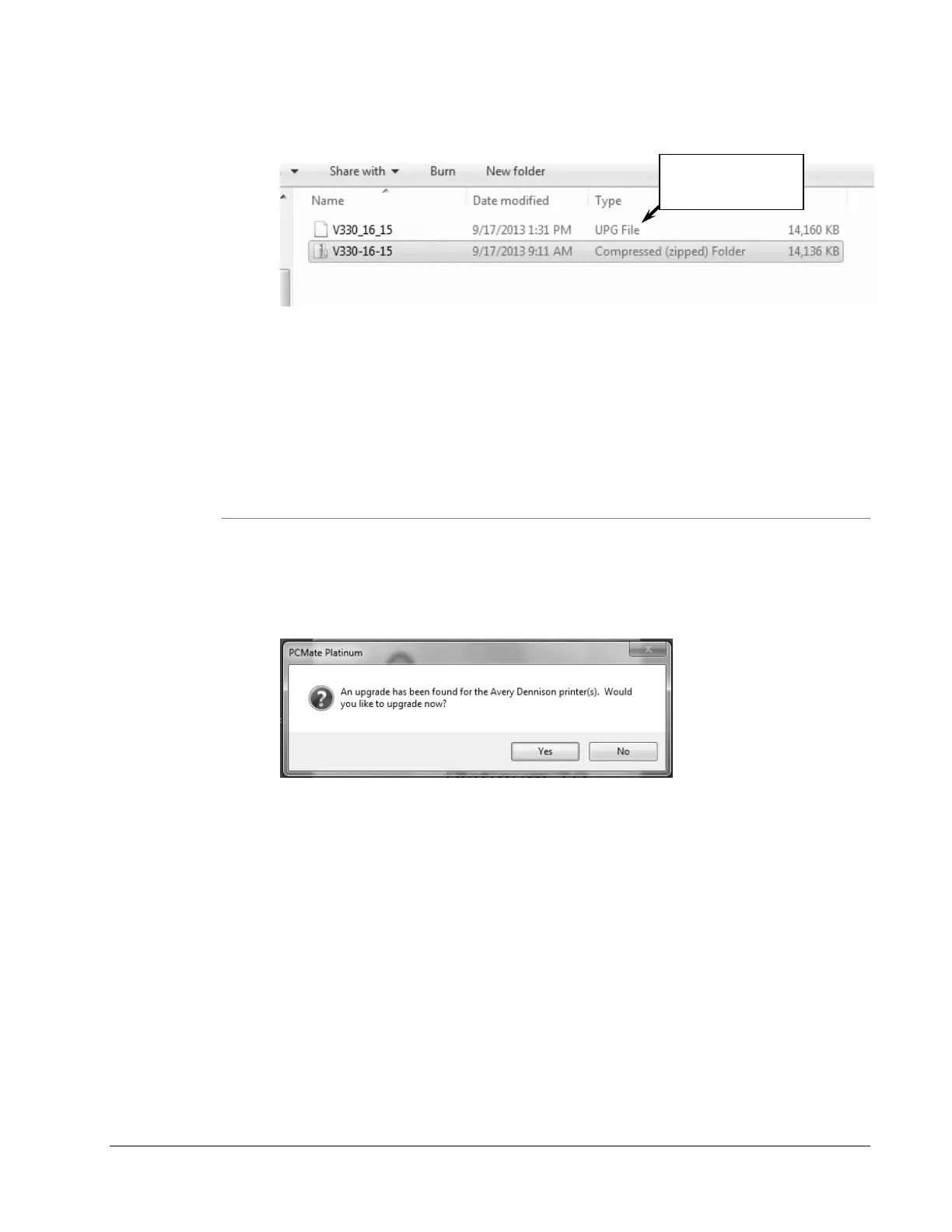
2. If you have a “.zip” file or the “Type” is “Compressed (zipped) Folder”,
and then extract/unzip the file by right-clicking on it and selecting
“Extract All…” Some version of Windows will allow you to double click
on the zip file and copy the internal .upg file to another folder.
8.4.2 Upgrading through PCMate
1. Once you have received the upgrade file through D2Comm, check that the UPG
file is in the “C:\D2Comm\Control\” folder.
2. Start PCMate Platinum. The following screen will appear.
3. Click on the Yes button to start the upgrade. Clicking on the No button start
PCMate Platinum. Each time you start PCMate Platinum, this screen will
appear until you either perform the upgrade or remove it (see below).
4. When you click on the Yes button, the following screen will appear.














 To Next Page