76 User’s Manual—SNAP™ 700 Printer
Classification: Avery Dennison - Public
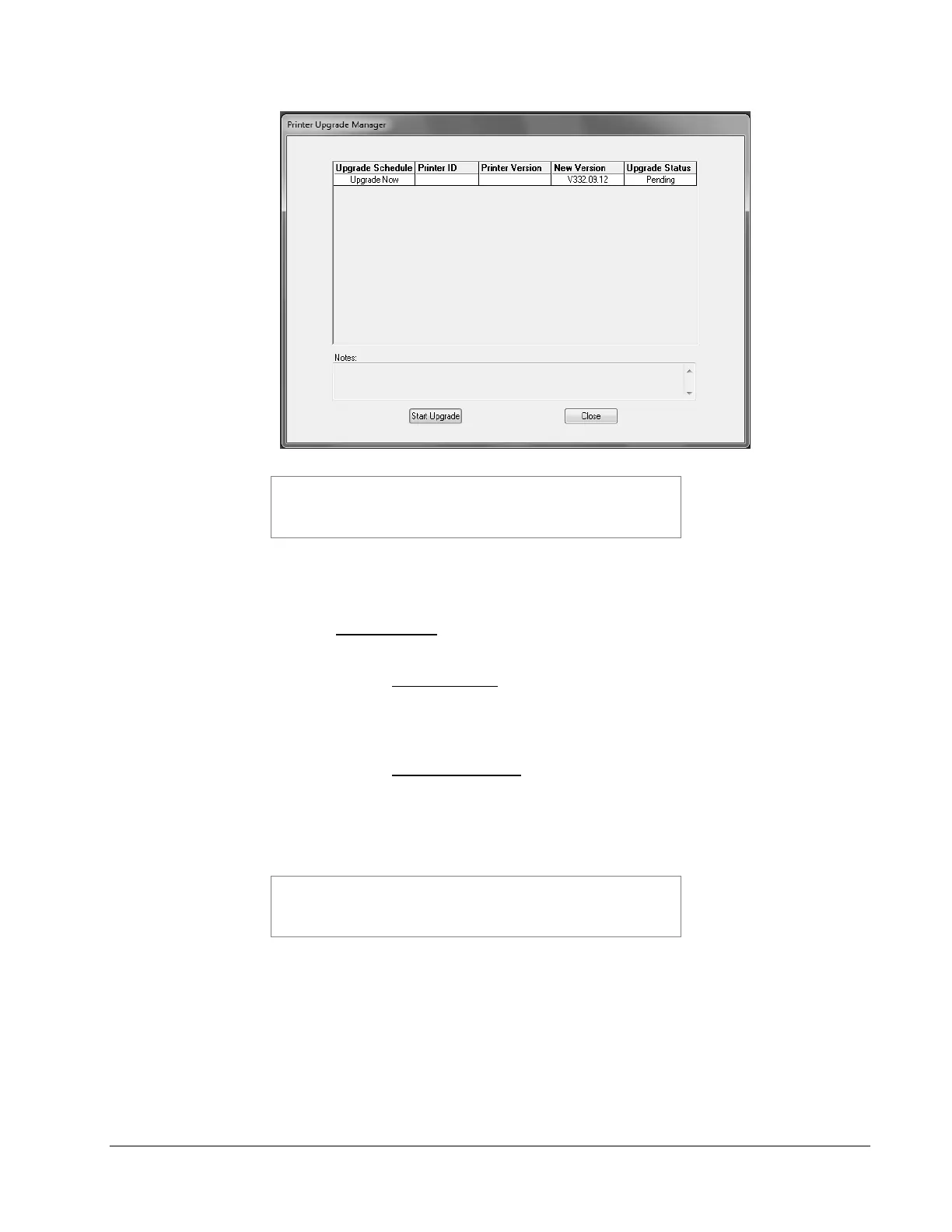
If you have more than one printer connected to the PC, they will
all show in this window. If you leave the Upgrade Schedule box at
Upgrade Now (see below), all the printers will be upgraded, one at
a time.
5. In the box under Upgrade Schedule, it will say Upgrade Now. If you click on the
box, a drop down list will offer the following choices:
- Upgrade Now – this will cause the printer to be upgraded when you click
on the Start Upgrade button.
- Upgrade Later – This choice will skip the upgrade for that printer,
but keep the upgrade file. The next time you start PCMate
Platinum, the upgrade will be offered again. This allows you to
skip the upgrade until later.
- Remove Upgrade – If you select this option, the printer will not be
upgraded, and the upgrade file will be deleted.
6. To start the upgrade, click on the Start Upgrade button. No further action is
required until the upgrade process finishes.
The upgrade process can take quite a while. If the process is
interrupted, the printer will attempt to revert to the last revision. If
it fails, it will revert to a safe version. If this occurs, it will be
necessary to redo the upgrade.














 To Next Page