82 User’s Manual—SNAP™ 700 Printer
Classification: Avery Dennison - Public
9.0 Electrical Troubleshooting
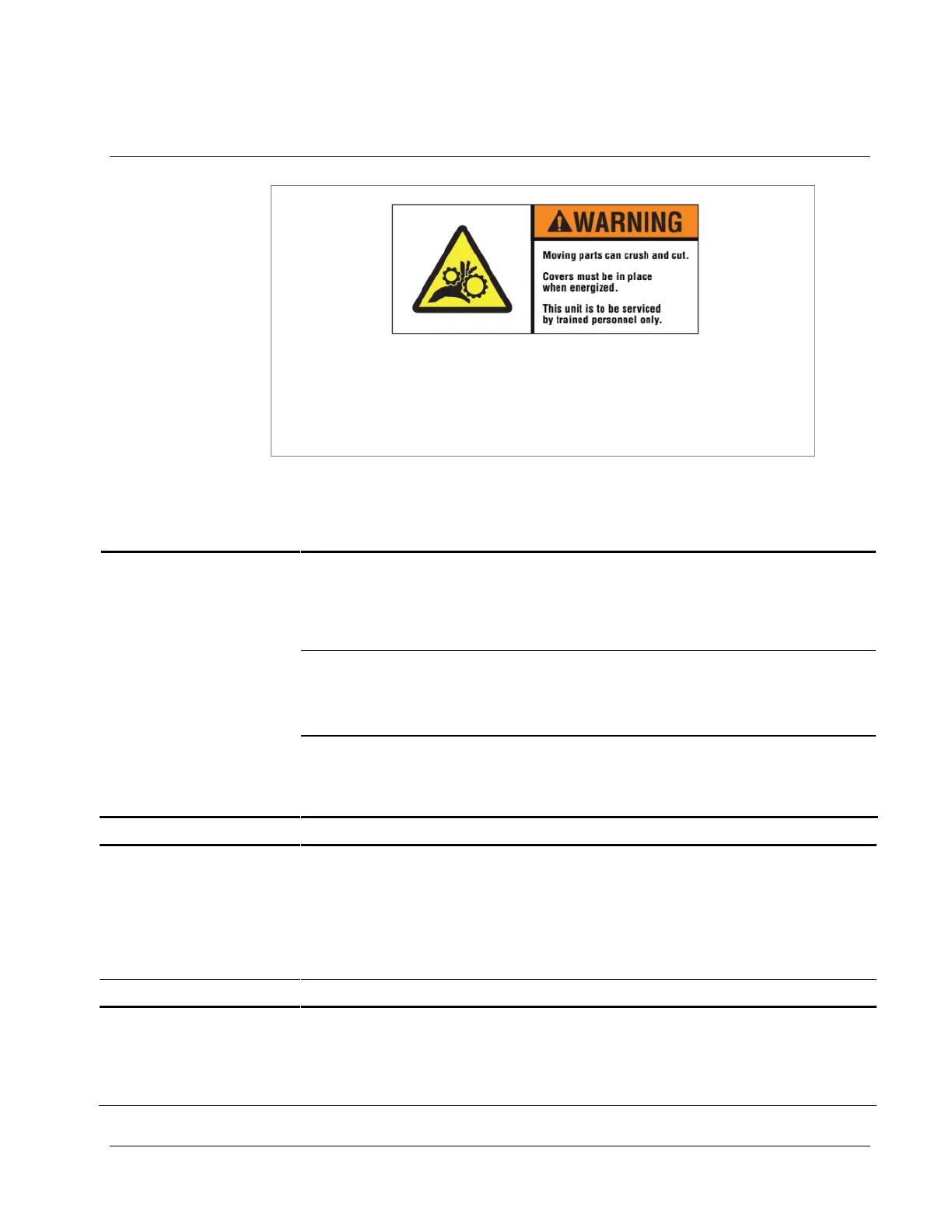
There are hazardous moving parts in the printer. Covers must be
in place when energized. Service should be performed only by
trained service personnel.
9.1 Power Up / Sign On / Communications
1) Incorrect supply voltage.
1) Confirm that the AC entry is configured for
the line voltage intended to be applied to
the machine. Failure to do so can damage
the machine's internal power supply. Refer
to Appendix 1, "Fuse Configuration."
2) Machine is not plugged in.
1) Check that both ends of the power cord are
plugged in securely.
2) Confirm that the outlet the machine is
plugged into has power.
3) Missing or blown fuse(s).
1) Check that the fuse(s) located inside the
AC entry are present and intact. Replace
as needed. Refer to Appendix 1, "Fuse
Configuration.”
1) PC board power failure
1) Cycle the power off and back on again.
Printer says “Boot Error 1”
or “Hardware error 1,
printer requires service”
or “PCI interface bad
change MCB”. During
the power up of the
printer.
Printer says “Boot Error 2”
or “Hardware error 2,
printer requires service”
or “BIOS corrupted,
replace the mother
1) Connect a standard PC monitor and
keyboard to the printer and follow the
instructions found in the Engineering
Bulletin “06_015_500_BIOS_Revised.doc”
to reset the BIOS settings.














 To Next Page