User’s Manual—SNAP™ 700 Printer 69
Classification: Avery Dennison - Public
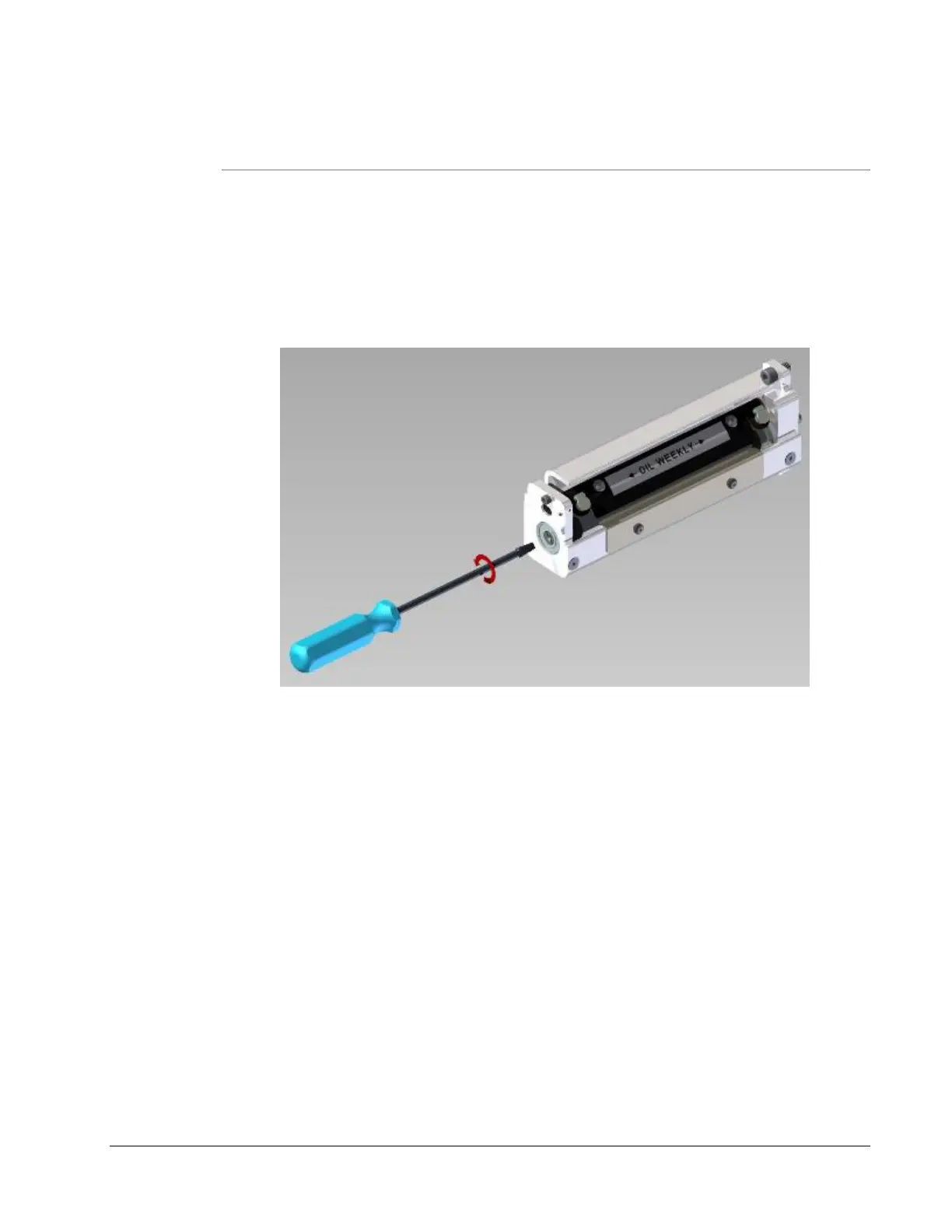
6.4.2 Adjust the Knife Home Position
To adjust the Knife Home Position, follow the procedure listed below.
1. Insert a flat blade screwdriver into the slot in the end of the knife.
2. Rotate the screwdriver counterclockwise until you hear an audible click.
3. Continue to turn the screwdriver approximately 1/8 of a rotation more.
6.5 Rubber Roller Replacement
As part of Preventative maintenance, the following rubber rollers must be
replaced after 5 million inches of stock has run through the machine or (6)
months have passed since the last replacement…whichever occurs first.
1. 05624097 – Assembly, Feed Roller
2. 05625014 – Roller, Molded Platen, Red
3. 05624024 – Roller, Nip Drive, Molded
Failure to replace these rollers as suggested above may result in poor print
quality, tracking and feed issues.














 To Next Page