User’s Manual—SNAP™ 700 Printer 77
Classification: Avery Dennison - Public
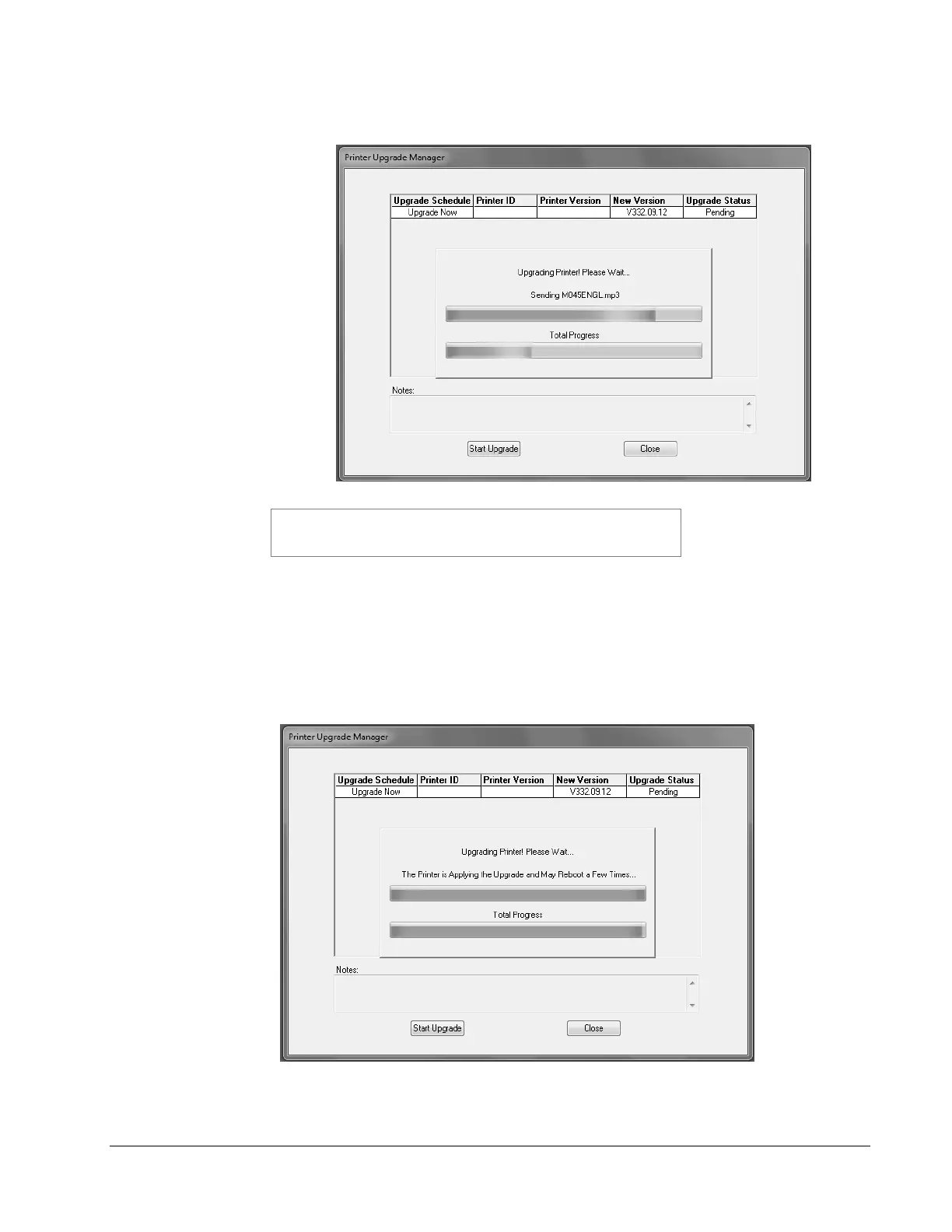
7. The following window will appear.
The following description of the upgrade process is accurate as
of this writing. However, changes may be made to improve the
process. It is important to allow the process to finish.
During the first part of the upgrade process, PCMate Platinum sends the
necessary files to the printer. This screen allows you to monitor the progress of
the file transfer. The top progress bar shows the file being sent, while the bottom
bar shows the overall progress.
8. Once the files are on the printer, the following window will appear. Do not click on
any buttons until the upgrade finishes.














 To Next Page