User’s Manual—SNAP™ 700 Printer 31
Classification: Avery Dennison - Public
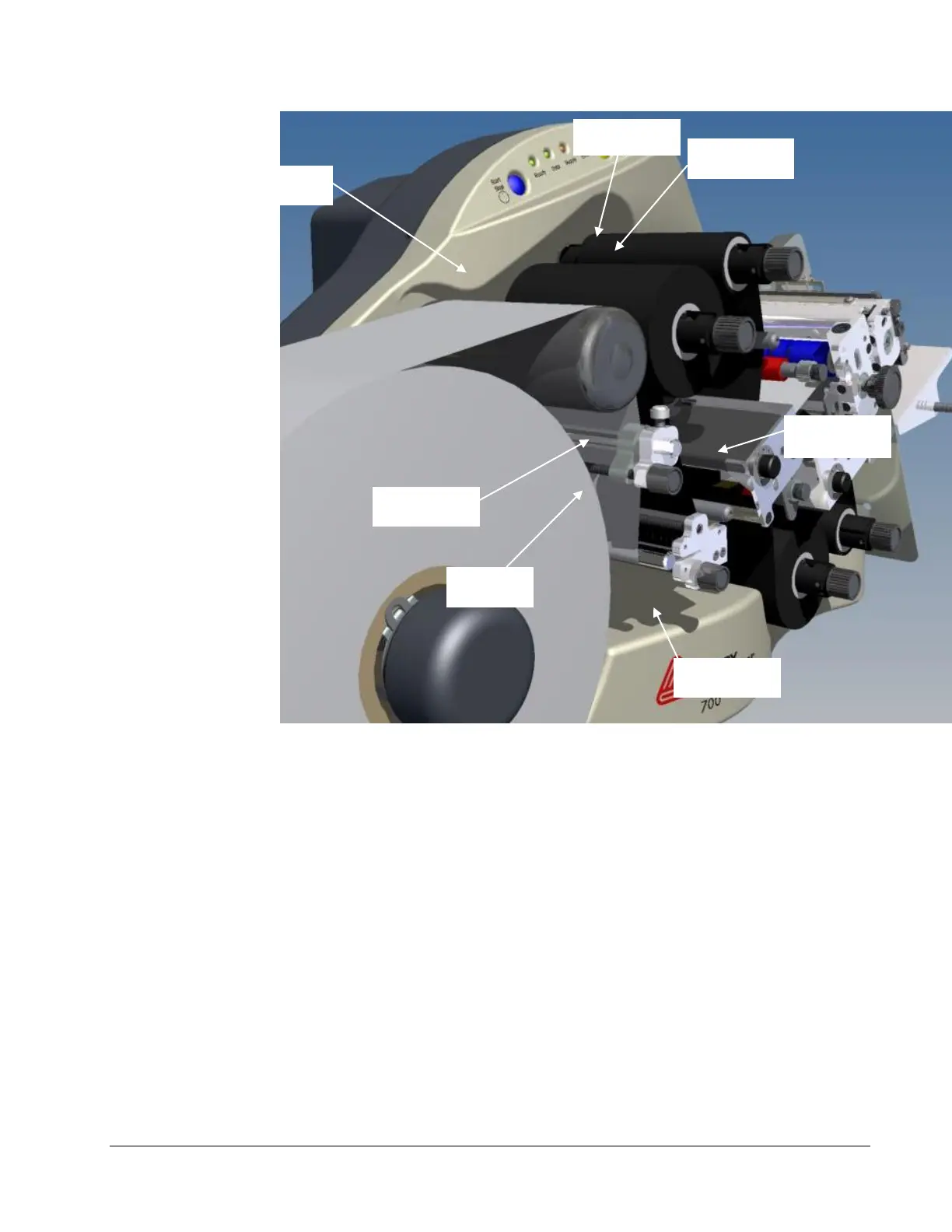
Figure 8. Upper and Lower Ink Supply and Print Stations - Loaded
4. Fasten the ink supply to the rewind core.
a. If you are using a new roll of ink, the leader you are advancing
through the machine already has adhesive on it. Press the leader
onto the rewind core until it sticks to the core.
b. If you are installing a partially used roll of ink, you must first attach a
small piece of tape to the leading end of the ink roll. Then, tape the
end to the ink on the rewind core.
5. Wind the core for several turns to make sure the ink tracks flat as it is
pulled through the printer.
6. To remove an ink core from the arbor, turn the black knob at the end of
the ink arbor counterclockwise and slide the core from the arbor. Save
the empty core to be used as the next rewind core.














 To Next Page