51
6 Operation
6.1 Display
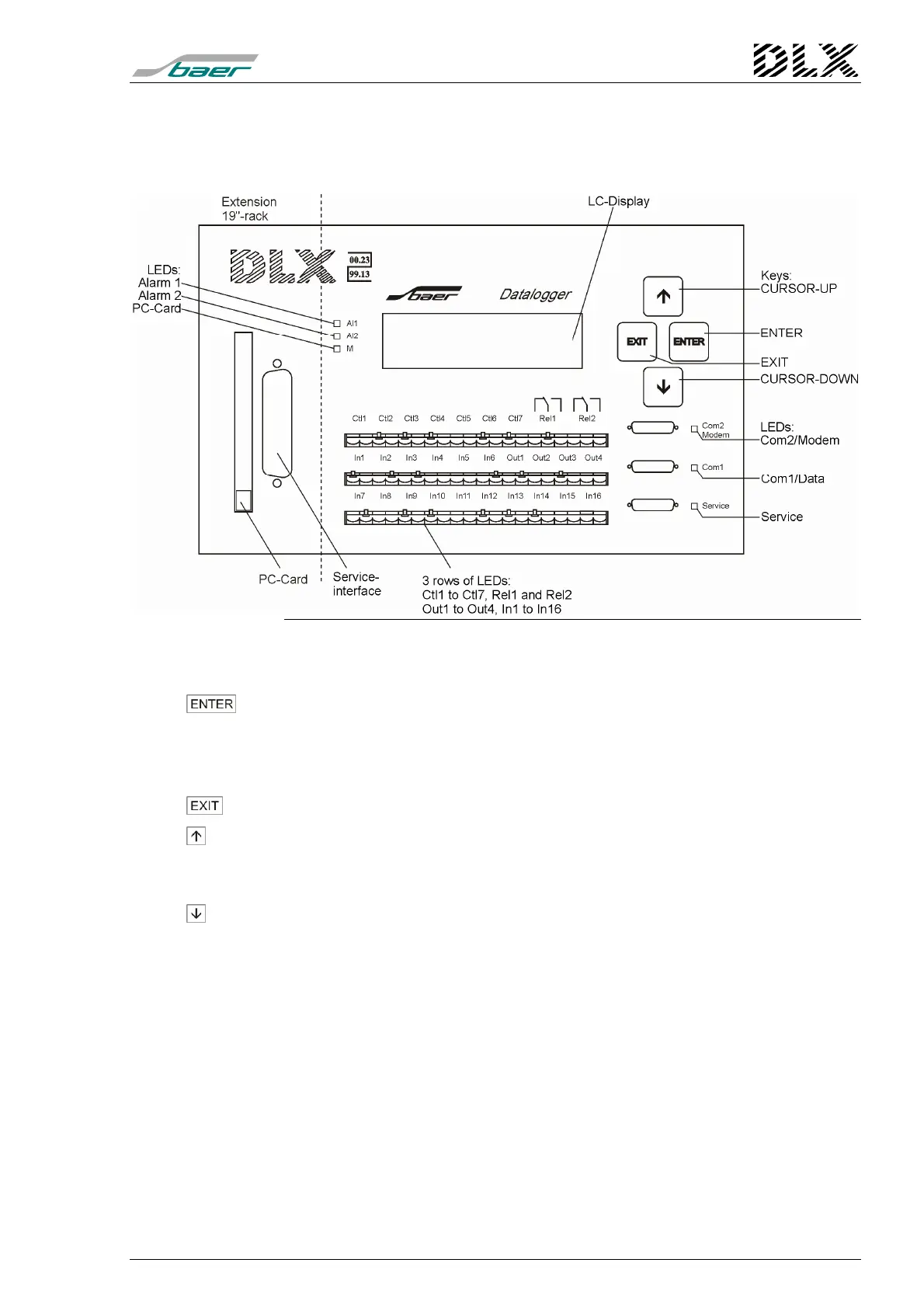
Figure 22, Layout of operation controls and indicators
6.1.1 Keypad
Moves the scroll list to the next value (in the standard display mode);
Activates the selected menu item (in menu mode);
Stores the previously set parameter values (in individual menus);
Moves the cursor one position to the right (in individual menus).
Exits from the current menu item without storing any parameter values.
( Up ) Changes from the standard display mode into the menu item „Select lan-
guage“;
Moves one menu item up or increases a value by one (+1).
( Down ) Activates the main menu (in standard display mode);
Moves one menu item down or decreases a value by one (-1).
After pressing any key the background illumination of the LC displays
is activated for approx. 15 minutes.



 To Next Page