97
13 Fault Displays
Should the DLX notice an internal fault, then these are stored as alarm
messages and shown on the display. Two fault classes and one information
class are differentiated:
Warnings
(operational faults / alarm 1) are non critical faults that can be
removed on site and cleared manually using the main menu item „Main
menu – Erase alarms“. Warnings are indicated by a blinking LED “AL1” on
the front panel. Exceptions to this rule are the warnings:
•
03/01 – power failure
•
03/02 – power dip
•
06/xx – Data memory: data erased
•
8E/xx – Energy register overflow
where the LED “AL1” will be automatically cleared after the end of the reg-
istration period (Tm1/MP1).
•
Device faults
(hardware faults / alarm 2) are critical faults that can only be
removed by the manufacturer. This requires opening of the certification seal
and afterwards the device needs to be re-certified, if relevant regulations
exist. These error messages can only be cleared when programming of the
unit is enabled. Device faults are indicated by a blinking LED „AL2” on the
front panel.
•
Information messages
are used to indicate changes of conditions to the
user that happen during normal operation. These are not alarms. The in-
formation message will be stored as a spontaneous event, but does not
cause a fault display. The light emitting diodes „AL1“ and „AL2“ are not in-
fluenced.
Note: All warnings and device faults are stored in device status for each complet-
ed registration period (see appendix A, SCTM Protocol). Warnings 03/02
(power dip) don’t stored in the device status (from version 1.04.03 up).
13.1 LC display
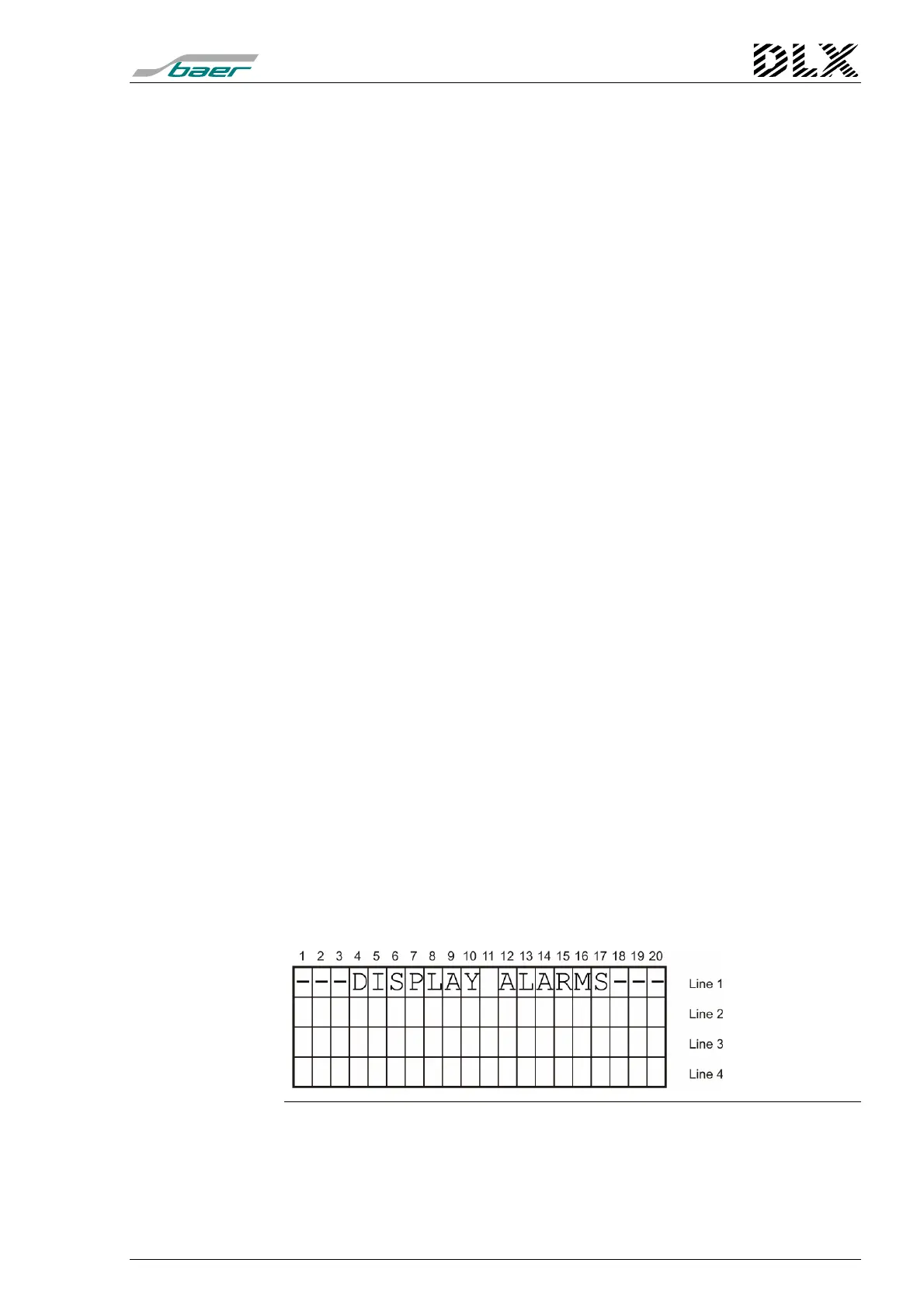
Use the menu item Main menu item “Show Alarms“ (see page 60) to dis-
play all warnings and device faults that have occurred. The DLX uses line 3
and 4 to display relevant information.
Figure 49, Main menu item “Display alarms”



 To Next Page