99
error
Action: The DLX must be sent to the manufacturer for service
Error
Error in CPU Flash memory
Action: The DLX must be sent to the manufacturer for service
error
PROM memory (program memory)
Action: The DLX must be sent to the manufacturer for service
error
Error in internal real time clock
Action: The DLX must be sent to the manufacturer for service
write protected
Card is protected from write access
Action: Remove write protection
Card was changed during a power failure.
Action: Insert previous PC-Card
Card was registered or deregistered.
Return call not possible.
Action: Check phone number and delay time.
xx = 01..04 for Sum1
..
Sum4
overflow
Internal overflow of a summation unit (
Action: adjust the pulse ratios for this totalling unit
xx = 01 to 10
hex
(=16)
xx = 41..44 for pos. totals
xx = 51..54 for neg. totals
xx = 61,62 for apparent
demand 1 or 2
overflow
Demand register for an input xx (1 .. 16), a total or for apparent
demand has over flown; the highest digits are not stored
anymore → the measurement values are falsified and cannot
be used for further processing
Action: adjust parameters
xx = 01..0A
hex
(=10)
Error in internal firmware
Action: firmware update
*: Only warnings and errors messages are shown in display as text. (see
„Main menu item “Show Alarms”, page 60), These information is saved
in spontaneous event buffer only as alert number. (see menu item
„Spontaneous events“, 67).
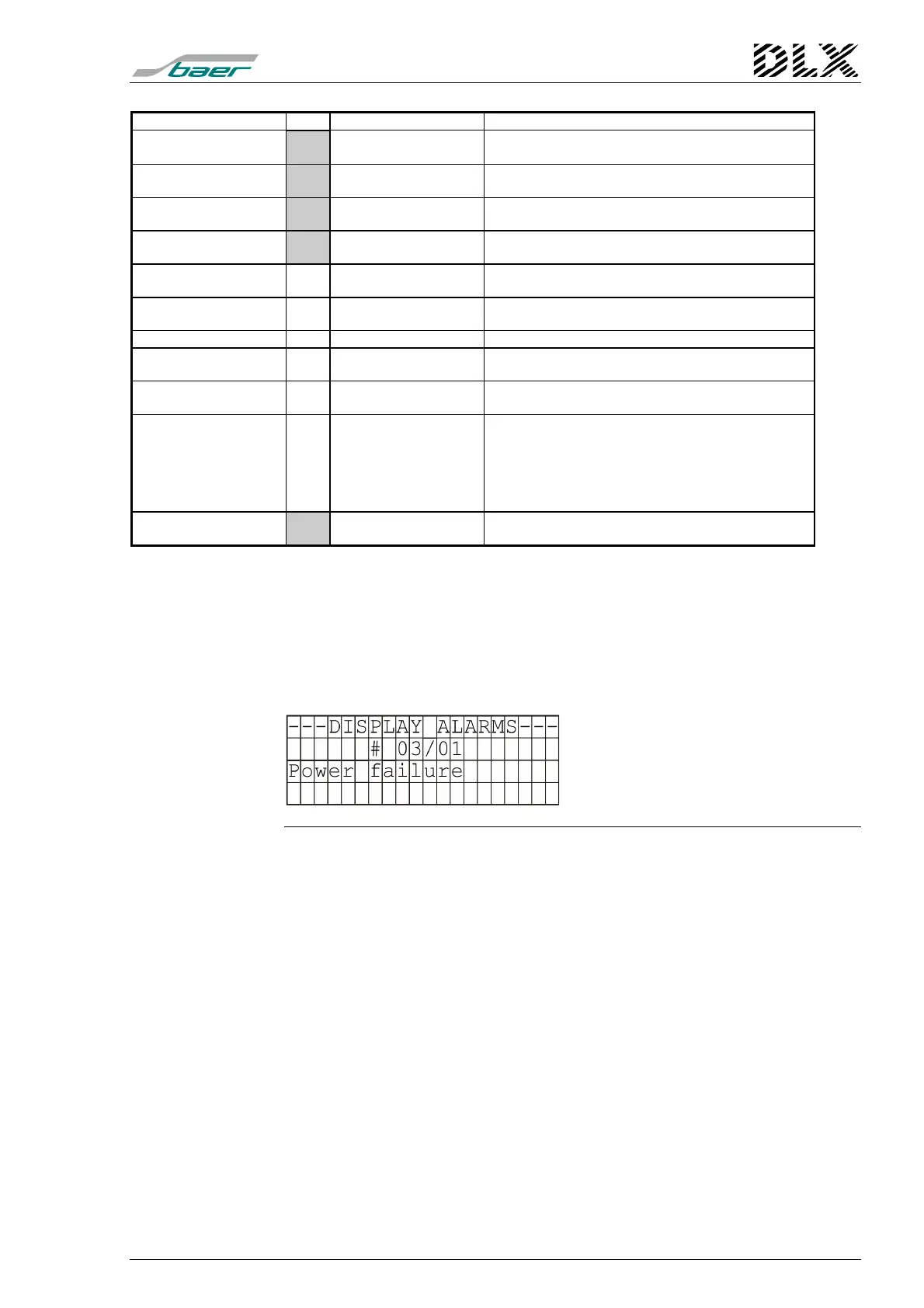
Example:
Explanation
# 03/01: Alarm number
Description of the alarm
Figure 50, Example “Display alarms”



 To Next Page