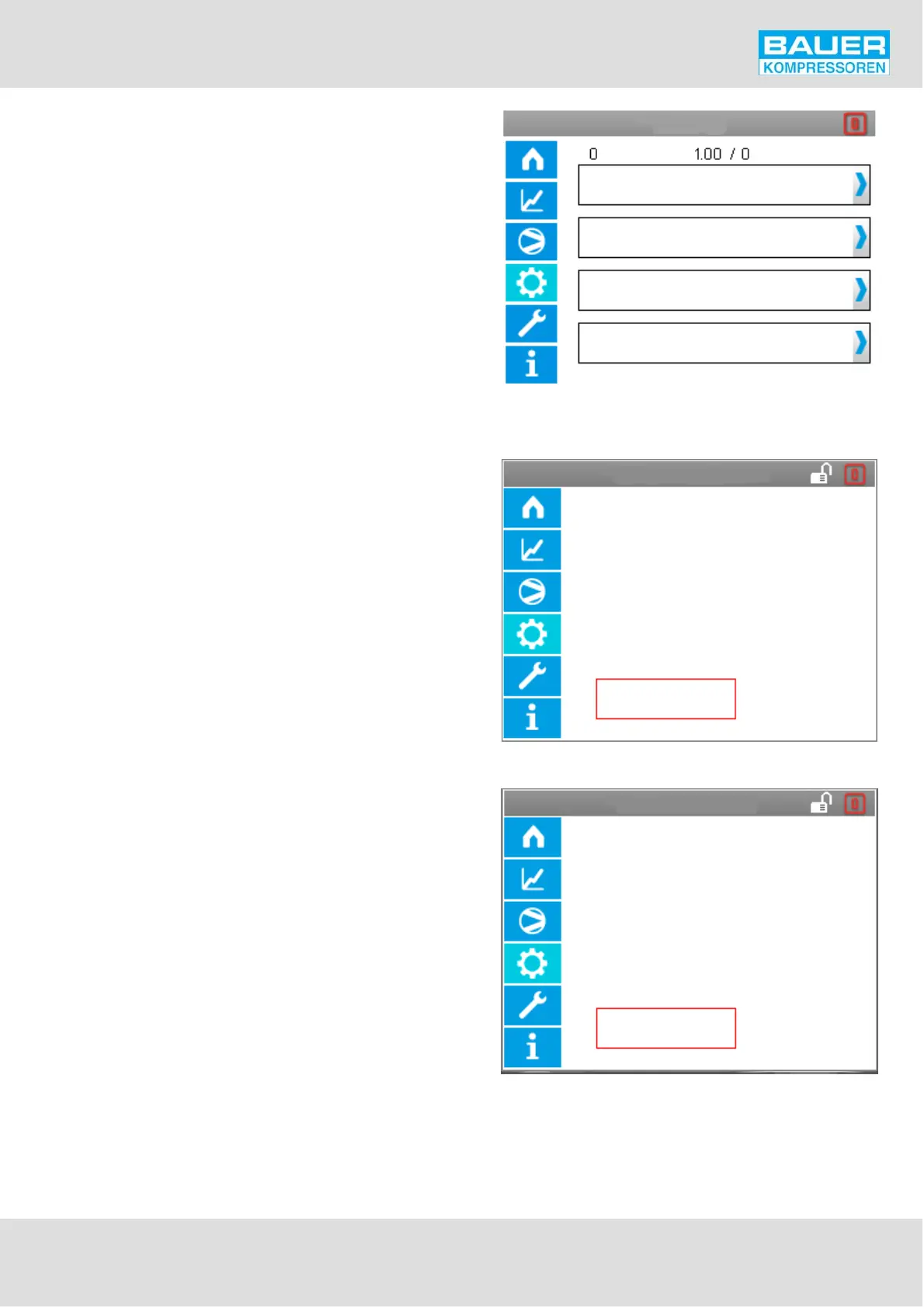
Software
Save configuration >
Load configuration >
Update software >
Load factory settings
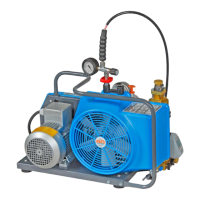
Save configuration
Start
Insert SD card into slot
Start
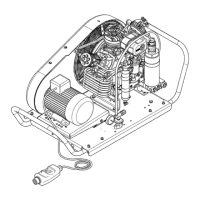
Load configuration
The software is loaded from
the SD card, the current
factory settings are thus
overwritten
Instruction Manual w VERTICUS 5 Compressor Units
A-41
Software
Header: Plant No., Software version
Entitlements:
Save configuration,
Load configuration,
Update software
since level "SERVICE".
Load factory settings from level "OPERATION".
Save configuration
This function is used to write the current configuration data
active in the programme, in other words all the values listed
in the configuration table into a file on the SD card. If no
SDcard is inserted or if the creation and writing of the file
was unsuccessful for any other reason, a corresponding
message appears.
Load configuration


 To Next Page