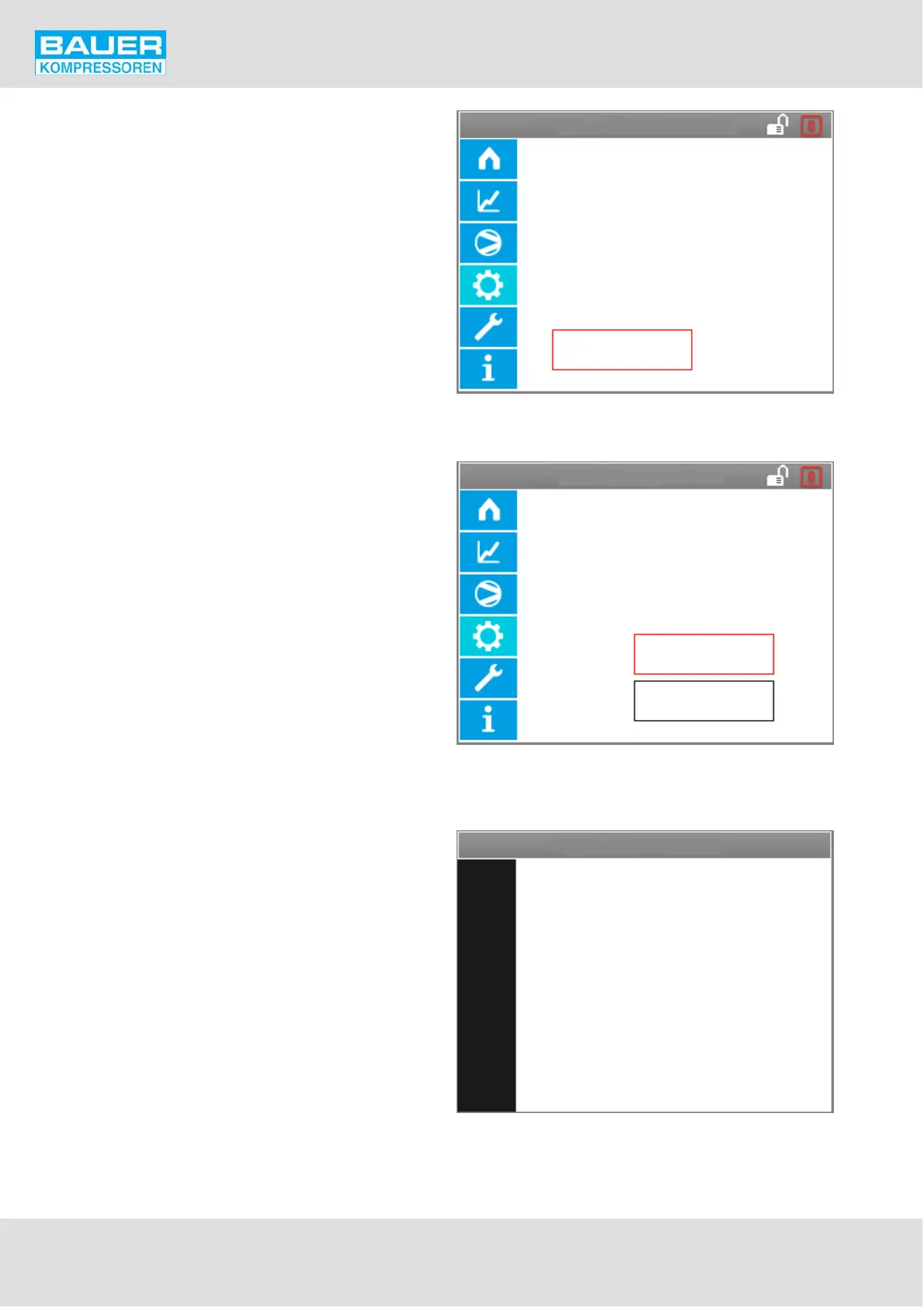
Load factory settings
Start
Actual configuration is loaded from
SD card.
All current settings are overridden!
Start
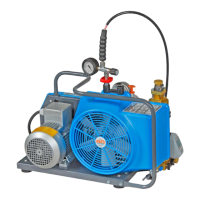
Update software
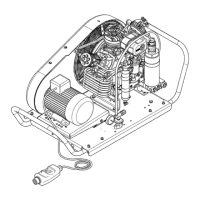
Loading software will take several mi
nutes. Program will restart after load.
Do not undertake any action on the
equipment until update is finished.
Update of:
Display & Control
Update
Update software
Instruction Manual w VERTICUS 5 Compressor Units
A-42
Load factory settings
This setting restores the original BAUER settings that were
present when the plant was delivered.
The current saved configuration
Update software
Loading a software update from the SD card. Here we
decide whether the software for the display unit or for the
IO unit is to be loaded.
Update software
Updating takes several minutes.
During this period we either display this image, or the
screen is completely black.


 To Next Page