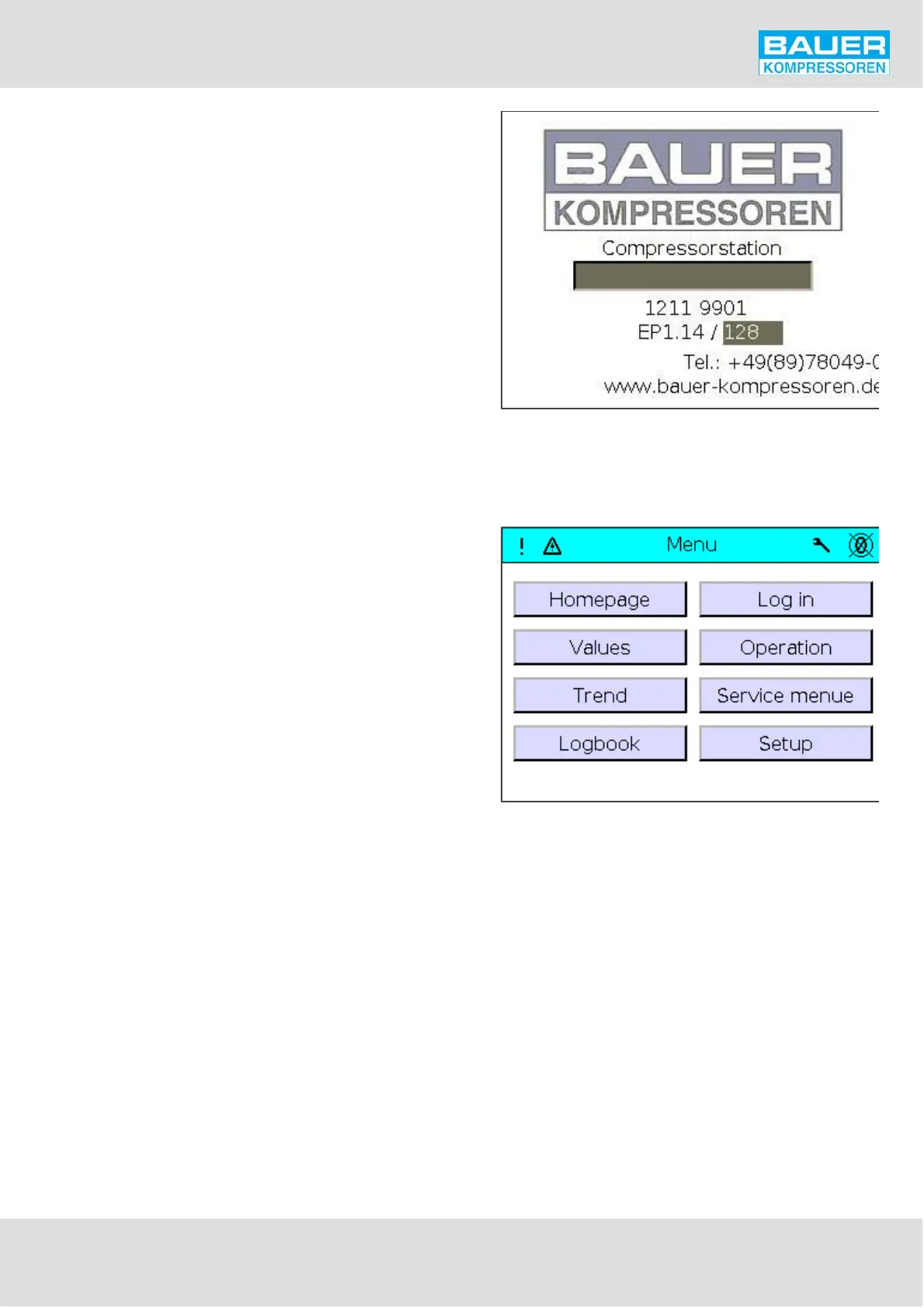
Fig. 45 Compressor installation data
Fig. 46 Main menu
Instruction Manual w VERTICUS 5 Compressor Units
A-51
A click on the header causes the serial number of the com
pressor together with the software version being displayed
as shown in Fig. 45.
The installation can be named by using the middle box and
with the appropriate authorisation.
Main menu
Press F1 key to display the main menu (Fig. 46).
The main menu is sub-divided into several sub-menus (num
ber of sub-menus depends on software version):
Home page
Actual values
Trend display
Logbook
Log in
Operation
Service menue
Set-up


 To Next Page