Troubleshooting and fault correction
Instruction handbook b maXX BM4400, BM4600, BM4700
Document No.: 5.12008.07
239
of 358
9
9.4.1 Error reset
If the red error LED is lighting up, there is at least one error.
There are several methods to reset errors:
m V
ia ProDrive (from FW 3.07):
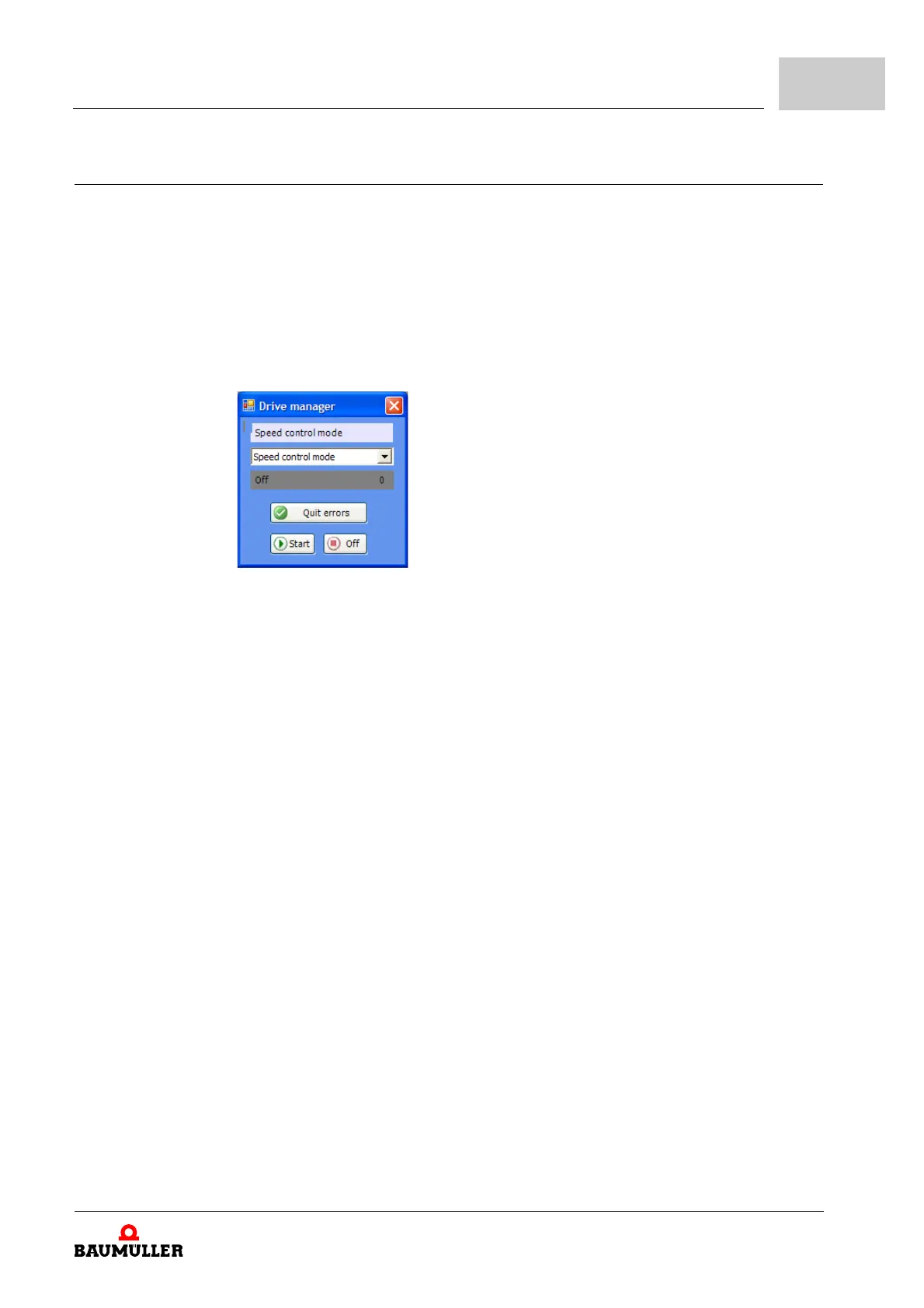
Button „Quit errors“ (either in the dialog box „
Device manager“ or on the page “Device
manager“.
That means, that you inform the device, that you
have noted the error, that you have
removed it or that you want to pass over it. Due to error reset all error messages are
reset. An individual error reset is not possible. The button Quit errors causes a resetting
of the error, in case the cause for the error message exists no longer.
Figure 102: ProDrive Drive manager
m Via writing access to control word (P0300):
Here a rising edge must be generated in bit 7 (generated by the control system or by
op
erating software via input to parameter list).
Note: The drive control must be active (see parameter P1001 Communication source)
for the select
ed communication source.
m Via a dig
ital input:
A digital input of a DIO module can be selected via parameter P0575 digital input for
er
ror acknowledgement can be selected for error reset. A rising edge on this input re-
sets the error messages.
m V
ia the pulse enable input:
Precondition is, that the drive is only contro
lled via the hardware inputs (that means
that the motor guide is neither set via the operating software nor via another commu-
nication source). Furthermore the option “Quit err
or via pulse enable” in parameter
P1002 Options device manager must be active. With the first rising edge of pulse en-
able the errors then are reset. But the driv
e still does not start. Therefore you then need
a second rising edge for the enable.
Additional data according the subject resetting of error messages is available in the „pa-
ra
meter manual“.


 To Next Page