58 BD LSR II User’s Guide
• Verify that A (area) is selected for every parameter, and that H (height)
and W (width) are deselected for every parameter.
6
Choose Instrument > Instrument Setup > Create Compensation Controls.
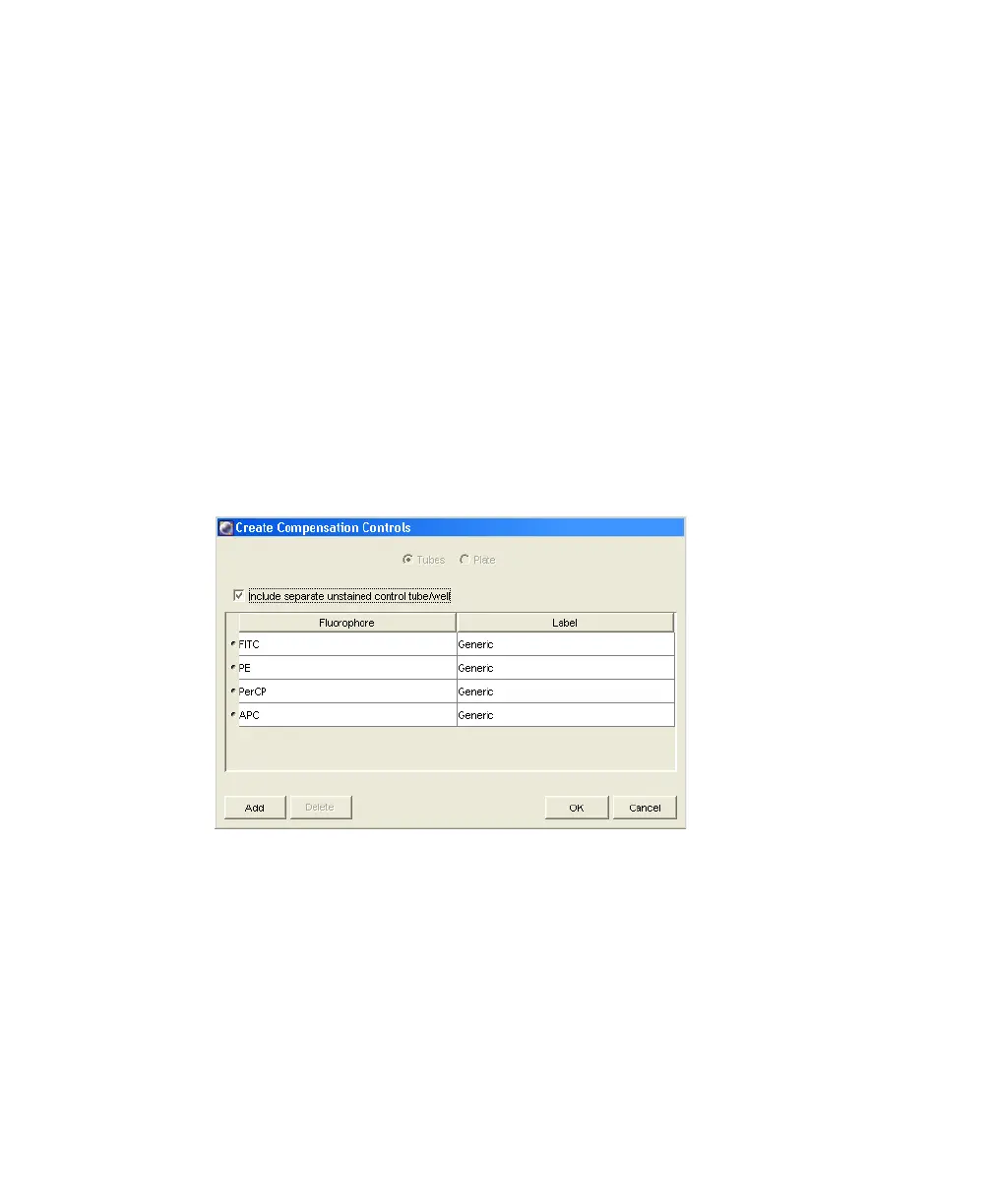
The Create Compensation Controls dialog is displayed (Figure 3-4).
•
Verify that the Include separate unstained control tube/well checkbox
is selected, and that the compensation control tube list matches the
fluorescent parameters selected in step 5 above.
For this bead example, you do not need to provide non-generic tube
labels.
•
Click OK to create the control tubes.
Figure 3-4 Create Compensation Controls dialog
LSR2.book Page 58 Tuesday, April 25, 2006 3:34 PM



 To Next Page