111
6-847718-00 Rev. B00
Operation
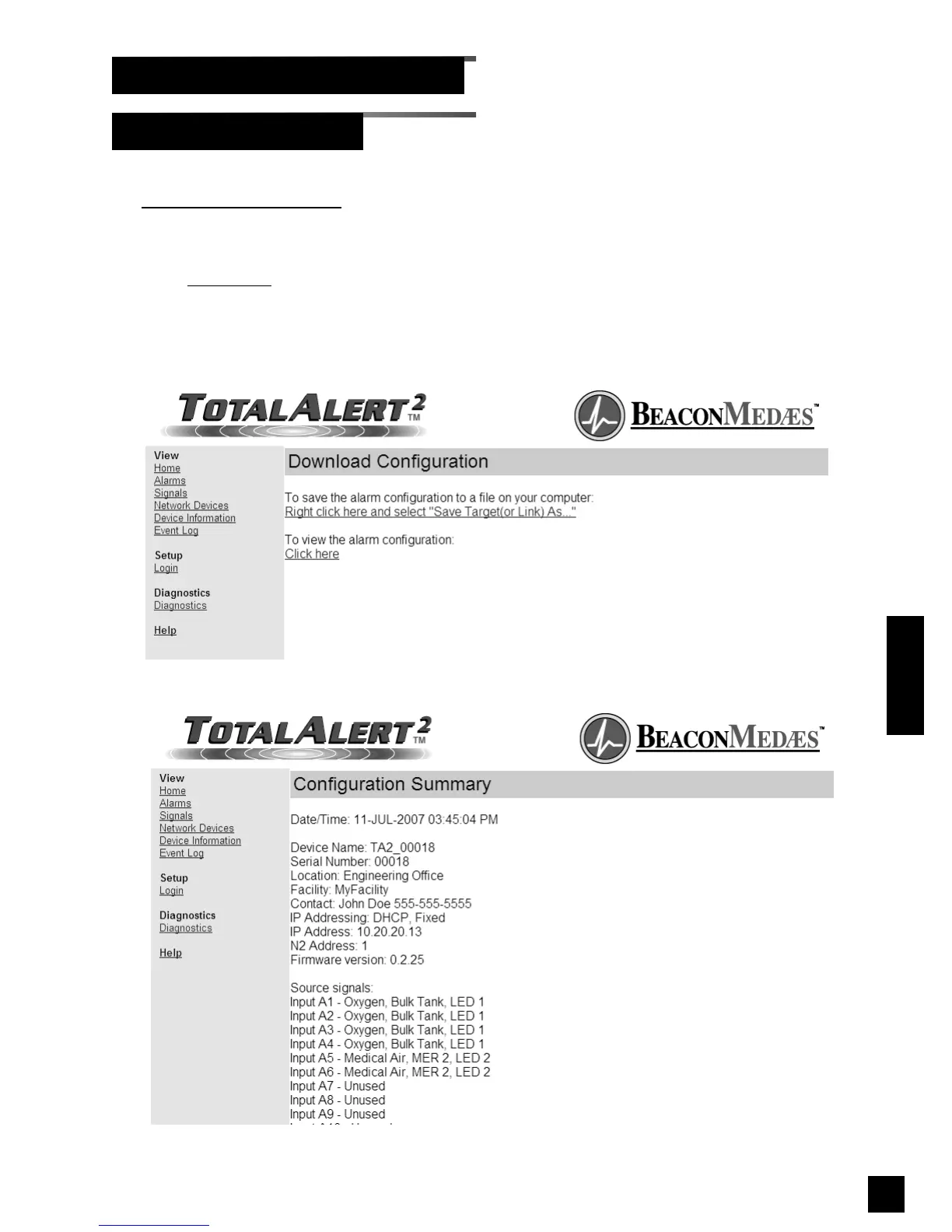
1. From the Diagnostics page, click
Download Configuration
to view the
Download Configuration page
(Figure 105).
2. Click Click here
to view the alarm
configuration (Figure 106).
3. Right click the link to save the alarm
configuration to a file.
Browsing Alarm Web Pages (Cont.)
Download Configuration
Figure 105: Download Configuration
Figure 106: Configuration Summary



 To Next Page