89
6-847718-00 Rev. B00
Electronic Notification - Server Setup
Set-Up Using Web Pages (Cont.)
1. Click Electronic Notification to access
the Electronic notification page
(Figure 74).
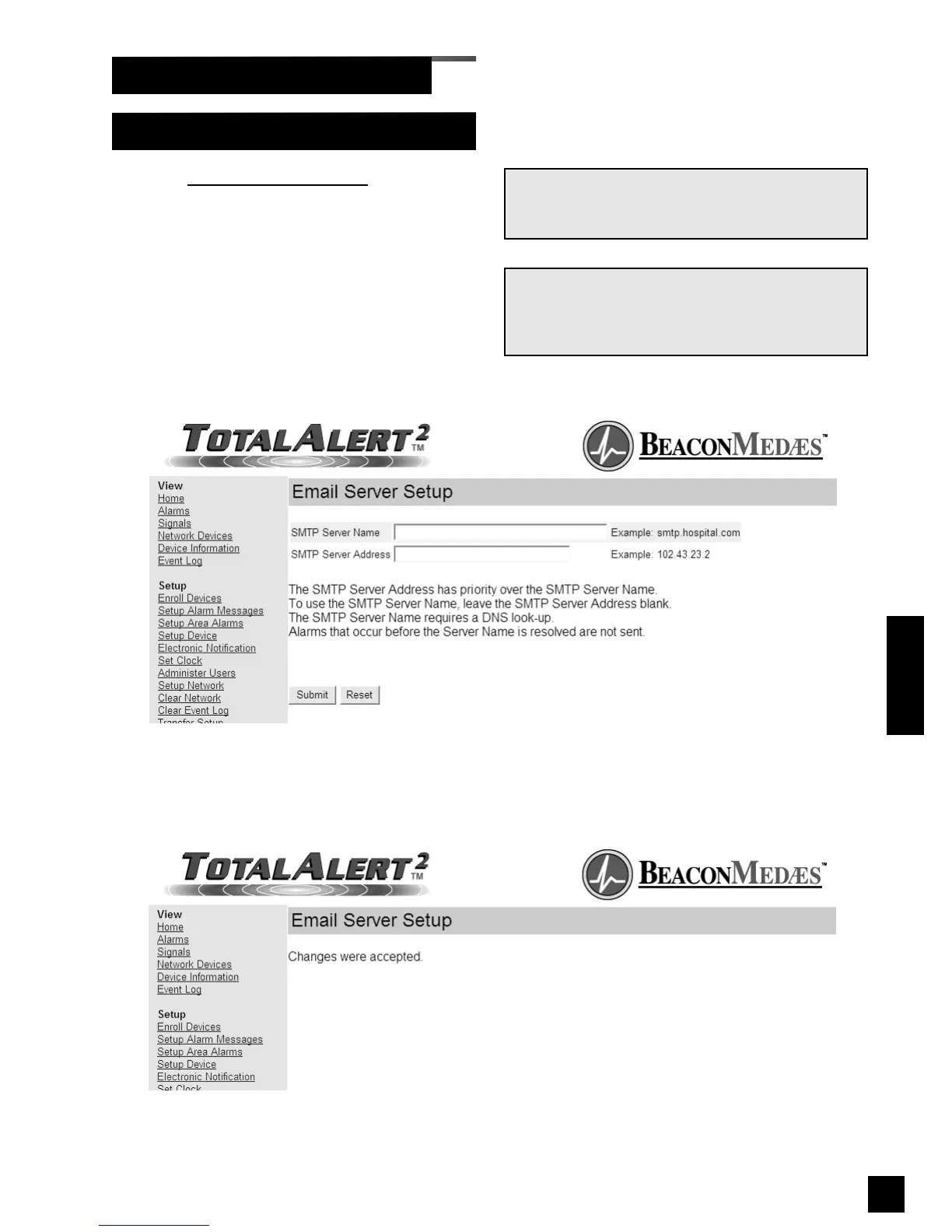
2. Click on the link to set up email server
(Figure 76).
3. Enter the SMTP server name or IP
address then click Submit.
4. The Email Server Setup Accepted page
will be displayed (Figure 77).
NOTE:
Obtain the SMTP server name or IP address from
the facility’s Information Systems department.
Figure 77: Email Server Setup Accepted
NOTE:
SMTP Server Address has priority over the SMTP
Server Name. To use the SMTP Server Name,
leave the SMTP Server Address blank.
Operation
Figure 76: Email Server Setup



 To Next Page