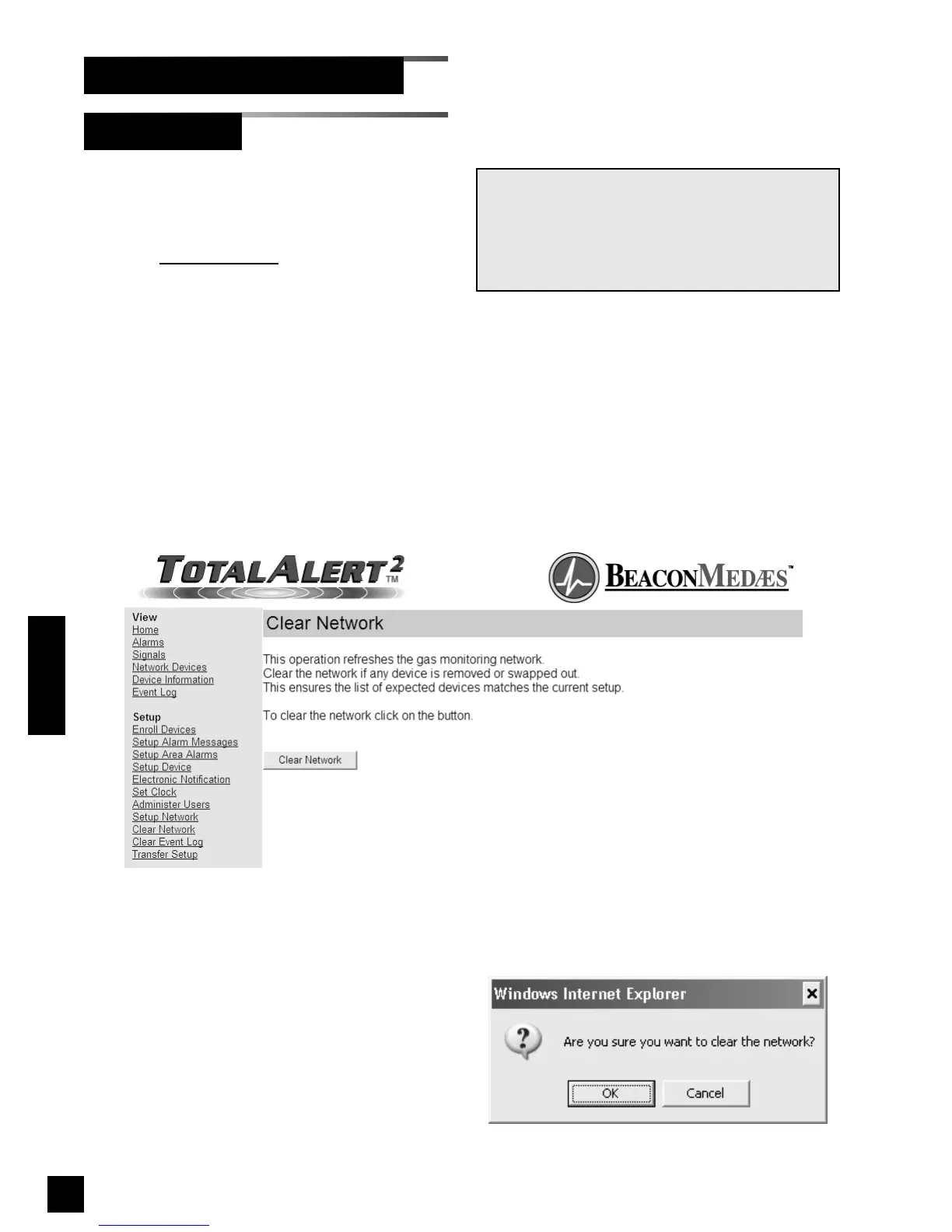
Clear Network clears and refreshes the
device list memory for all devices on the
alarm network.
1. Click Clear Network
to access the Clear
Network page (Figure 84).
2. Click Clear Network.
3. The confirm clear network dialog will be
displayed (Figure 85).
4. Click OK to clear the network.
5. The Clear Network Accepted page will
display (Figure 86)
94
6-847718-00 Rev. B00
Clear Network
Set-Up Using Web Pages (Cont.)
Operation
NOTE:
Clear network only refreshes devices on the same
subnet as the device that issued the clear
network command.
Manually enrolled devices are not refreshed by
clear network.
Figure 85: Confirm Clear Network
Figure 84: Clear Network



 To Next Page