96
6-847718-00 Rev. B00
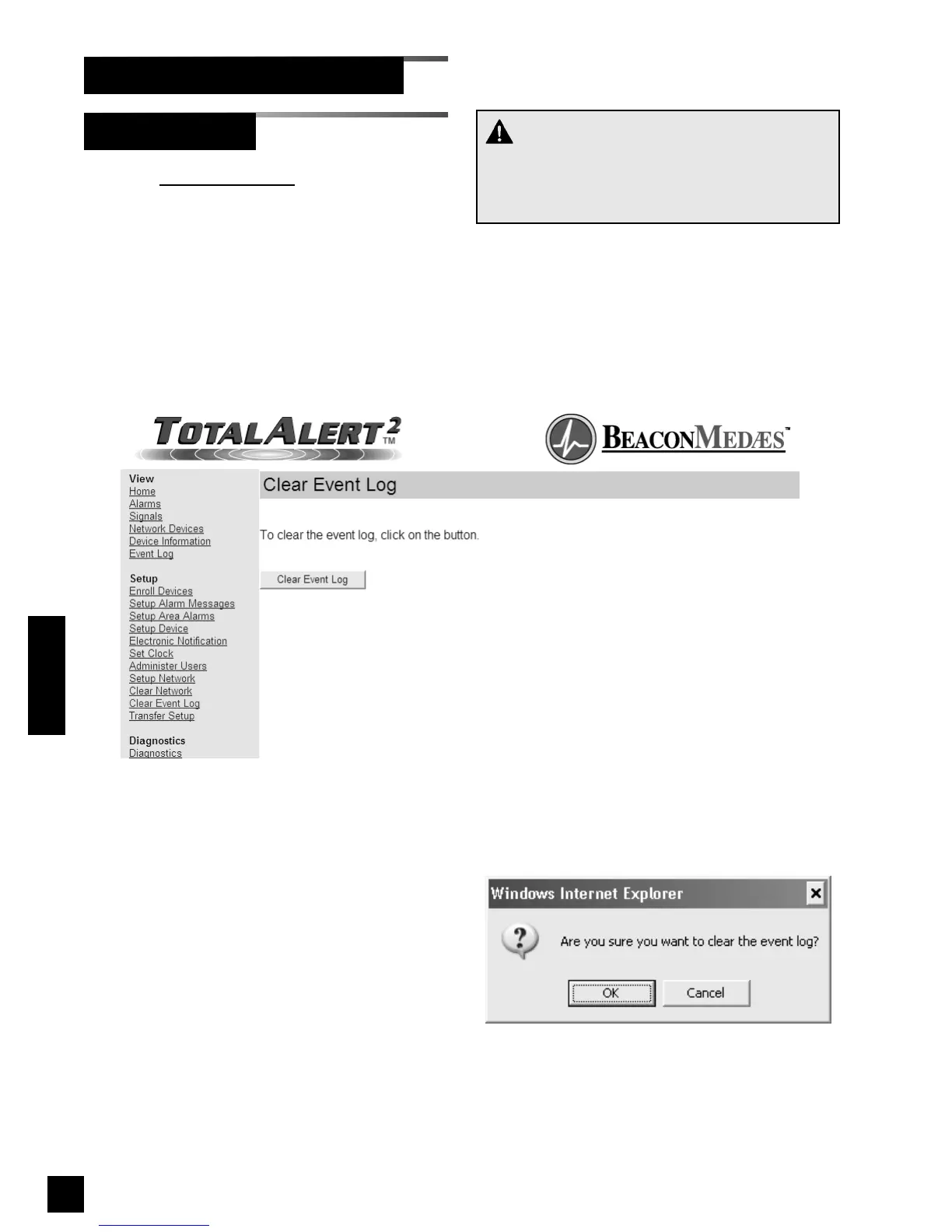
Clear Event Log
Set-Up Using Web Pages (Cont.)
1. Click Clear Event Log to access the
Clear Event Log page (Figure 87).
2. Click Clear Event Log.
3. The confirm clear event log dialog will
be displayed (Figure 88).
4. Click OK to clear the event log.
5. The Event Log page will display
(Figure 89)
Figure 88: Confirm Clear Event Log
CAUTION:
Be sure to save the event log prior to clearing it.
It is impossible to recover the event log after it is
cleared.
Operation
Figure 87: Clear Event Log



 To Next Page