Alarm panels ordered with remote
sensors are provided with separate metal
boxes for each sensor. Mount each
sensor box as follows:
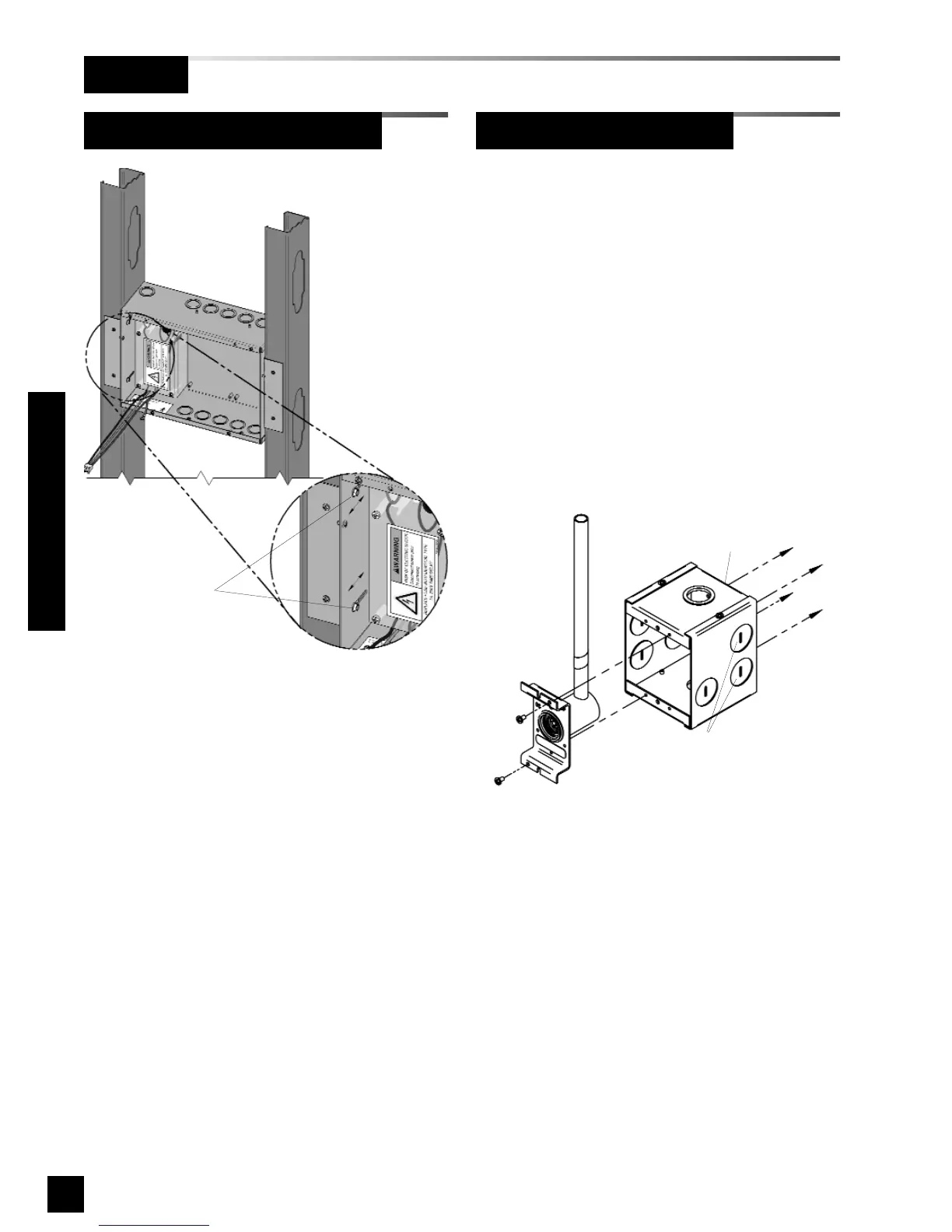
1. Remove sensor rough-in from
mounting box (Figure 18).
2. Using four mounting holes provided,
attach box to a wall or other structural
support (fasteners by others).
3. Reinstall sensor rough-in.
24
6-847718-00 Rev. B00
Rough-In
Figure 18: Remote Sensor Back Box
Loosen screws to
adjust back box depth
(same each side)
Four holes in back of box are
provided for surface mounting
Rear conduit knockouts
(either side) are recommended
for sensor wiring
Remote Sensor Back Box
Alarm Panel Back Box (Cont.)
Installation Procedures
Figure 17: Mounting Bracket Adjustment



 To Next Page