56
6-847718-00 Rev. B00
NOTE:
If any module appears to be malfunctioning, refer
to Troubleshooting Guide.
Status LEDs
1. Turn on electrical power to alarm
panel.
2. Make following observations:
• POWER ON light illuminates on
front of alarm panel.
• Boot message is shown on
vacuum fluorescent display.
• Alarm modules warm-up for ten
seconds. During warm-up, no
audible or visual alarms activated.
After warm-up, audible and visual
alarms are initiated for any active
alarm.
3. Press MUTE button to silence
audible alarm.
4. Make following observations:
• If all signals are unprogrammed
(factory default) LEDs will
illuminate green for 10 seconds,
then turn off.
• If signals are assigned to LEDs,
multiplexer and LED modules
indicate current status for the
signals and vacuum fluorescent
display displays signal information.
• Connected, but unprogrammed
signals are shown on the vacuum
fluorescent display.
Unassigned
Input [INPUT NUMBER]
Browse at: http://
TA2_12345
Version: [VERSION]
SN 12345
BeaconMedaes
TotalAlert 2 System
Booting...
Master Alarm Panel
Start-Up and Checking
Operation
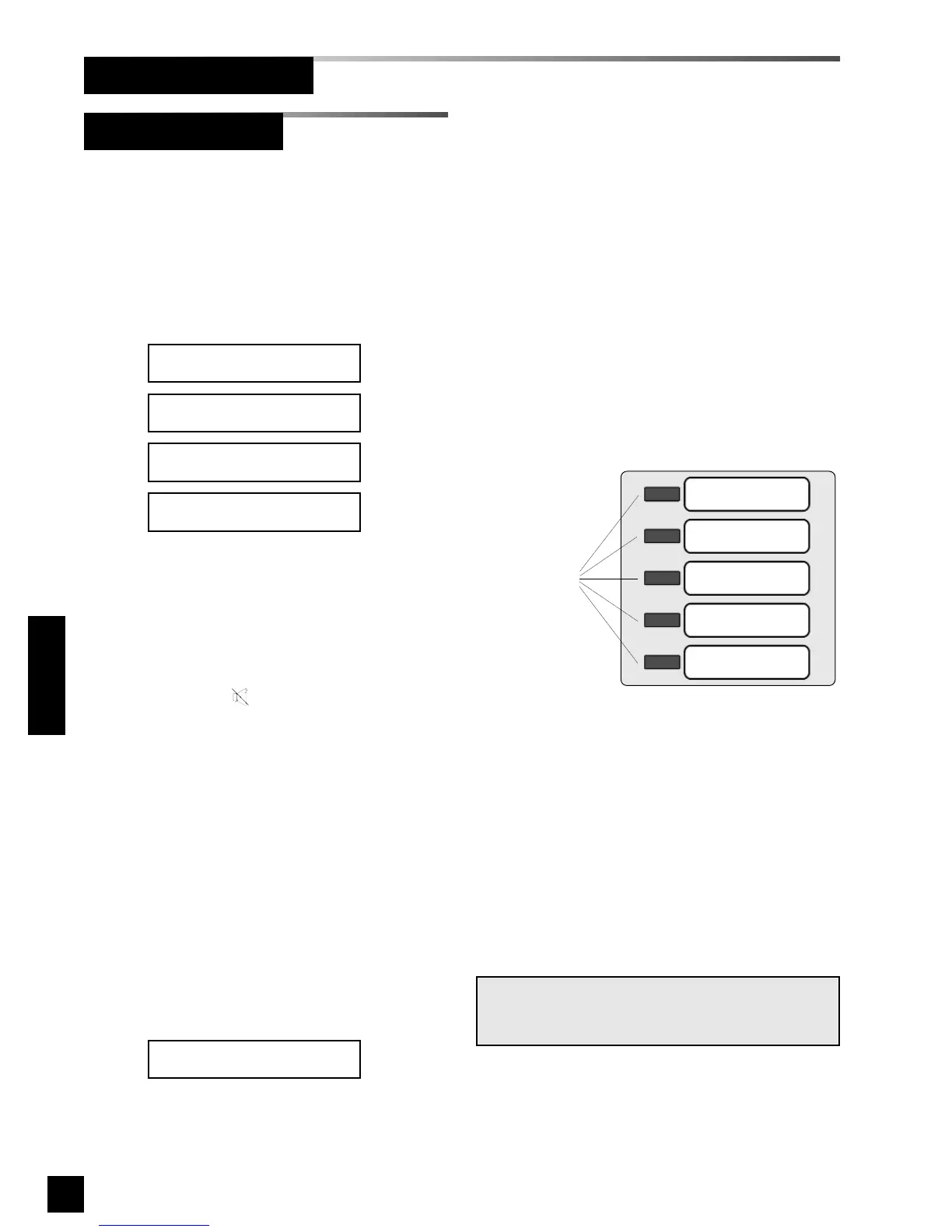
Figure 40: Multiplexer/LED Module



 To Next Page