84
6-847718-00 Rev. B00
Setup Area Alarms
Set-Up Using Web Pages (Cont.)
Operation
This setup page is used to configure area
alarm locations.
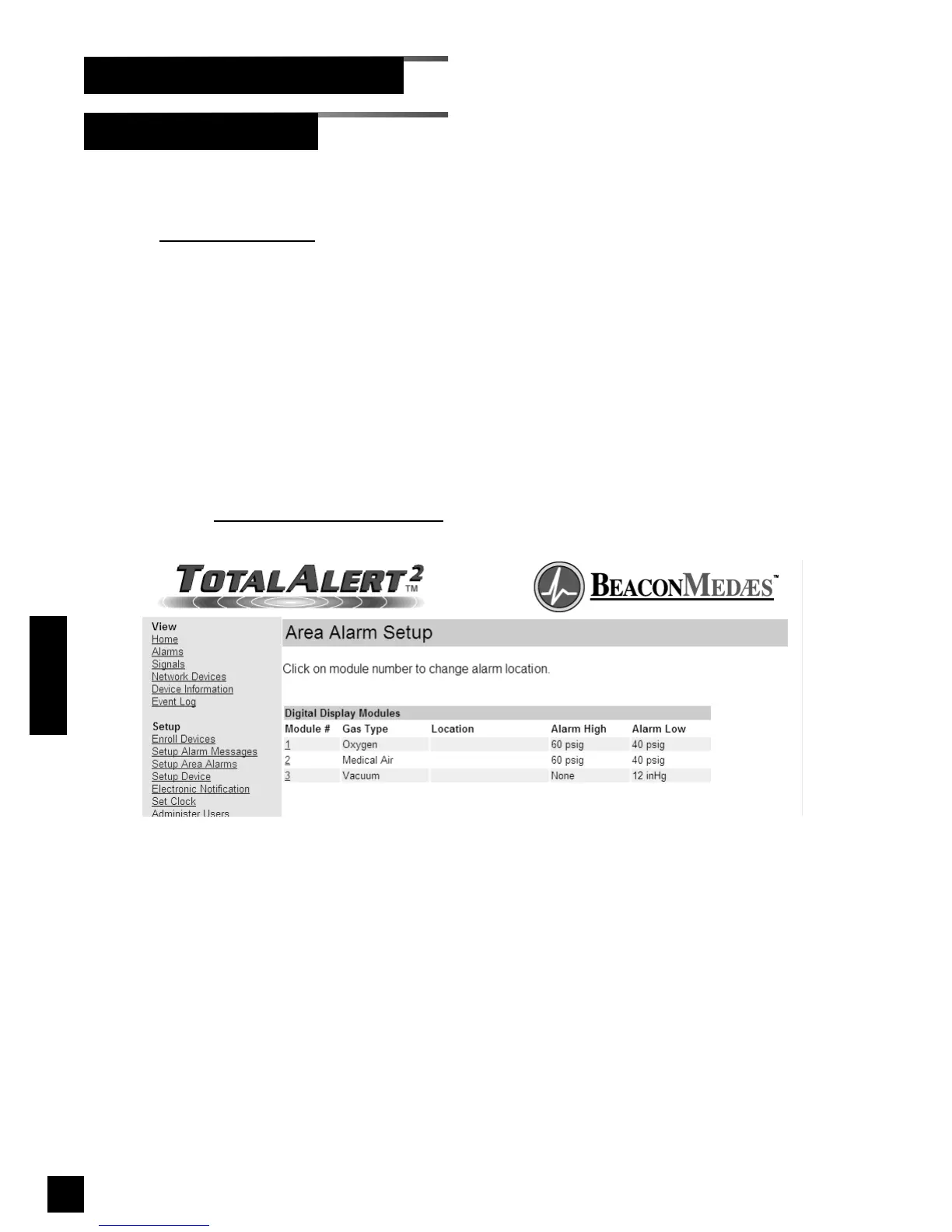
1. Click Setup Area Alarms to access the
Area Alarm Setup page (Figure 69).
2. Click on the Module # link for the digital
display module to set up.
3. The Area Alarm Setup - Step 1 page
will be displayed (Figure 70).
4. Enter the location then click Next.
5. The Area Alarm Setup - Summary page
will be displayed (Figure 71).
6. To return to the Area Alarm Setup page
click on the Return to
Area Alarm Setup
link.
Figure 69: Area Alarm Setup



 To Next Page