61
6-847718-00 Rev. B00
Set-Up Procedures
Operation
Only unused LEDs and LEDs with the
same gas type are available.
8. Return to step 5 for remaining inputs.
9. After setting up Input B32 the alarm
panel will return to monitoring mode.
10.To return to monitoring mode without
setting up every signal, press SETUP
button again.
Reset Users and IP Configuration
1. While holding the SETUP button, press
and release the RESET button.
2. Continue to hold the SETUP button for
5 seconds.
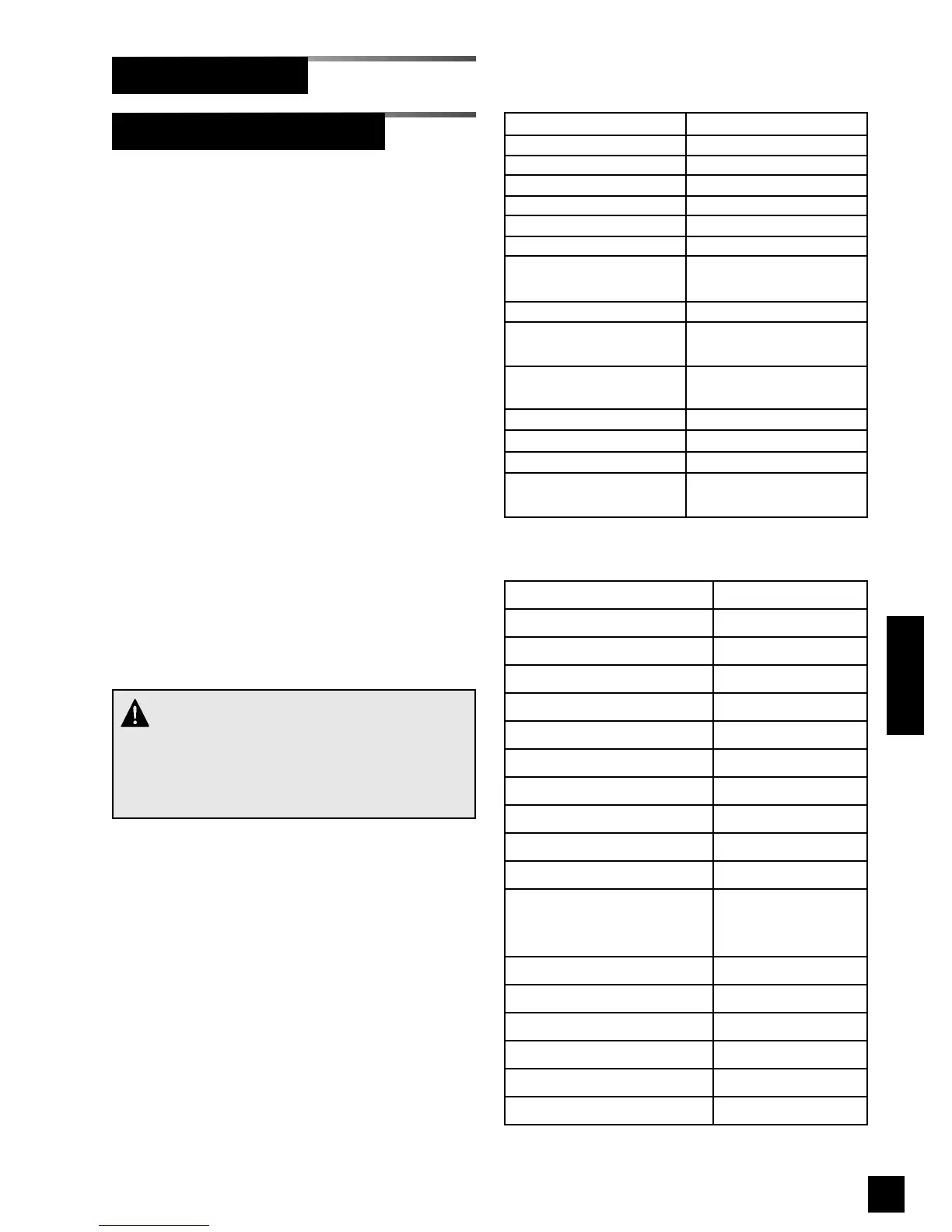
3. The parameters listed in Table 2 will be
set to factory defaults.
Reset Factory Defaults
1. While holding the SETUP button, press
and release the RESET button.
2. Continue to hold the SETUP button for
10 seconds.
3. The parameters listed in Tables 2 and 3
will be set to factory defaults.
Annunciator Module (Cont.)
Setting Factory default
User 1 Name new
User 2 Name [Blank]
User 3 Name [Blank]
User 1 Password new
User 2 Password [Blank]
User 3 Password [Blank]
IP address mode
Try DHCP, then try
fixed IP address
Subnet mask 255.255.255.0
Default fixed IP
address
192.168.1.100
Default fixed subnet
mask
255.255.255.0
Default fixed gateway192.168.1.1
Automatic discovery Enabled
Date/Time format 24 hours
SMTP server
address
0.0.0.0 (unused)
CAUTION:
This procedure will revert annunciator module set-
tings to factory defaults. There is no way to
recover previously programmed settings after
resetting factory defaults.
Table 2. Reset Users and IP Config.
Setting Factory default
Facility [Blank]
Contact [Blank]
Location [Blank]
SMTP server name [Blank]
Email address 1 [Blank]
Email address 2 [Blank]
Email address 3 [Blank]
Email address 4 [Blank]
Email address 5 [Blank]
All area locations [Blank]
Peer network device list
Cleared (including
manually entered
devices)
Event log Cleared
All signal gas types Unused
All signal LEDs 0 (unassigned)
All signal locations [Blank]
All signal messages Input XXX
All custom gas types "Custom"
Table 3. Reset Factory Defaults



 To Next Page