Embroidering preparation
129
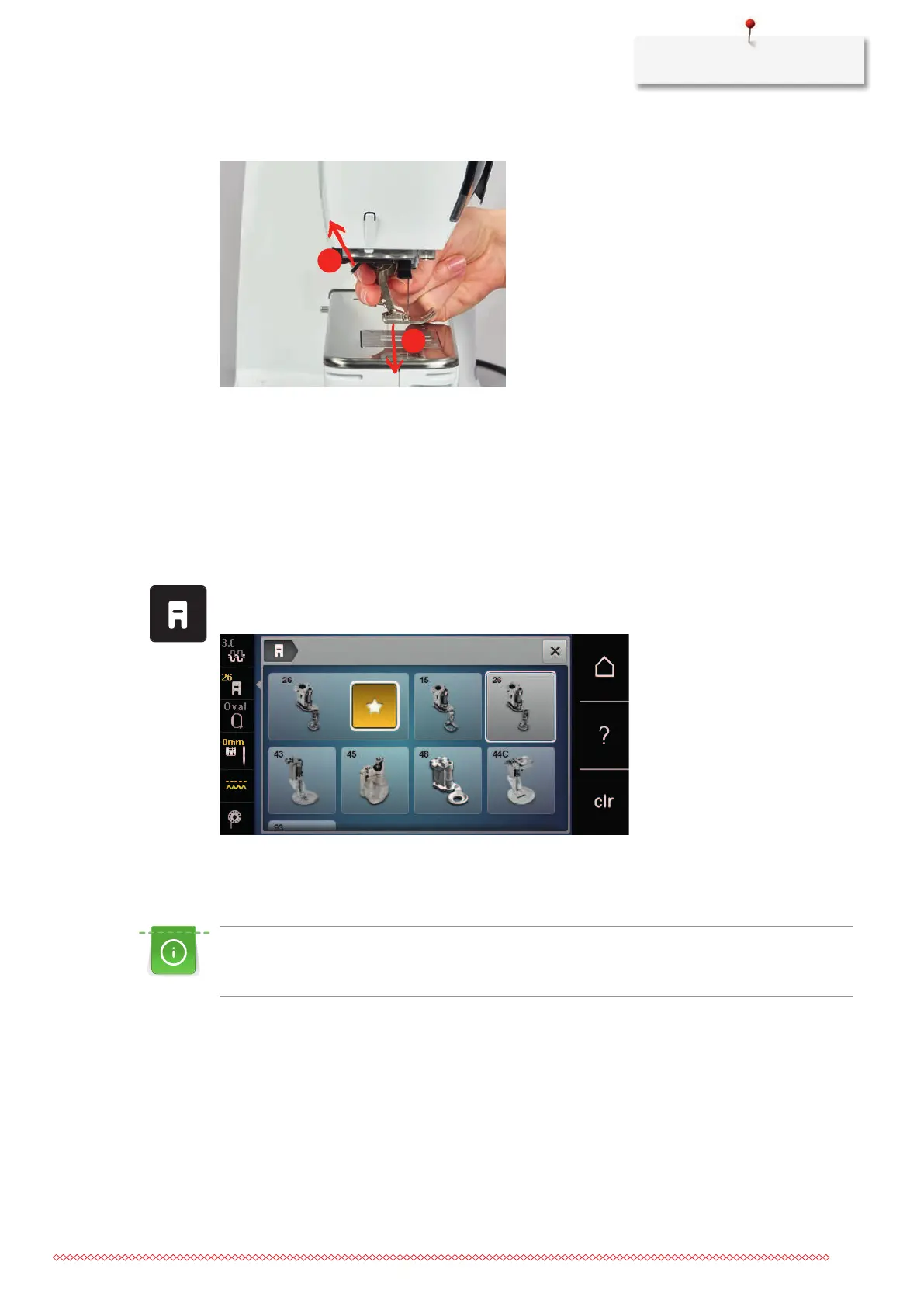
> Remove the presser foot (2).
> Insert the embroidery foot from below into the bracket.
> Press the clamping lever down.
Selecting the presser foot in the User Interface
After having attached the respective embroidery foot (Embroidery foot No. 26, supplied accessory with the
embroidery module), you can select and save it on the machine. Moreover, alternative feet are displayed
which will also be suitable for the selected embroidery motif.
> Switch the machine on.
> Select the embroidery motif.
> Touch the icon «Presser foot display/Presser foot selection».
> Select the attached embroidery foot.
13.5 Needle and stitch plate
Inserting the embroidery needle
Embroidery needles of the type 130/705 H-SUK provide a larger eye and are slightly rounded. This avoids
thread abrasion when using Rayon- and cotton embroidery thread. Depending on the embroidery thread
use a size No. 70-SUK to No. 90-SUK needle.
> Raise the needle.
> Switch off the machine and disconnect it from the power supply.
> Remove the fitted foot.



 To Next Page