Appendix
164
Fault Cause Solution
The machine doesn't start
Unfavorable room temperature. > Place the machine in a warm room one hour before use.
> Connect the machine and switch it on.
The machine is damaged. > Contact the specialized BERNINA dealer.
Neither the sewing light nor
the light on the free arm
lights up
Settings in the Setup Program. > Activate it in the Setup Program.
The sewing light is defect. > Contact the specialized BERNINA dealer.
Upper thread indicator
doesn't react
Settings in the Setup Program. > Activate it in the Setup Program.
The upper thread indicator is
defect.
> Contact the specialized BERNINA dealer.
Error during software update
USB stick is not recognized. > Use a BERNINA USB stick.
The update process is blocked
and the hourglass on the display
is inactive.
> Remove the USB stick.
> Switch the machine off.
> Switch the machine on.
> Follow the instruction on the display.
Date of the software update
cannot be found.
> Unzip the update data.
> Save data of the software update directly on the data
medium and not in a file on the USB stick.
BSR presser foot #42 not
detected
Lens is dirty. > Clean the lens with a soft, slightly damp cloth.
BSR cable not inserted correctly. > Insert the BSR connector vertically until you feel it click
into place.
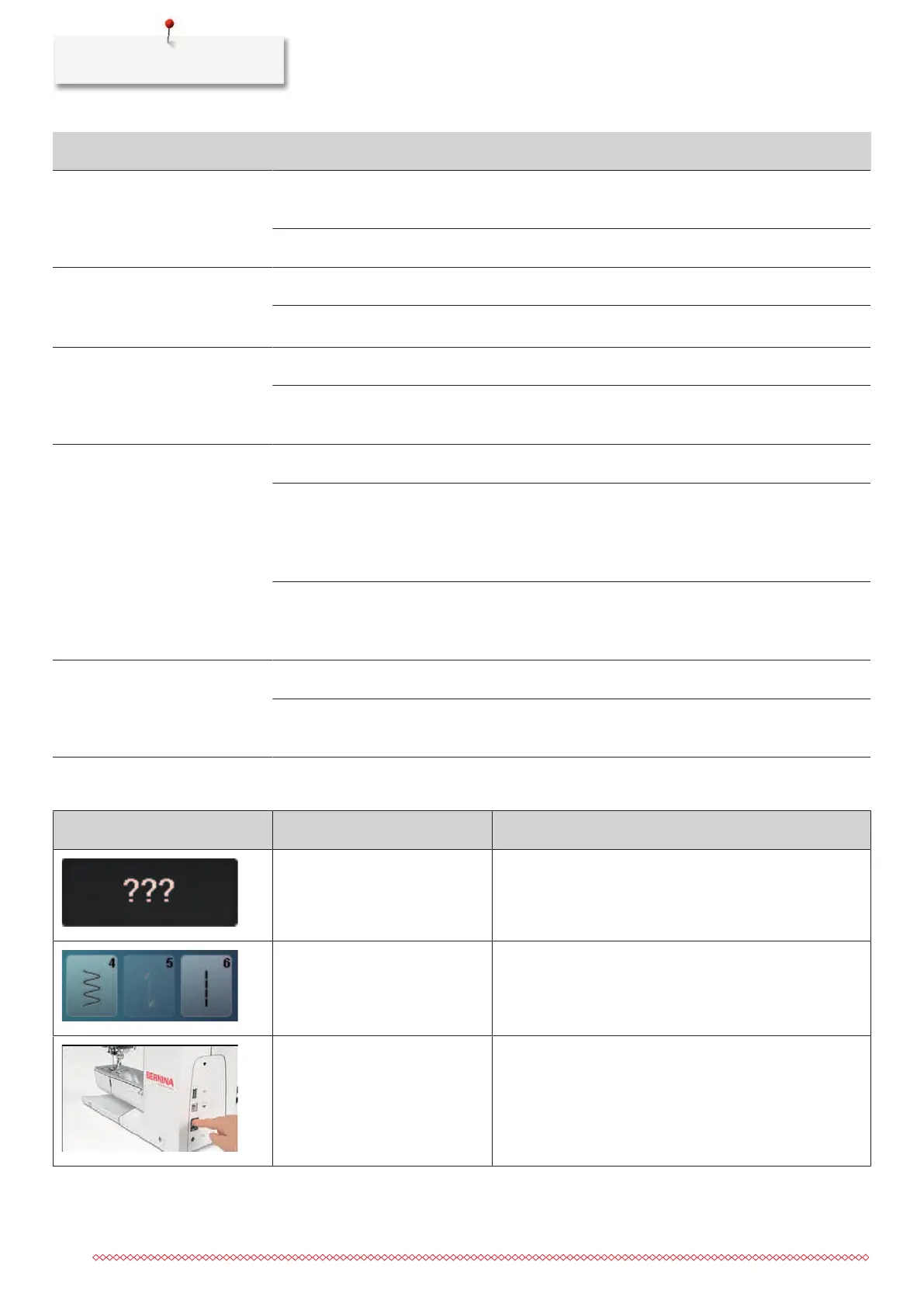
17.3 Error messages
Message on the display Cause Solution
Stitch number unknown. > Check the entry and enter the new number.
Selection of the stitch pattern not
possible in the combi mode.
> Combine other stitches.
The feed dog is not lowered. > Push the button «Feed dog up/down» to lower the feed
dog.



 To Next Page