Creative embroidering
149
> Turn the «Lower Multifunctional knob» to move the embroidery motif vertically.
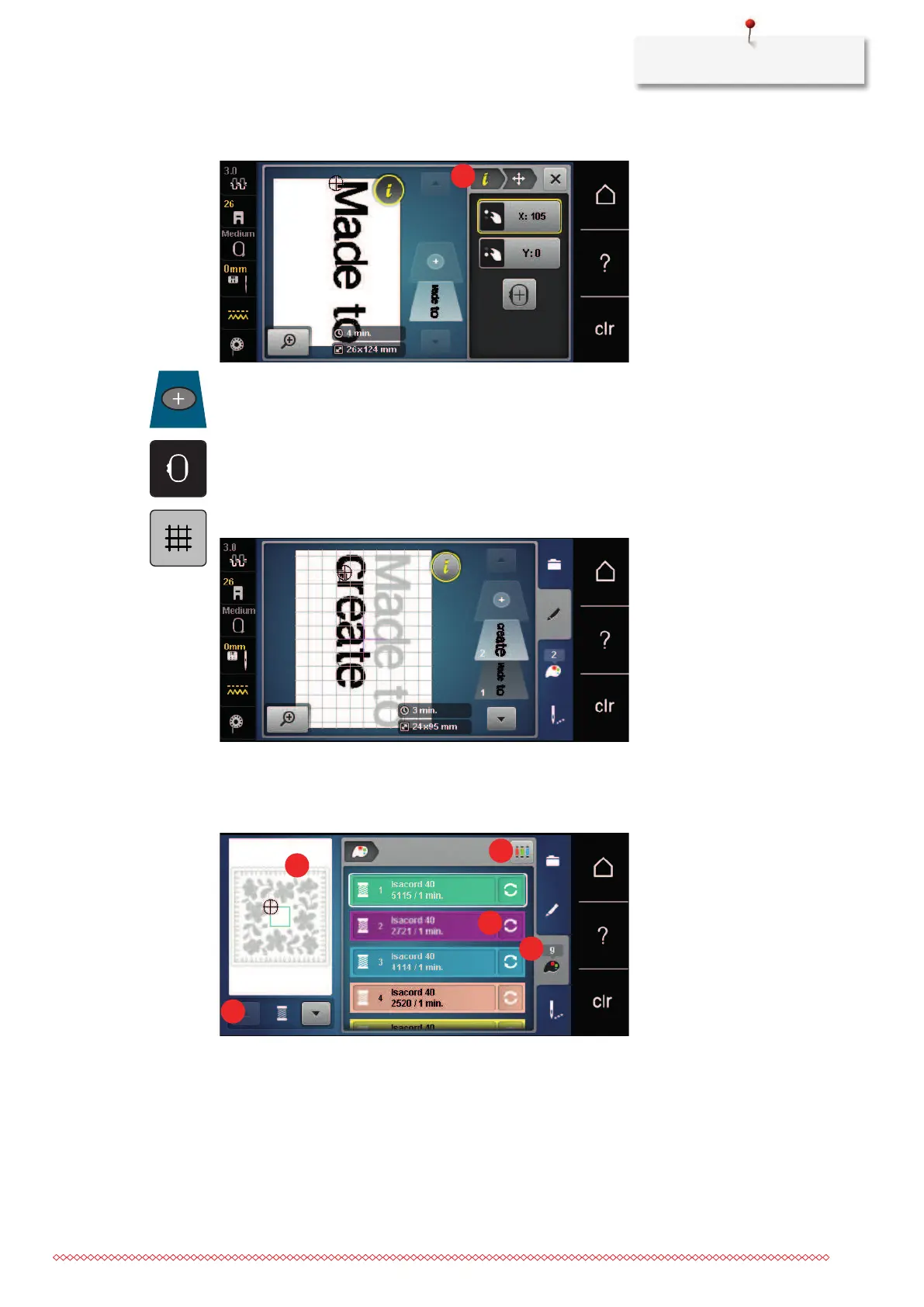
> Touch the icon «Add motif».
> Enter and also rotate the text «create».
> Touch the icon «Embroidery hoop display/Embroidery hoop selection».
> Touch the icon «Grid on/off» to position the text lines more exactly.
15.8 Changing the colors of the embroidery motif
Overview changing the color
1 Colors of embroidery motifs 4 Altering color/brand
2 Preview for selected color 5 Color information
3 Allocating thread brand



 To Next Page