Setup Program
56
3.6 Machine settings
Selecting a language
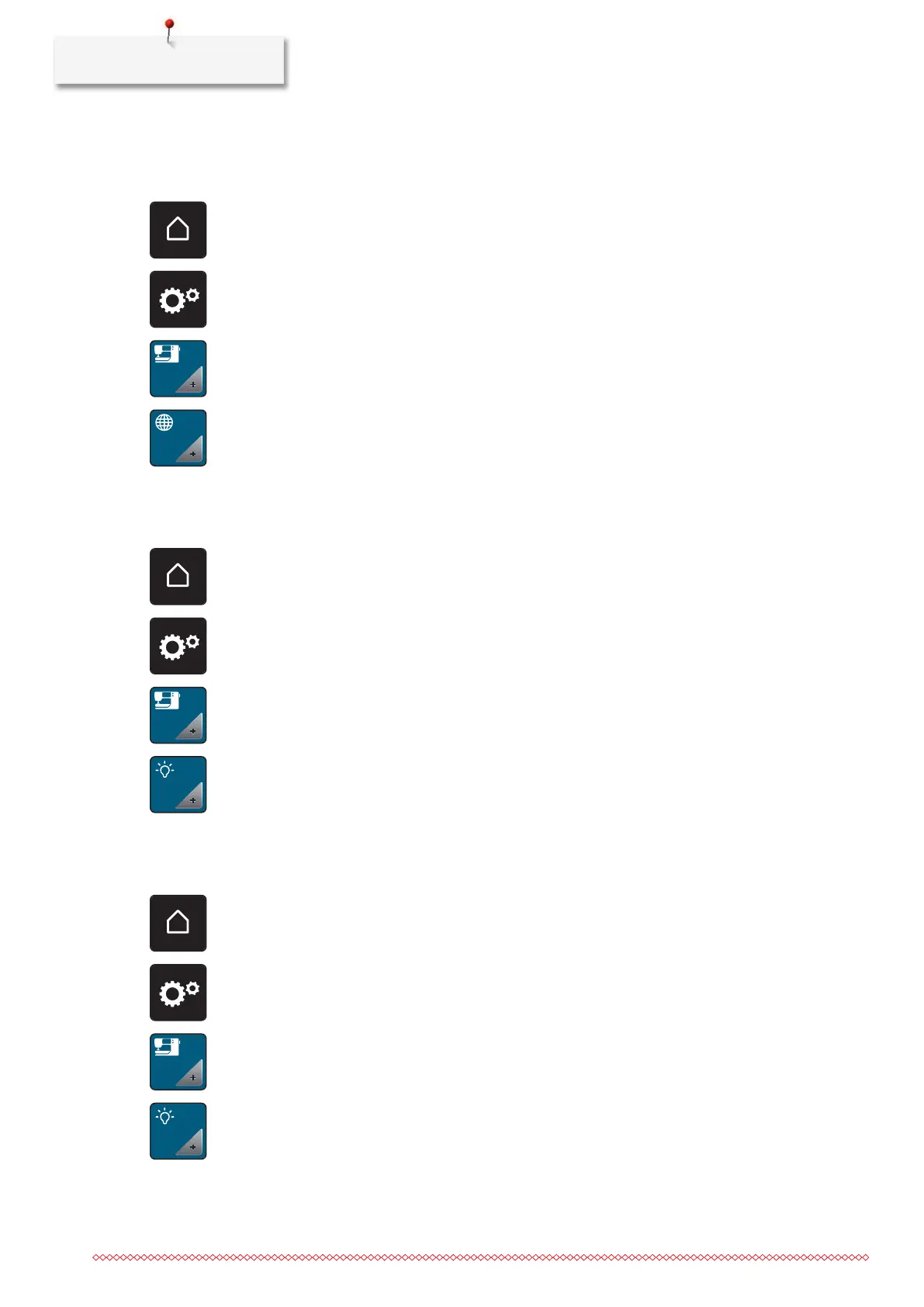
> Tap «Home».
> Tap «Setup Pogram».
> Tap «Machine settings».
> Tap «Language selection».
> Tap the required language.
Adjusting the brightness of the display
The brightness of the display can be set to meet your individual needs.
> Touch the icon «Home».
> Touch the icon «Setup Program».
> Touch the icon «Machine settings».
> Touch the icon «Adjust brightness».
> To change the display brightness, slide the slider in the upper area of the display to the left or right, or
touch the icons «
+» or «-».
Adjusting the sewing light
You can set the brightness of the sewing light to meet your individual needs.
> Touch the icon «Home».
> Touch the icon «Setup Program».
> Touch the icon «Machine settings».
> Touch the icon «Adjust brightness».



 To Next Page