Creative sewing
73
> Touch the icon «i»-Dialog.
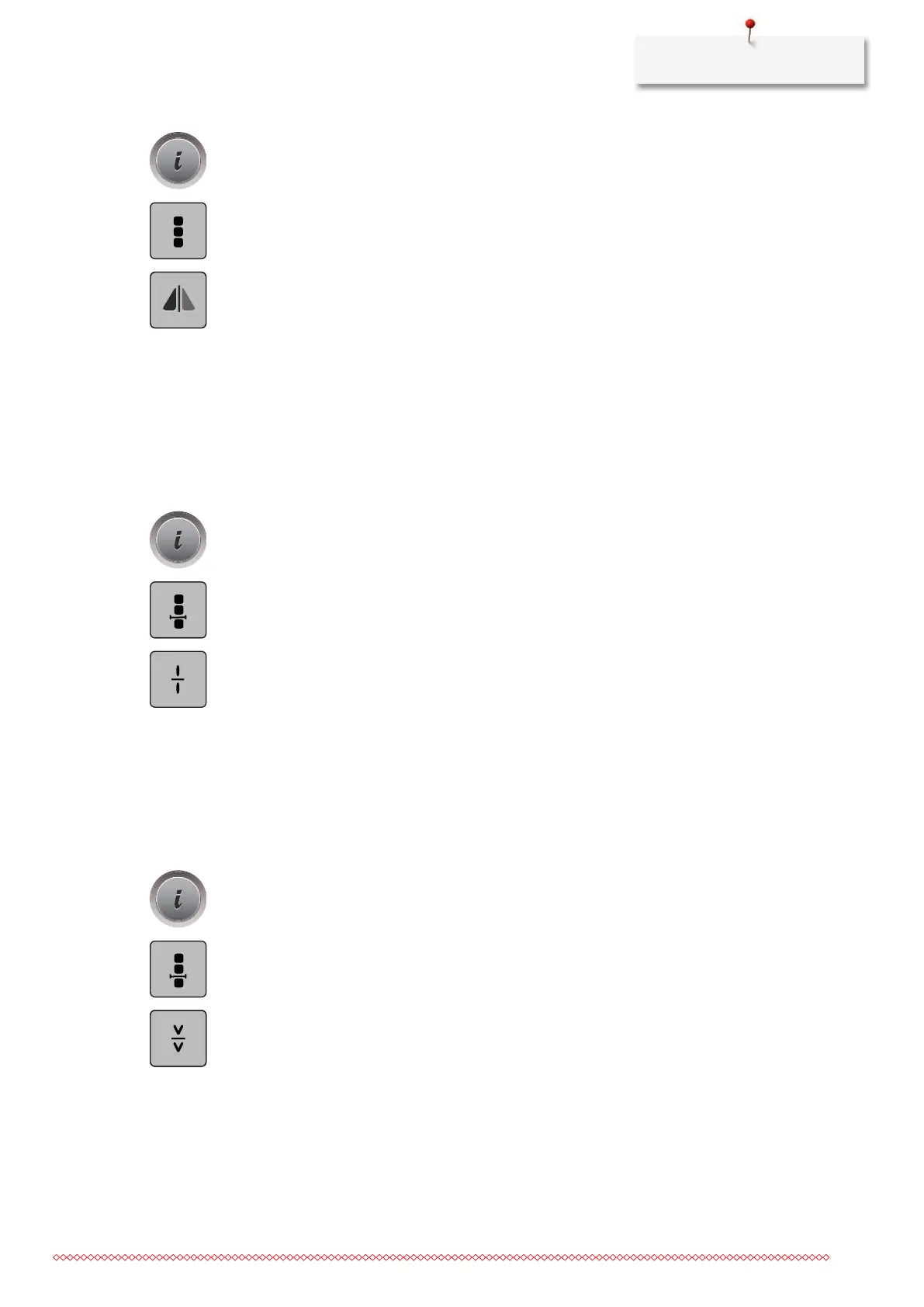
> Touch the icon «Edit the whole combination».
> Touch the icon «Mirror image left/right» to mirror the whole stitch pattern combination from the left to
the right.
> Touch the icon «Mirror image left/right» again to reset the alterations to default setting.
Stitch pattern combination Subdivider 1
A stitch pattern combination can be subdivided into several sections. The subdivision is placed beneath the
cursor. Only this section is sewn where the cursor is placed. To sew the next section, the cursor must be
placed in the next section.
> Create a stitch pattern combination.
> With the touchscreen pen/finger select the desired position within the stitch pattern combination where
the stitch pattern combination is to be subdivided.
> Touch the icon «i»-Dialog.
> Touch the icon «Edit combination at cursor position».
> Touch the icon «Combination subdivider».
Stitch pattern combination Subdivider 2
A stitch pattern combination can be interrupted at several positions. The interruption is placed beneath the
cursor.
> Create a stitch pattern combination.
> With the touchscreen pen/finger select the desired position within the stitch pattern combination where
the stitch pattern combination is to be interrupted.
> Touch the icon «i»-Dialog.
> Touch the icon «Edit combination at cursor position».
> Touch the icon «Combination subdivider 2».
> Sew the first section and then reposition the fabric.
Securing a stitch pattern combination
> Create a stitch pattern combination.
> With the touchscreen pen/finger select the desired position within the stitch pattern combination where
the stitch pattern combination is to be secured.



 To Next Page